Answered
Can't move layers
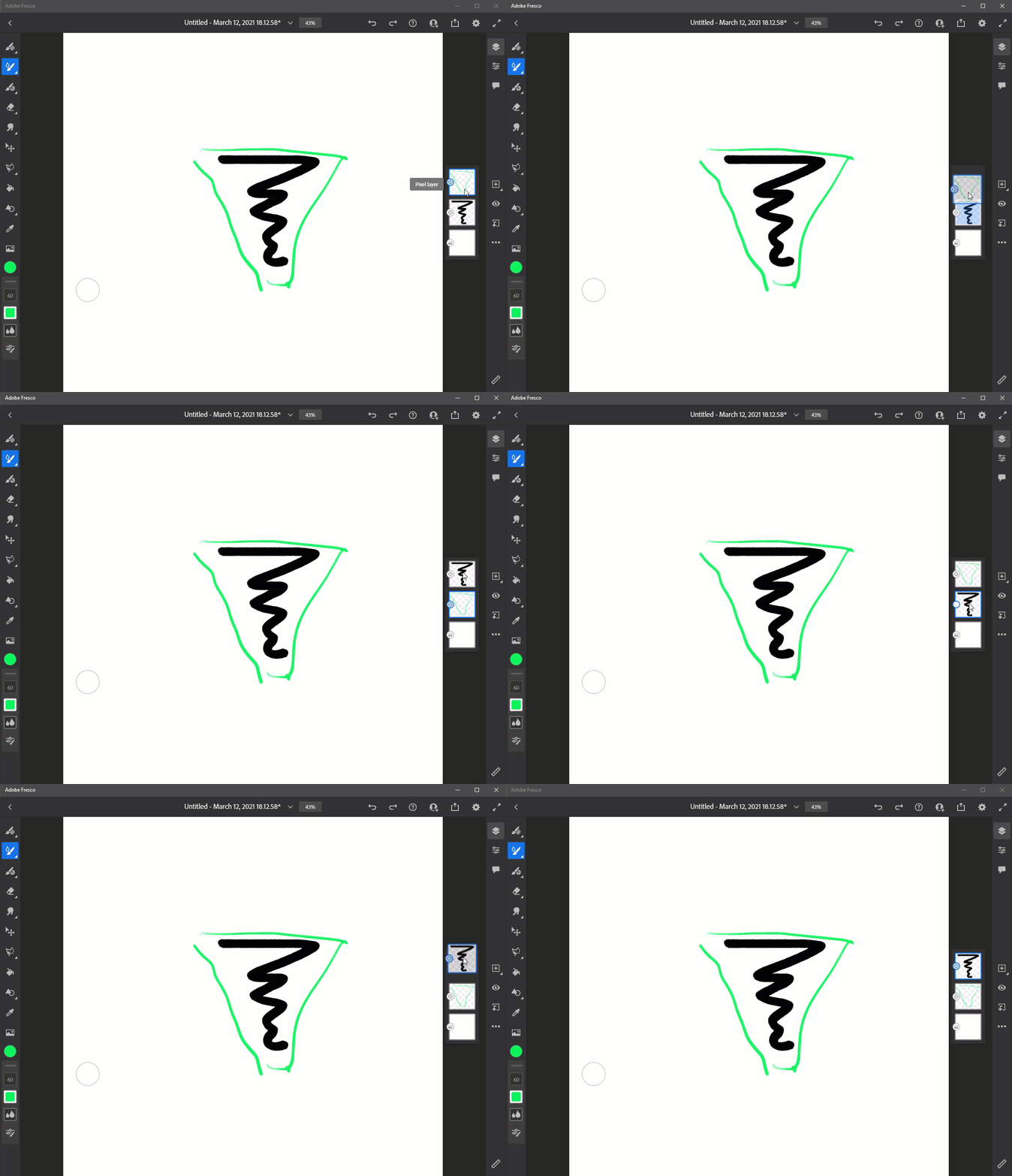
Hello, I'm using Fresco on my Windows 10 PC and I can't move layers up and down. I used every tool i could and still does nothing. It's really important in my work, so i have to fix it. Any advices?

Hello, I'm using Fresco on my Windows 10 PC and I can't move layers up and down. I used every tool i could and still does nothing. It's really important in my work, so i have to fix it. Any advices?
Already have an account? Login
Enter your E-mail address. We'll send you an e-mail with instructions to reset your password.



 AdChoices