Participant
September 3, 2023
Question

Cannot see pen thickness task bar!!!!

  • September 3, 2023
  • 1 reply
  • 245 views

Hi,

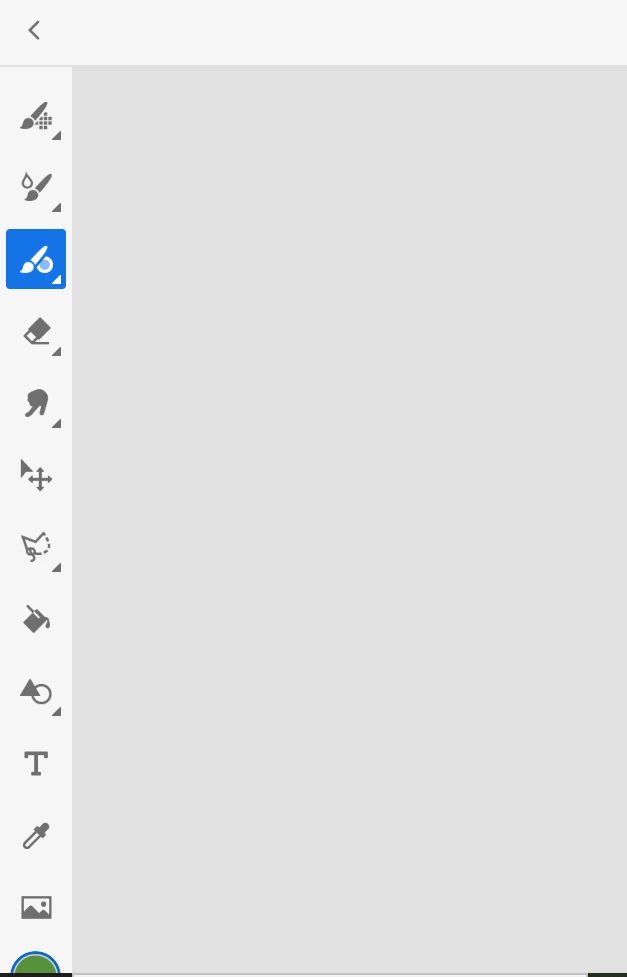
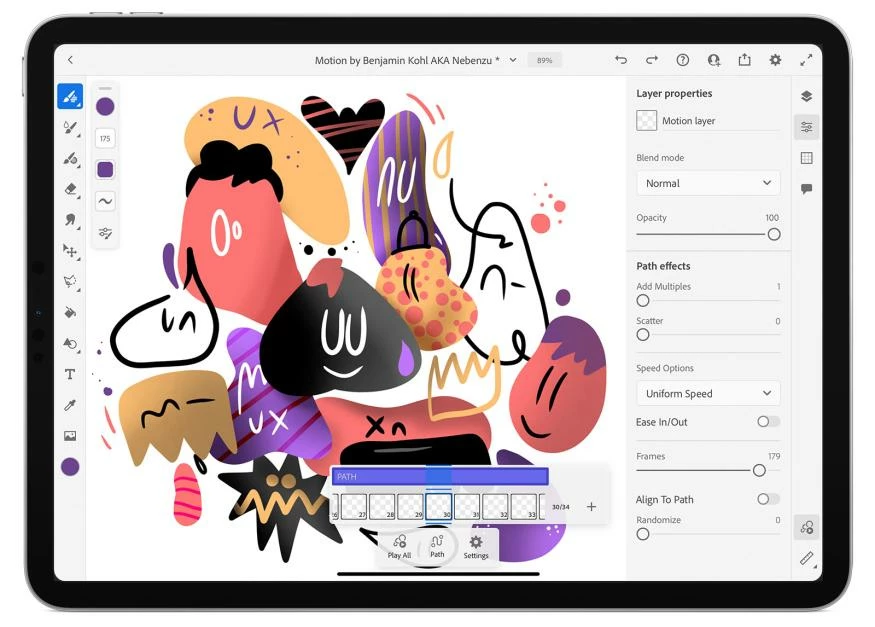
I have used the little task bar that pops up when using the pen then accidently moved it away and now i can no longer see the little task bar (allowing me to not change pen thickness)  and have tried dragging it back but it won't move. I need help quickly. This is what it used to look like and the second image is what it is now.  Any help would be apperichated.

Thank you!
 

This topic has been closed for replies.

1 reply

Imaginerie
Community Expert
Community Expert
September 3, 2023

It is probably docked below the colour picking circle


have you tried to put the Ipad in vertical and see if it appears when you get more space available below? (as it would when you are in portrait mode).
 Other than that, difficult to say without a full screenshot of your present screen (we can't see what's below your current tool bar in the second screenshot)
I posted a video showing the docking mecanism and how it "fails" for me, on a 10 in Ipad, when in landscape mode

Community Expert
September 3, 2023

Maybe delete the app and reinstall it.