Clément D
Participant
October 24, 2019
Answered

Clipping Mask on Adobe Fresco

  • October 24, 2019
  • 3 replies
  • 1886 views

Hello everybody,

How do we create Clipping mask on Adobe Fresco ? Thats an important thing in Photoshop but i don't find this on Fresco 😕😕

Thanks

This topic has been closed for replies.
Correct answer divenex

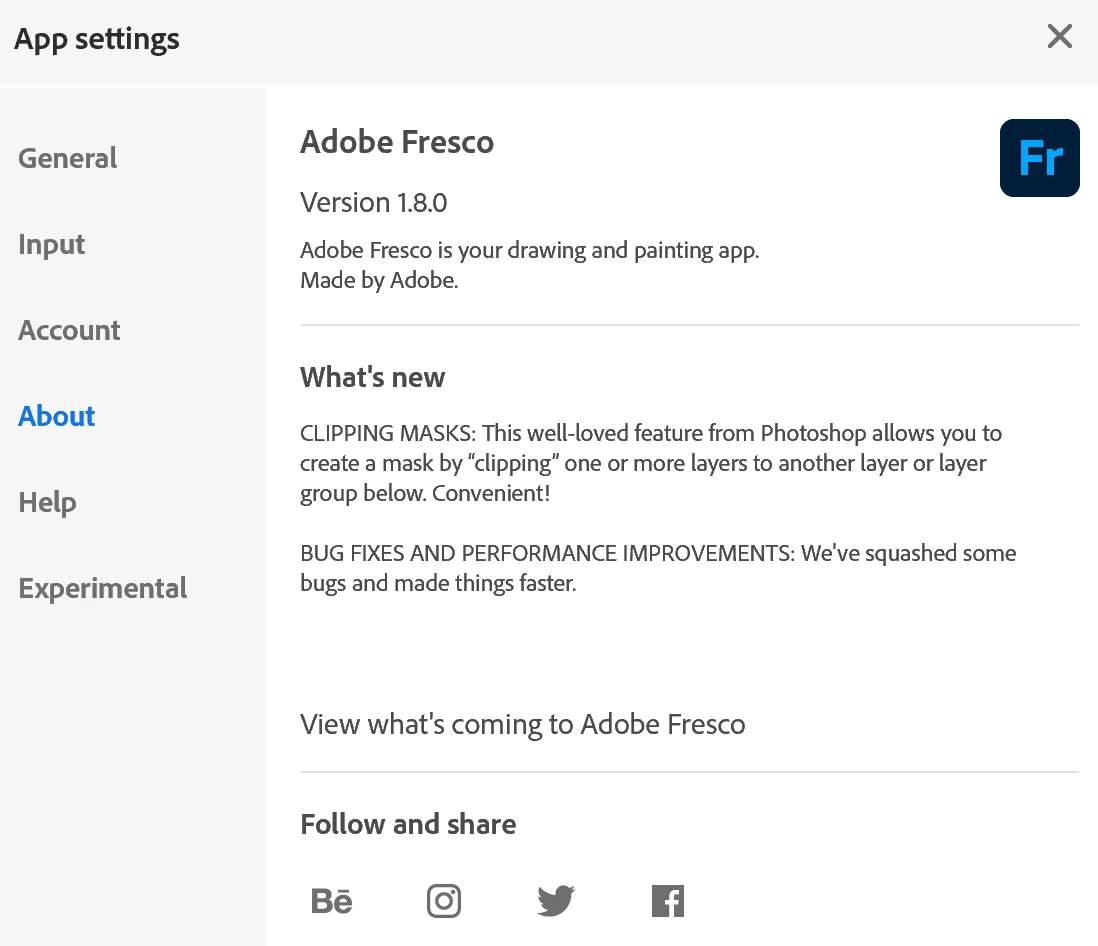
Clipping masks are available from Fresco 1.8  (July 2020)


3 replies

Tvoliter
Adobe Employee
Adobe Employee
July 22, 2020

UPDATE: Fresco now has clipping masks. The feature works just like Photoshop clipping masks

divenexCorrect answer
Participating Frequently
July 20, 2020

Clipping masks are available from Fresco 1.8  (July 2020)


Michael J. Hoffman
Community Expert
Community Expert
October 24, 2019

Hi Clement-Jules,


There is no clipping mask in Fresco today. It's possible to lock transparency on a pixel layer, which will allow you to paint inside. And it's also possible to create a layer mask on a layer. But no automatic clipping masks just yet.