
Question
Corrupted file/Layer moving in iPad?
I have an issue that layers moved to the wrong location when I opened a file in Fresco. It's not just a problem with saving, but it also happens when I use Lasso tool to copy and paste.
I made this file, and saved it after finishing.
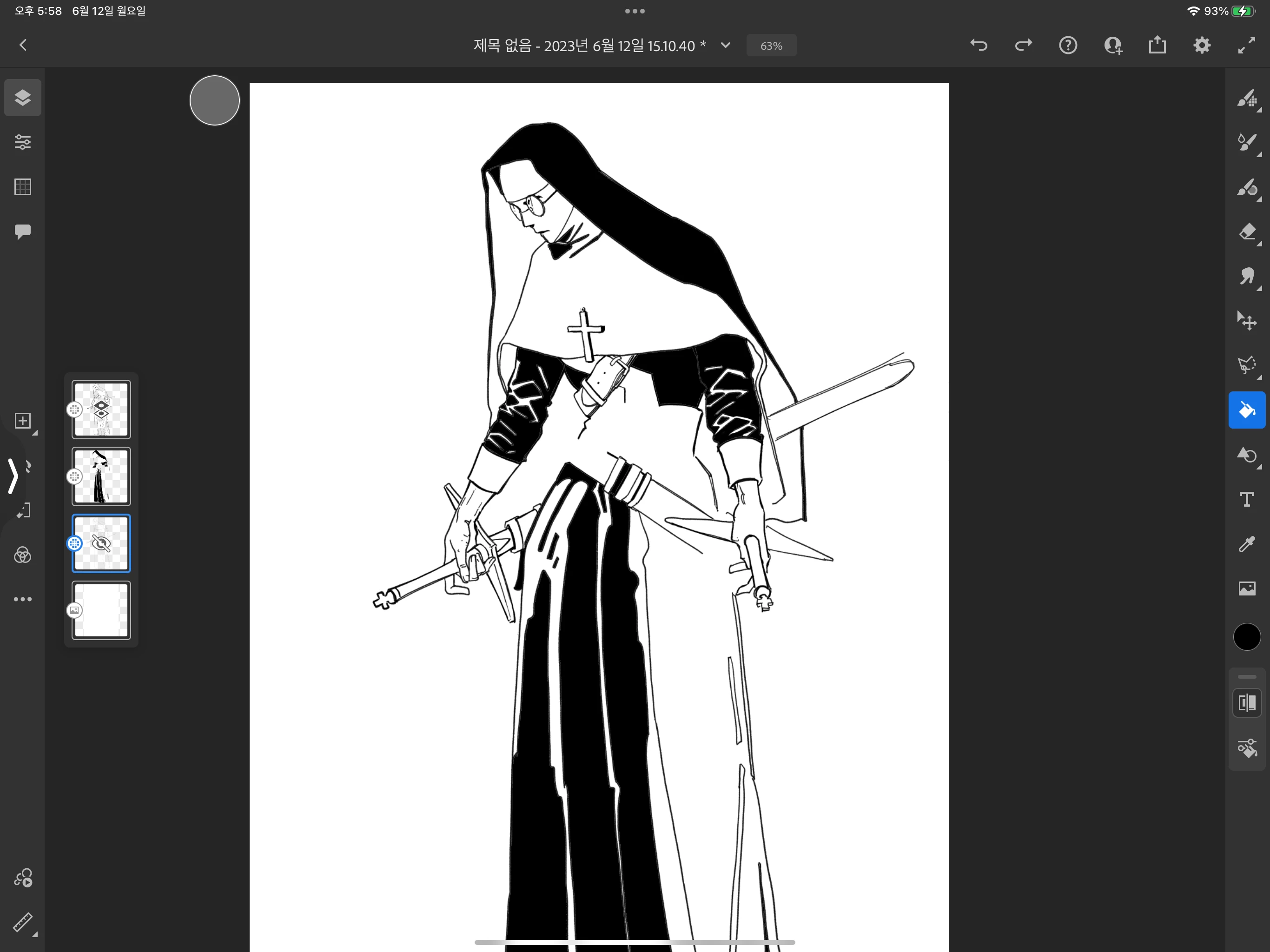
When I opened it again, my layers were messed up like this. I could not recover them because they were not vector layers.
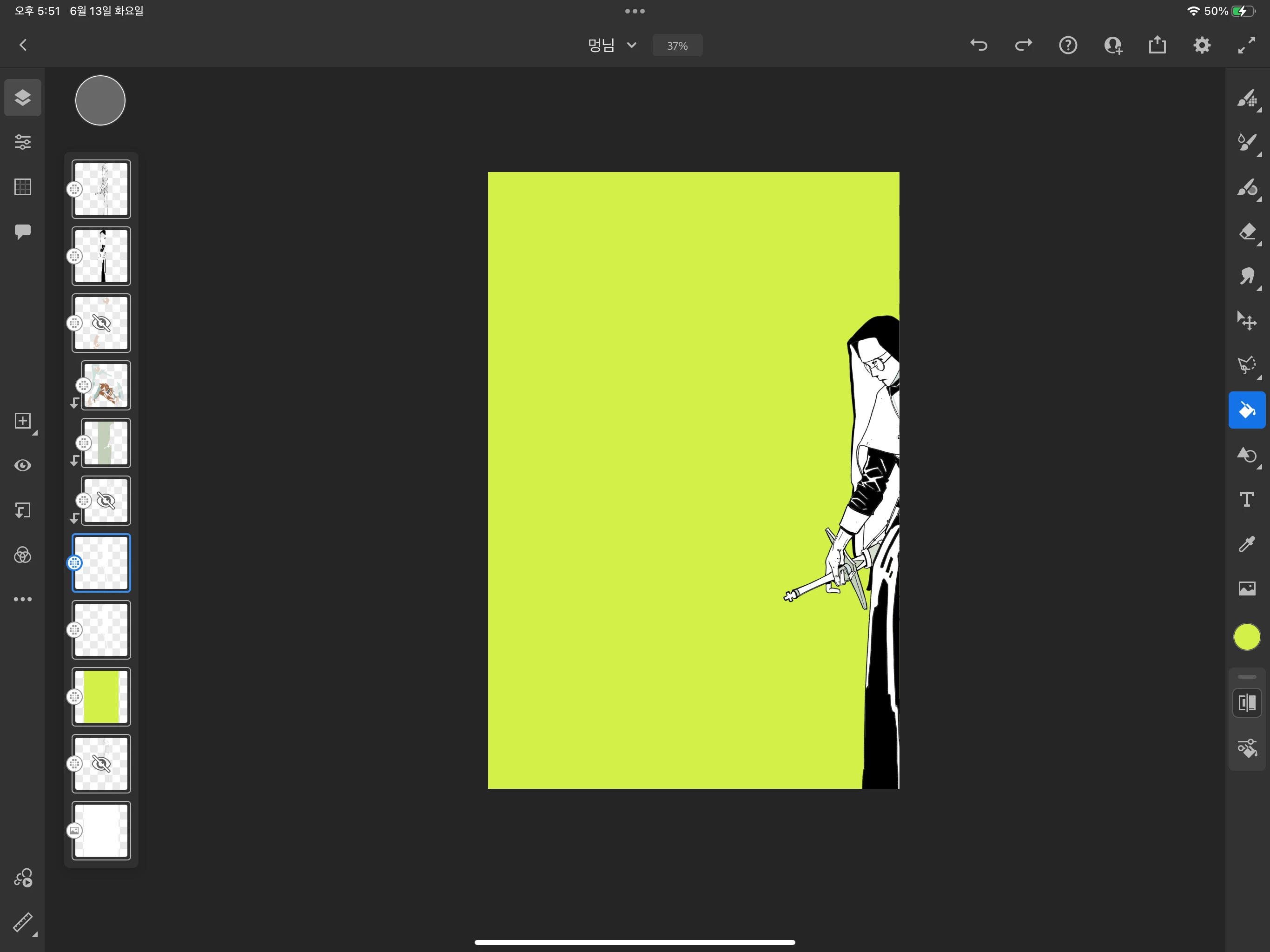
If I worked on a computer, I would have looked up the restore file, but I worked on an iPad. My iPad is OS16.5 and Fresco is 4.6.1 version. Is there any solution to bring my drawing layers back?


 AdChoices