

Question
Create 3D designs using Perspective grids in Fresco.
Want to create 3D designs in Adobe Fresco? With the latest MAX update, you can now create 3D to artwork and objects using Perspective Grids in Fresco.
- See this article for information on installing the latest update.
- For detailed information on using Perspective Grids in Fresco, see this article.
Learn how to use perspective grids
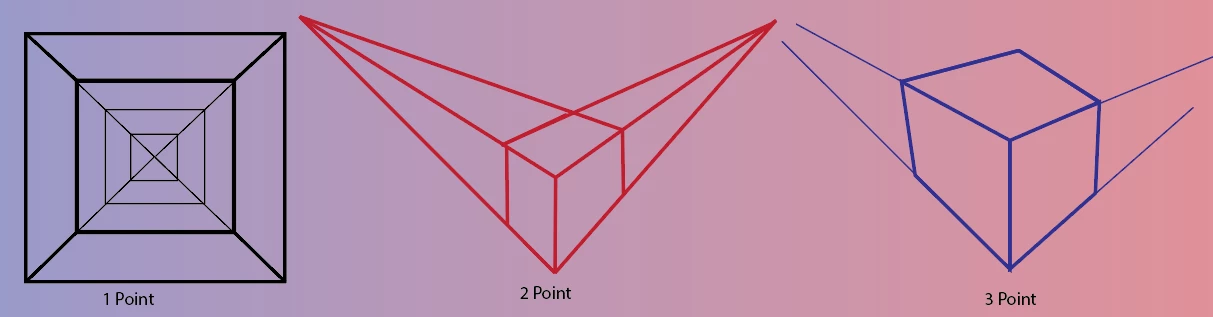
- Select the type of perspective grid from the Vanishing points dropdown menu.
- Adjust Edit vanishing points to create a perspective of your choice.
- Adjust Opacity and Density of the grid.
- Snap to grid axis is enabled by default. It helps you draw smooth lines, but you can disable this feature for a freehand drawing.
- Start drawing with brushes, drawing aids, and shapes.
Video tutorial on using perspective grid

Limitation: Perspective cannot be applied to placed images.
We would love to hear from you about how you found this feature and what you created. Reply to this post to share your observations with us.


 AdChoices