

Creativity Challenge: Blend colors on canvas with images to create a tie-dye effect
Here’s a chance to have your artwork featured on on the Adobe community and social channels for Fresco.
Bring out the hidden textile designer in you by creating a tie-dye design in Fresco in under 15 mins. This challenge is open to everyone who would like to get started with some of the possibilities with Fresco.
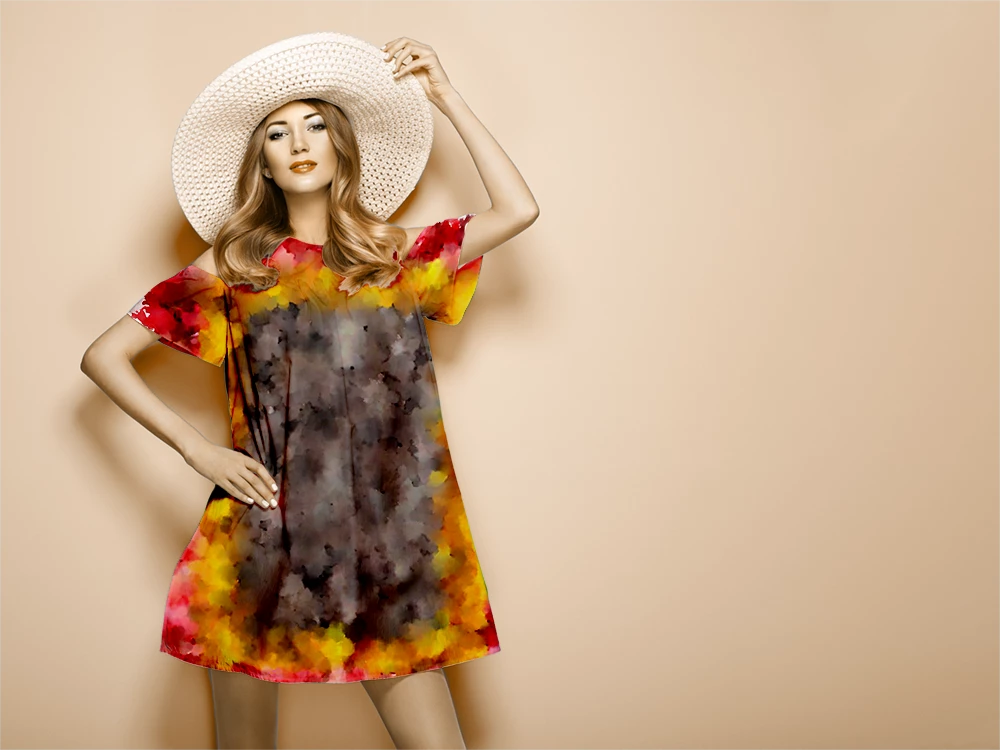
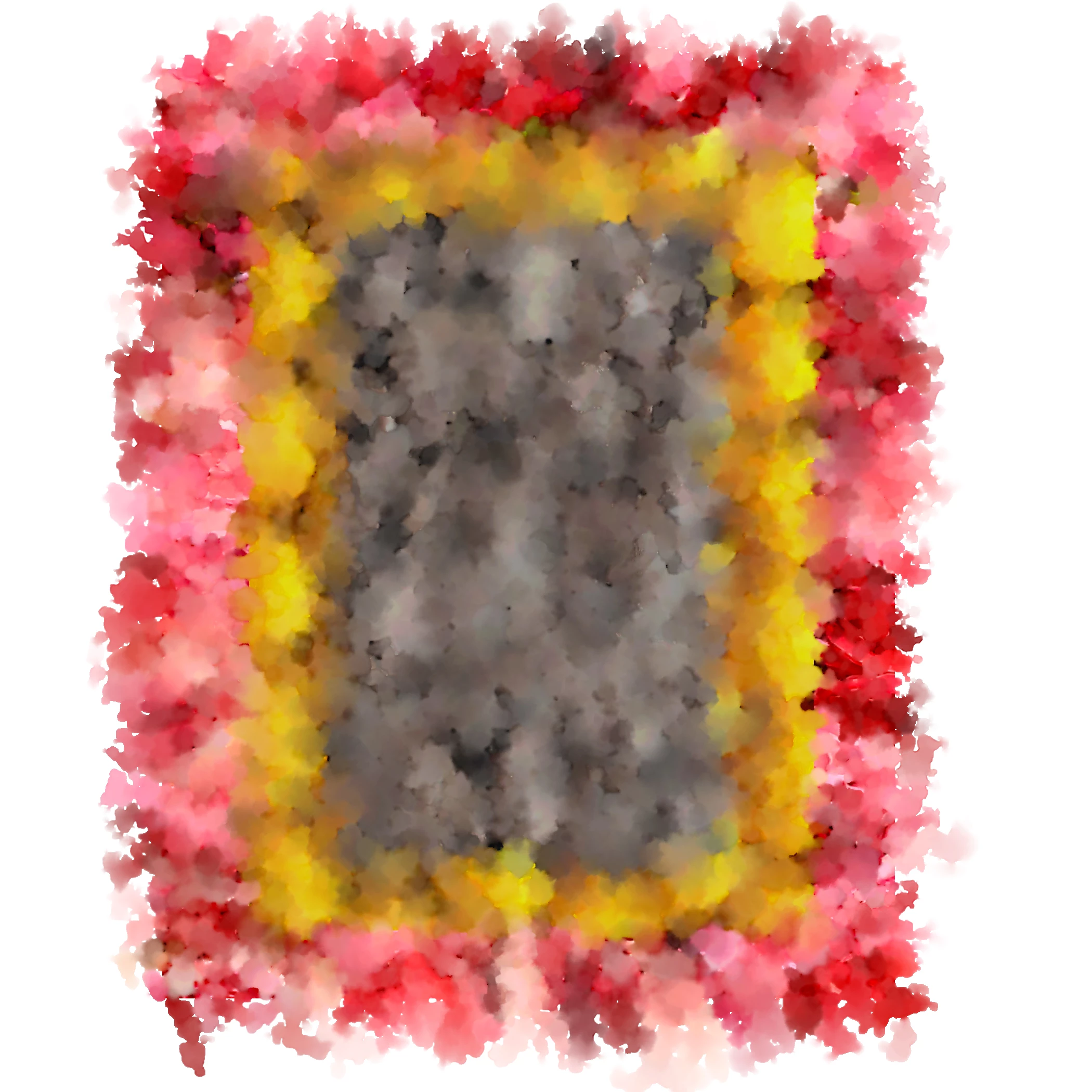
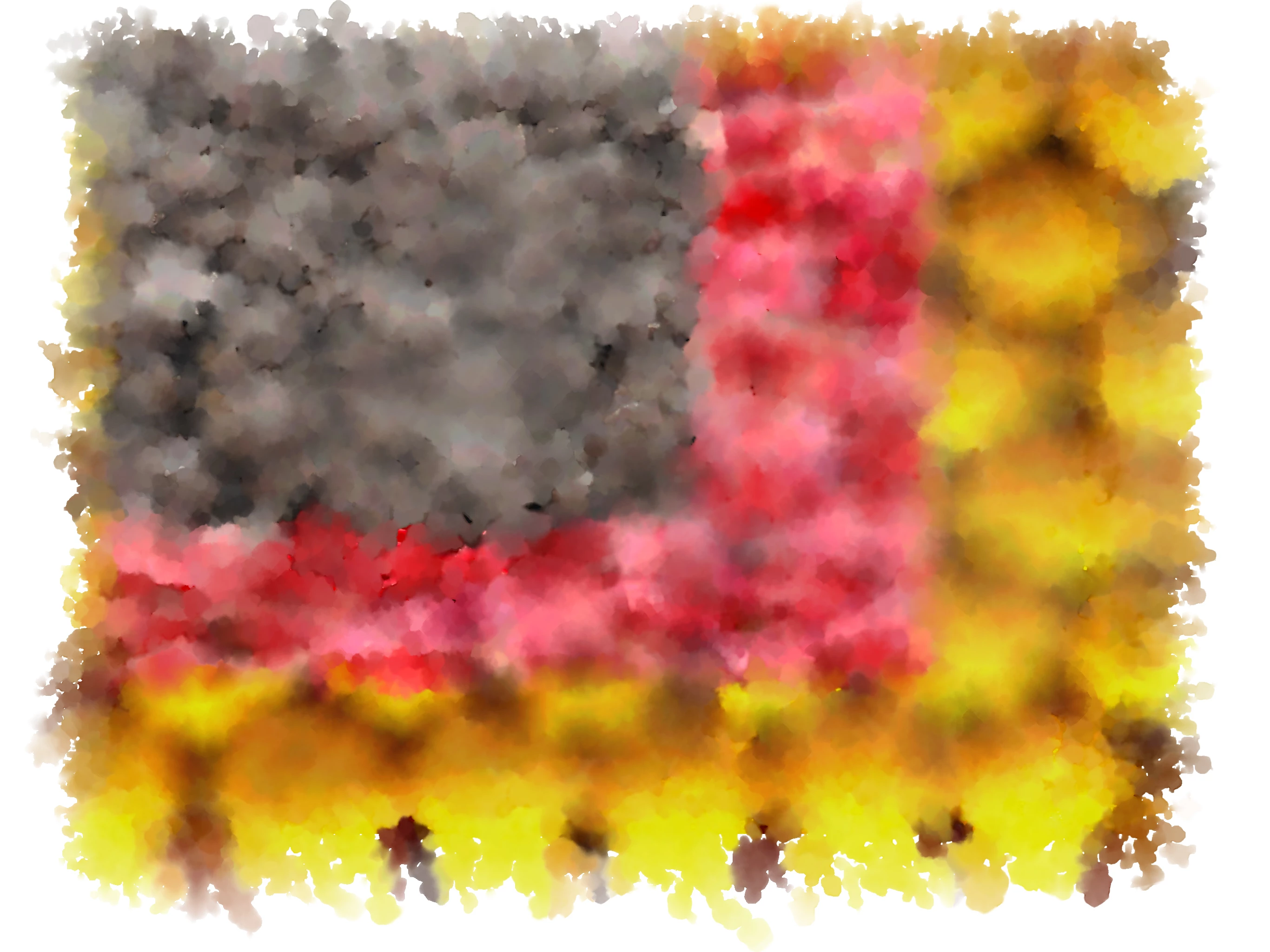
Fresco’s live brushes help you add vibrancy to colors from the watercolor brush using images in your project. See info on creating tie-dye effects here and also download sample files that you could use to recreate this effect.
How to participate:
- Download the Fresco app on your device. (Check the System requirements before you install the app)
- Go through the tutorial here for a step-by-step approach to create designs. Hint: Check out the sample files available with the tutorial.
- Repeat steps in the tutorial using images available on your device.
- Once your artwork is ready you can import it to Photoshop for creating the final outcome as shown in the tutorial. Save your artwork as a JPEG or PNG file.
- Submit your final artwork on this thread by replying to the original post and using the ‘attach image’ option, add the image of your artwork.
Next steps: The challenge will be active until 15th April 2020. We’ll feature the best submissions from the community on 20th April 2020. The best piece of art will also be nominated to get featured on our social channels.
Sounds exciting?! What are you waiting for, let’s get started! 😊


 AdChoices