


Files have disappeared from the fresco app
For some reason as of a few days ago all my most recently opened files keep disappearing on my ipad after I open them in adobe fresco.
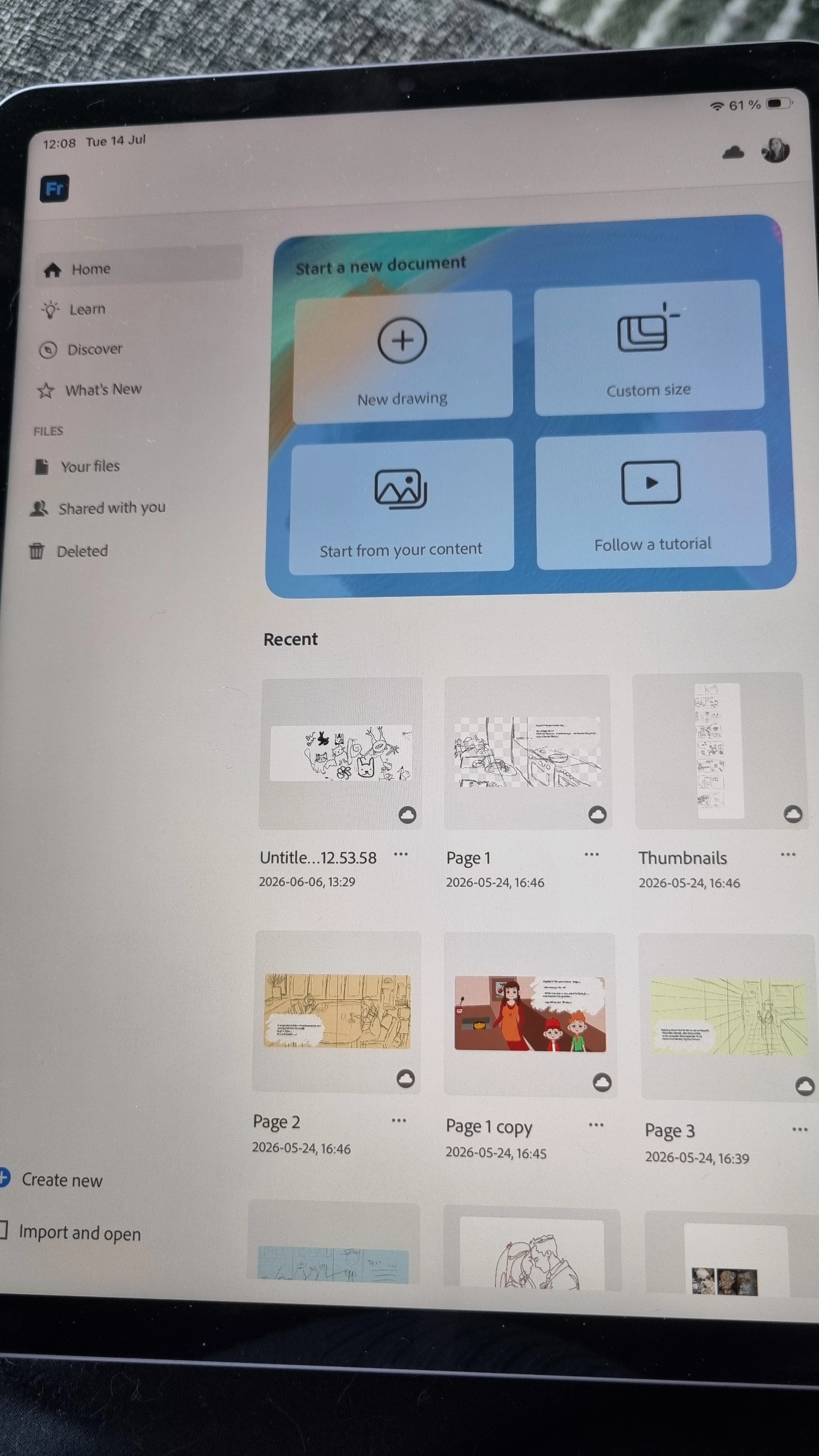
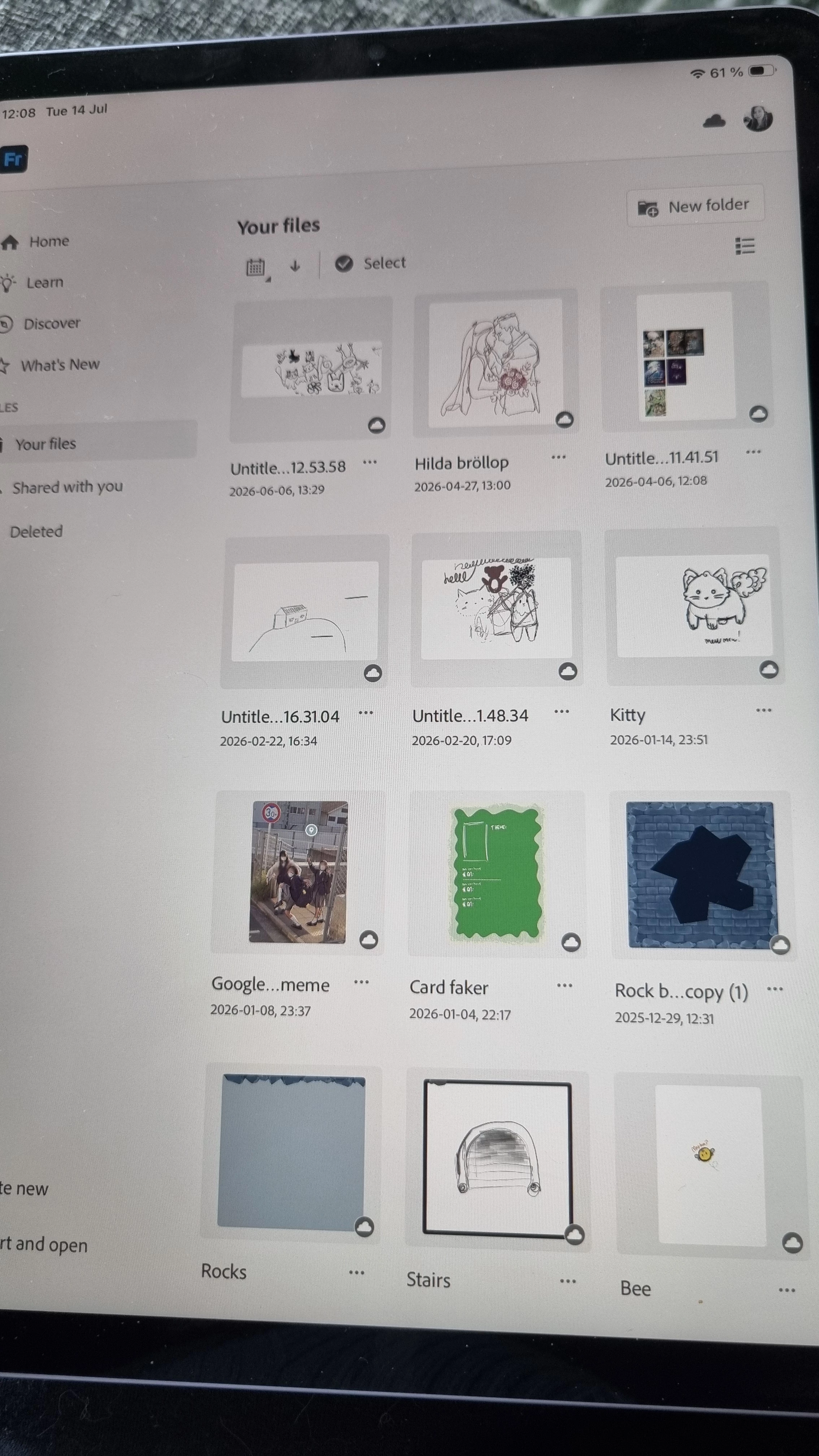
For example I started a new project yesterday, saved it and when I was going to start working on it today it was neither in the recent files nor under the tab under your files.
Every time I open a file, even old ones if I save it, it disappears when I go in to use the app the next time. I have tried as many other boards suggested to log in and out of my account but it did not change anything. The problem still is happening.
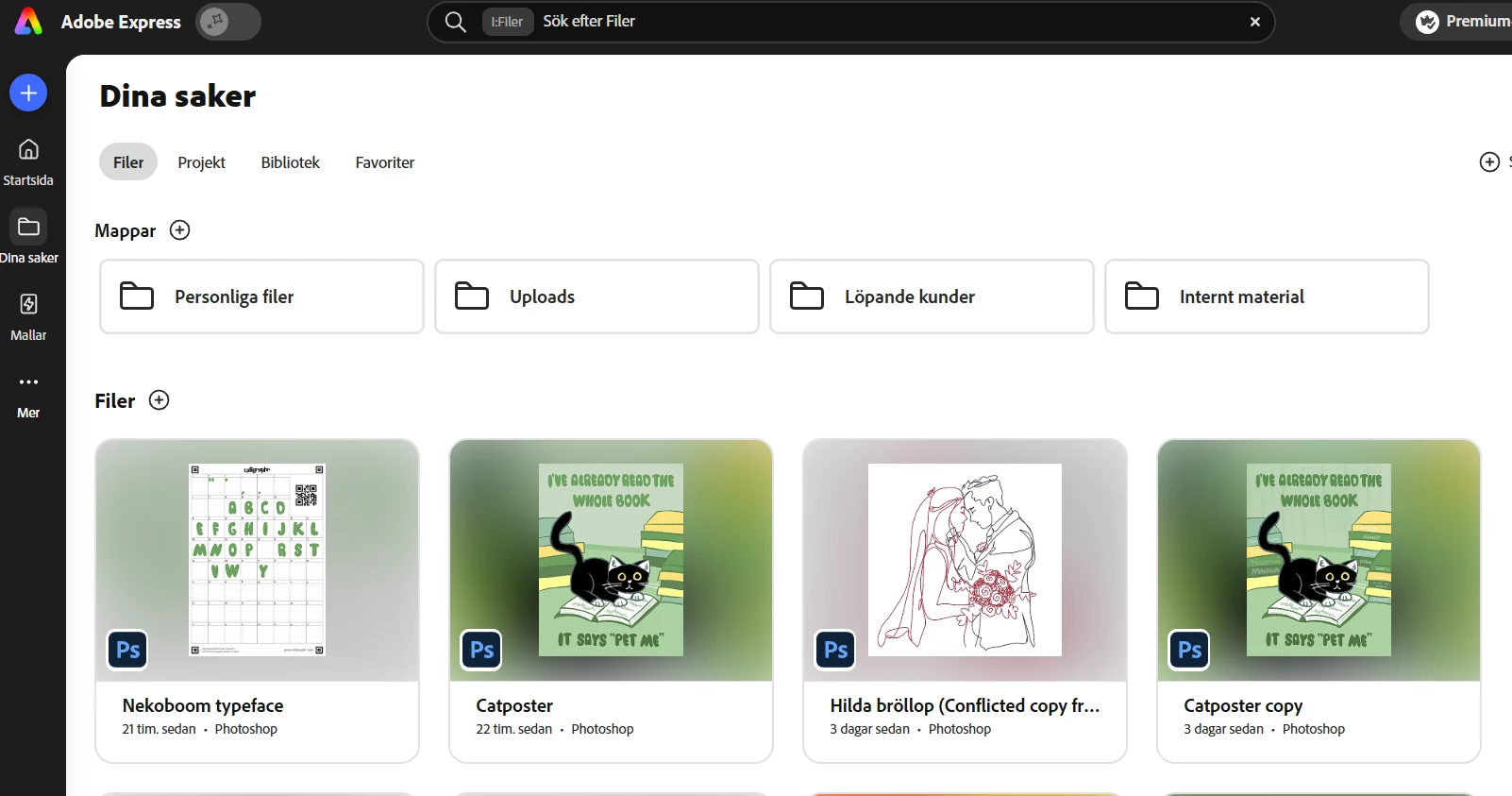
I can however see the files for example in adobe express or photoshop. But not in the fresco app. How to I open and see them in the app again so I can keep working on both new and old projects without them disappearing from fresco.
Device: Ipad air ver 26.5.2.
Fresco version 7.4.2
Files do show up on: https://www.adobe.com/files/cloud-documents
Images of my fresco:
 AdChoices