
jent3
Participant
May 20, 2020
Answered

Files not downloading?

  • May 20, 2020
  • 1 reply
  • 4023 views

**I posted this in the wrong forum, but any replies to help this situation is appreciated!**

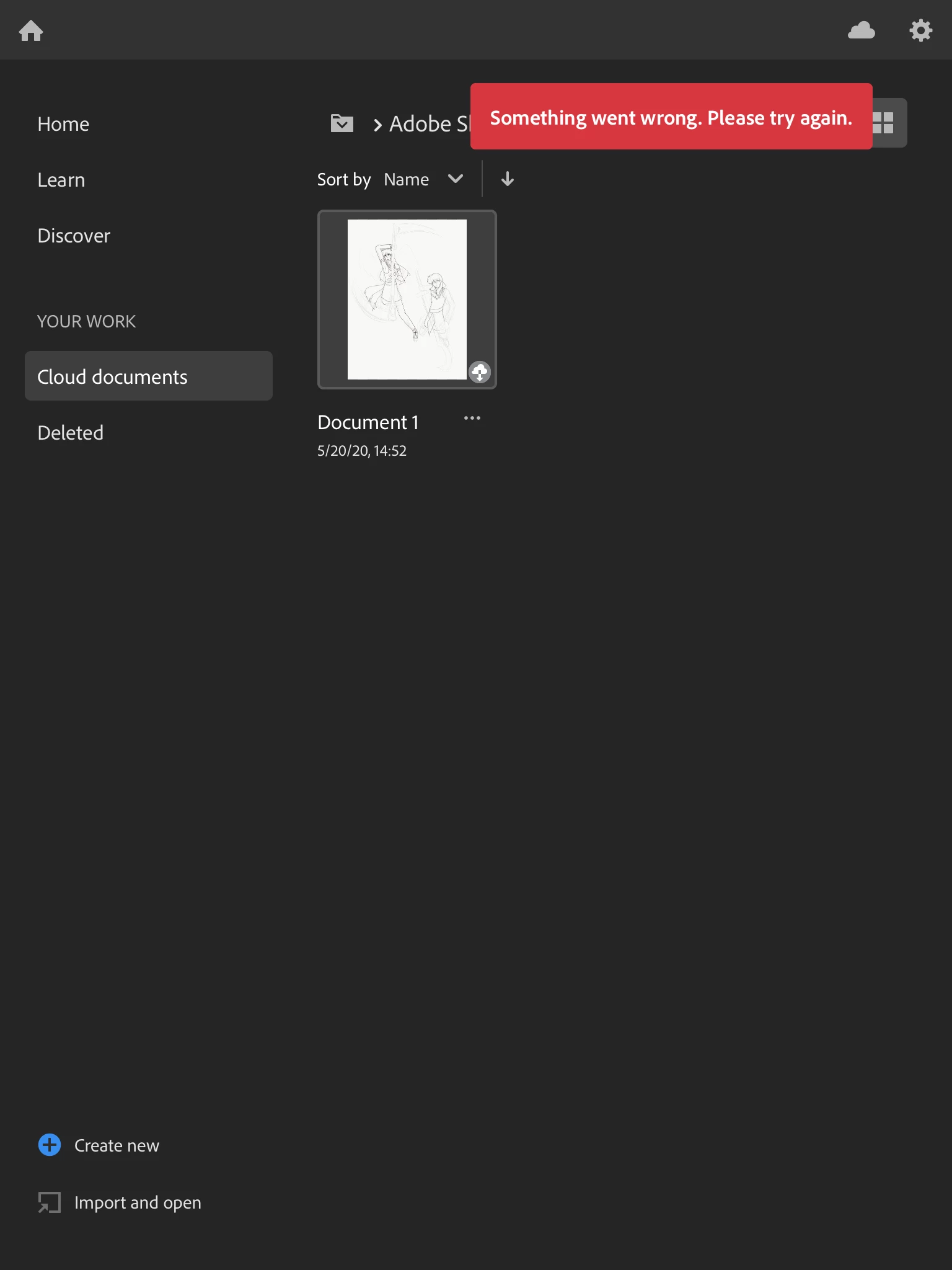
I recently downloaded Adobe Fresco and after having a few problems signing in due to not being able to have access, I was finally able to get into the app itself and decided to import some of my Adobe Sketch files to Fresco. However, when I chose one of the files to download, I always have this error message popping up: "Something went wrong. Please try again later" after barely having any progress. I tried signing out and re-signing back in, even trying the tutorials before importing my files in, and also re-syncing that same file into Fresco, but no success. I've attached a screenshot of the error. Earlier my cloud had an error that says "You've been disconnected", but I think that's temporarily gone. 
This topic has been closed for replies.
Correct answer e4art

Dietmar. 


I see your email and I'm going to respond there. 


Sue. 


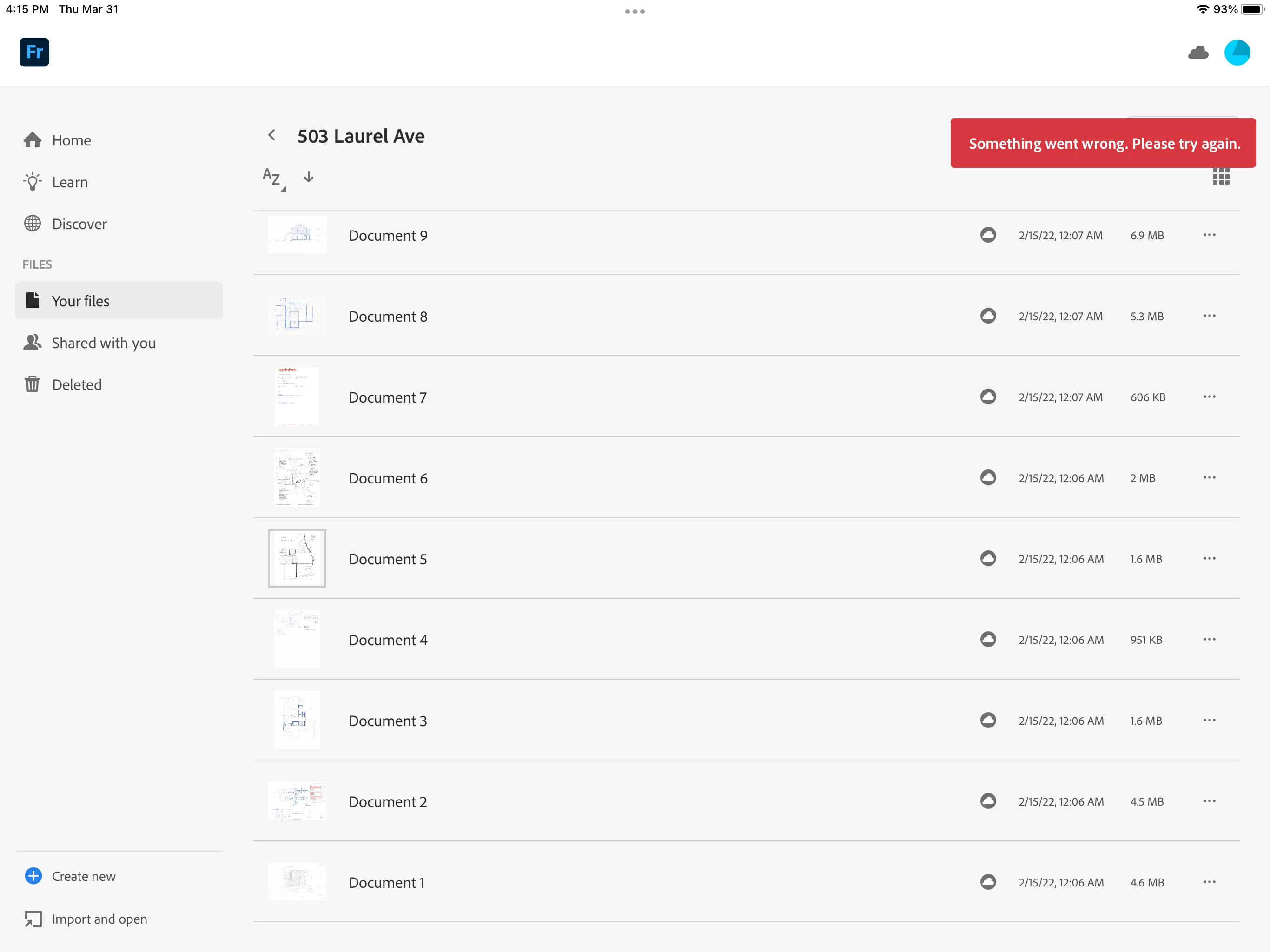
Same issue here nearly one year later than the post above. 

Can you help? 

See screen shot.

1 reply

Sue Garibaldi
Community Manager
Community Manager
May 20, 2020

Hi Jent


I  responded in the Sketch forum but also wanted to post here. 


There is urgent Creative Cloud maintenance going on that's affecting all documents stored in the cloud; I believe that's what's affecting your upload.


Things  should be working correctly soon.  Sorry for the inconvenience.


Sue.

Sabotage Creative
Participant
June 10, 2020

Hi there. I just ran into the same Adobe Fresco "Something went wrong. Please try again." issue when attempting to access my files. Some of my files open (all the ones they were worked on in tha week or so). Any update on the fix.


Thanks,

Tom

Pete.Green
Community Manager
Community Manager
June 10, 2020

Hi Tom, 


Sorry about the hiccup downloading/opening your files.

If you try again, are you able to download your files now?


Regards,

PG