
Files not syncing, can’t delete, and can’t report bug
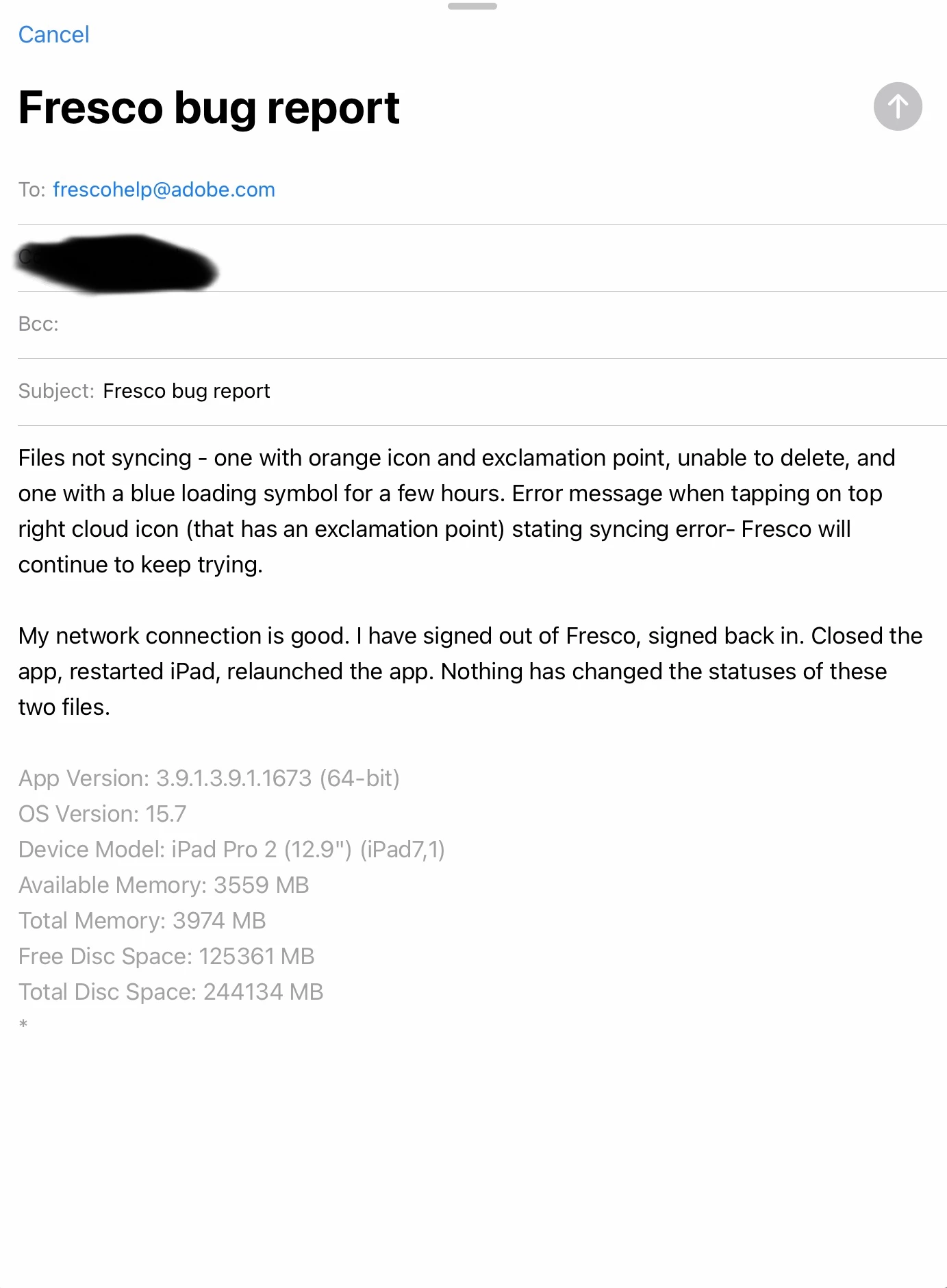
I have two files that are causing all new files I create to be unable to sync. I also cannot report this bug through the Fresco app. As stated in the bug report I can't send:
Files not syncing - one with orange icon and exclamation point, unable to delete, and one with a blue loading symbol for a few hours. Error message when tapping on top right cloud icon (that has an exclamation point) stating syncing error- Fresco will continue to keep trying.
My network connection is good. I have signed out of Fresco, signed back in. Closed the app, restarted iPad, relaunched the app. Nothing has changed the statuses of these two files.
Images attached show file sync status, error report when I click on the cloud icon, and the report being unable to send due to a grayed out send button (also showing I have plenty of available local and cloud memory).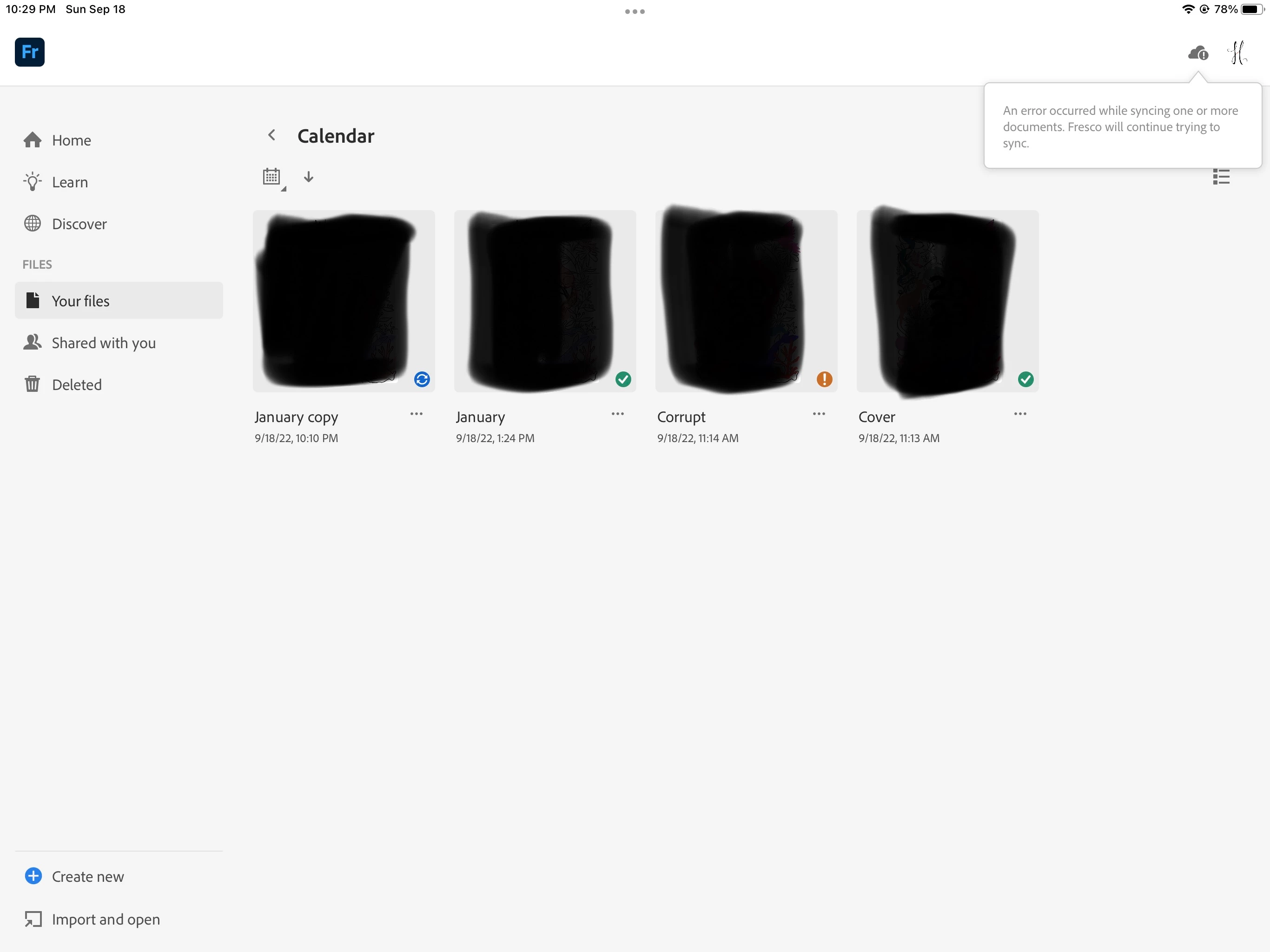


 AdChoices