

Question
Flow the work between Fresco and Photoshop using Cloud docs
No need to import and export your artwork anymore; you can now simply access your artwork between Fresco and Photoshop real time through cloud docs.
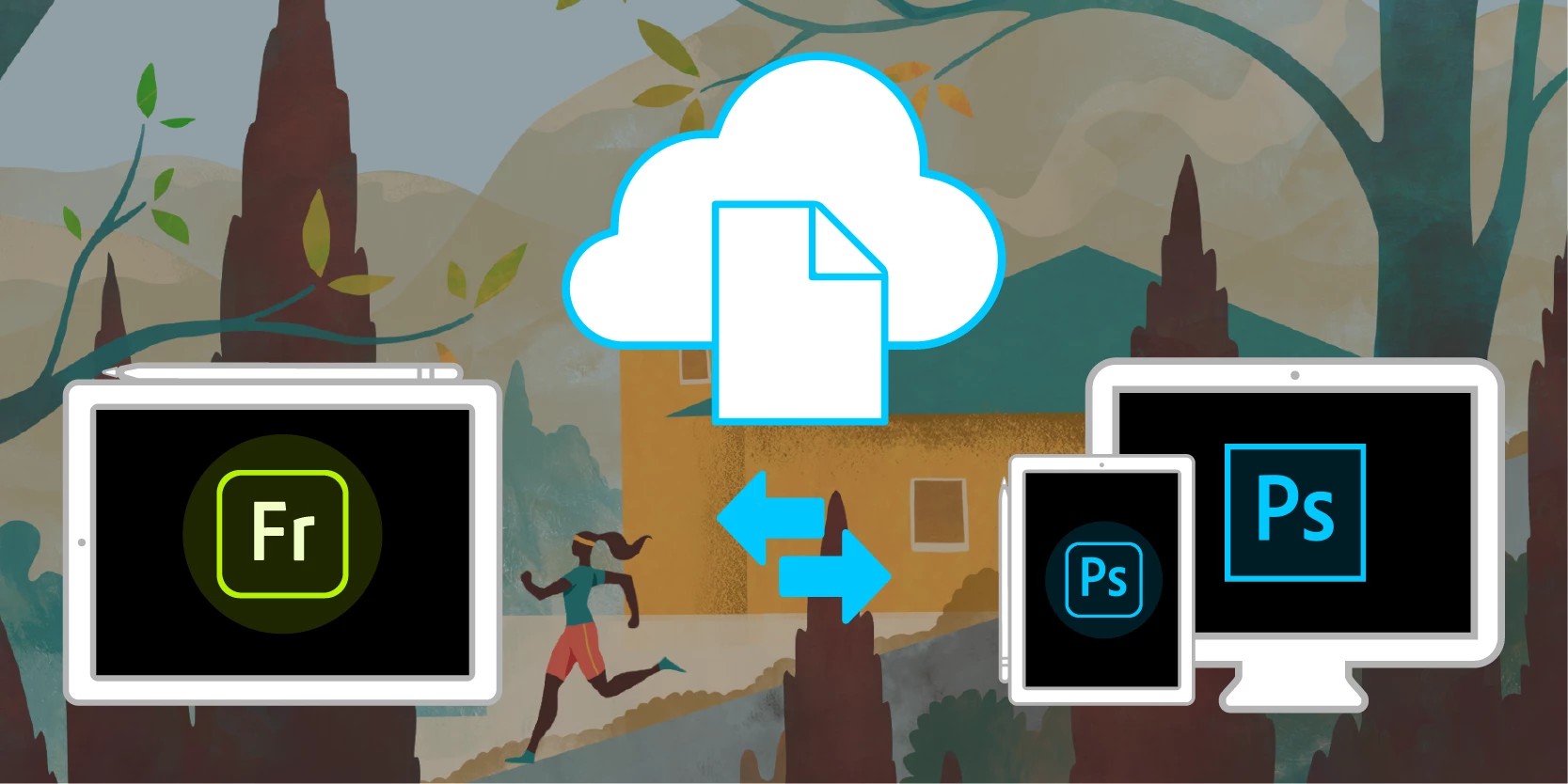
Any artwork you create in Photoshop on desktop, Photoshop on iPad, or Fresco is saved as a cloud document when you are connected to a network. You can have seamless access to that artwork across all the three apps using cloud documents.
In Fresco, you can make the Photoshop cloud documents available offline on your device by tapping on Make available offline option from the More Options.
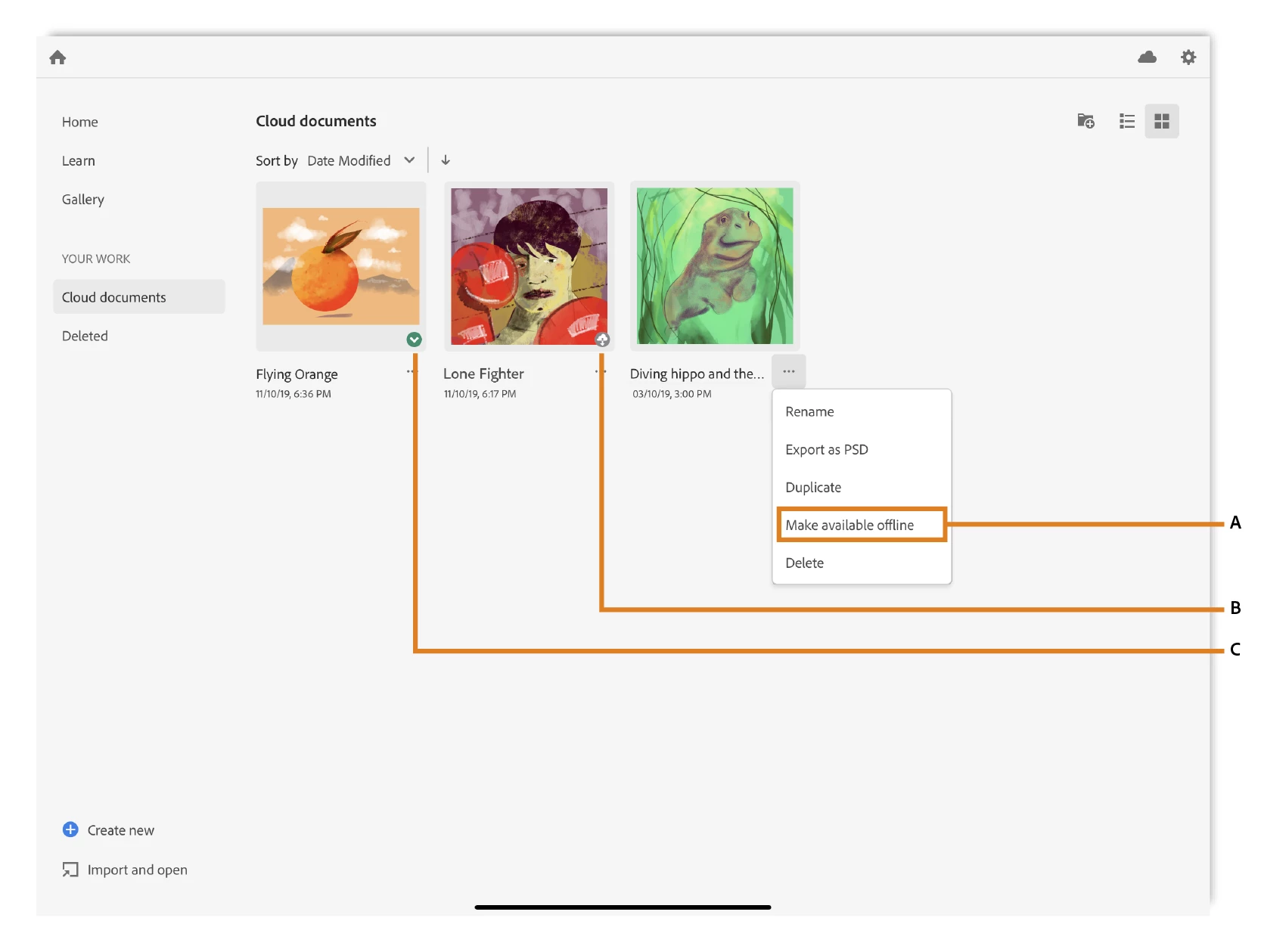
Read more about how to work with offline and online documents in Fresco here: https://helpx.adobe.com/fresco/using/fresco-and-photoshop.html
Facing issues? Let us know here.


 AdChoices