Participating Frequently
October 2, 2023
Question

Fresco brush library disappeared

  • October 2, 2023
  • 2 replies
  • 863 views

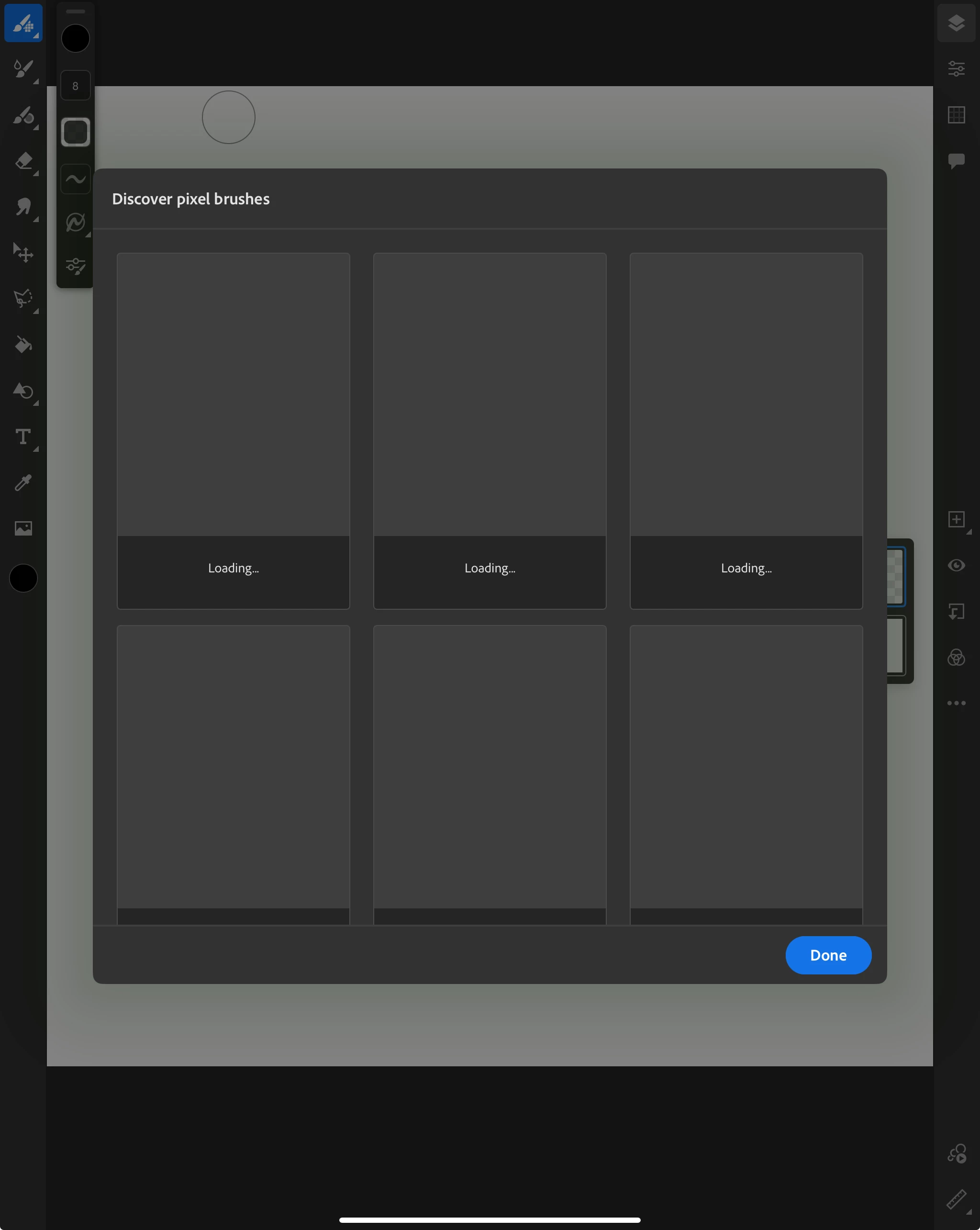
All brushes from my library disappeared. I tried to add them again but none of them are loading. How can I get back my brushes? ( I'm using paid membership ).

This topic has been closed for replies.

2 replies

Community Expert
October 4, 2023

Have you tried uninstalling and reinstalling the app?

Participating Frequently
October 7, 2023

I uninstalled and reinstalled. Now the brushes showed up like this. If I tap on a brush it keeps loading forever but doesn't get downloaded 

Imaginerie
Community Expert
Community Expert
October 7, 2023

I had this once. I can't say it will work for you, but for me it was a syncing problem, at CC level.
I had to pause the Sync and start it over again.
If you don't have the CC app installed , go for it
https://www.adobe.com/uk/creativecloud/desktop-app.html
When all was in order, I had to download all the brushesagain, which took a while but eventaually they were all there. It didn't help that I had the whole mega pack from Kyle Webster to load 🙂
https://helpx.adobe.com/uk/creative-cloud/kb/arent-my-files-syncing.html

Sjaani
Community Expert
Community Expert
October 3, 2023

If you go to https://assets.adobe.com/libraries do the brushes all appear in the online space?

Participating Frequently
October 7, 2023

Yes, they are in the library