


Fresco converted all layers (vector / pixel ) to layers with "Photoshop Badge" - Cannot edit!
Hi-
I've been working on Adobe Fresco on iPad for a couple of months. Just today when I opened a project that I have been working on for the past weeks, my screen pops up with a window saying "Your Photoshop layers are preserved. There are layer types in this document that Adobe Fresco cannot edit. These layers are read - only and have a Photoshop badge on them." (screenshot included below)
I have never even used photoshop before, and did not actively convert these layers.
I want to convert my project BACK to vector / pixel layers, so I can edit my work on Fresco.
The app converted the project to photoshop layers automatically, and I am struggling to figure out how to convert it back. Has anyone had this issue? How do I change the layers "back" to editing within Fresco?
Thanks! 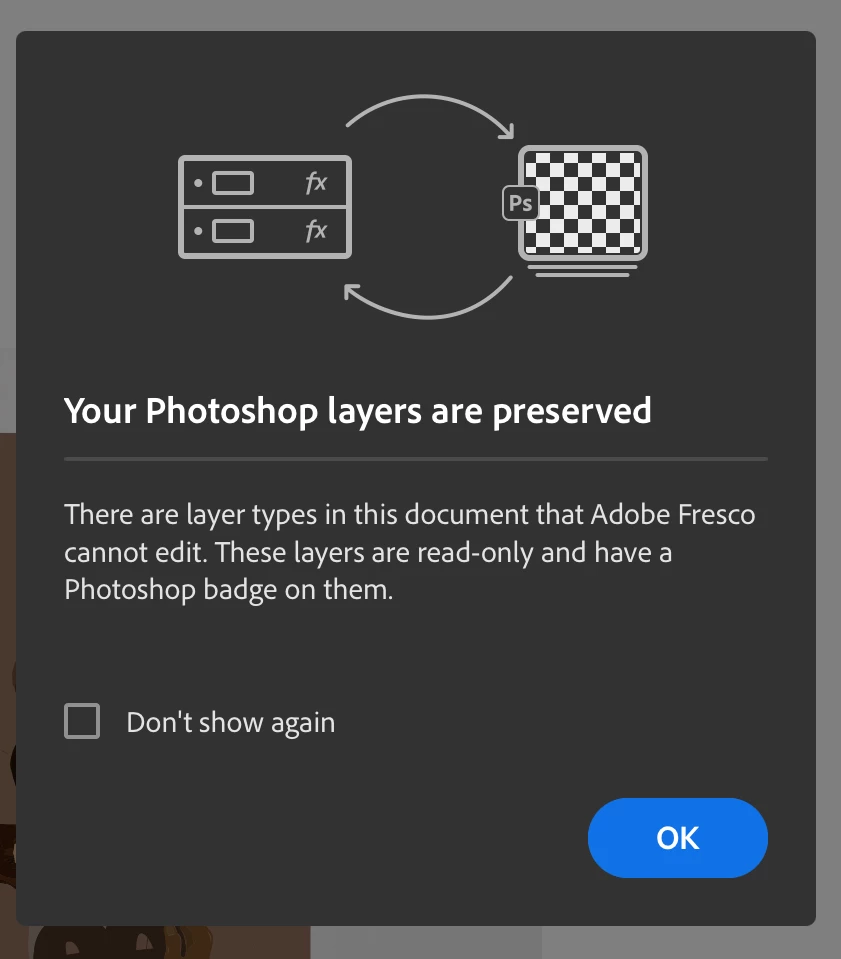
 AdChoices