Participant
January 30, 2021
Answered

Fresco files going missing

  • January 30, 2021
  • 4 replies
  • 4342 views

I have a few files which have gone missing from Fresco. I don’t understand why it only seems to be able to have 20 files, and so when I create a new one, one vanishes. I've looked in My Work in CC and some of it is there, but not all. I also restored one that was deleted and it didn't appear anywhere I can see! Please help! This cloud storage isn't being super helpful to me right now 😕😕 I'd rather store everything locally, and I know that is an option on Fresco. 

Where do restored documents go?

Correct answer Anshul_Saini

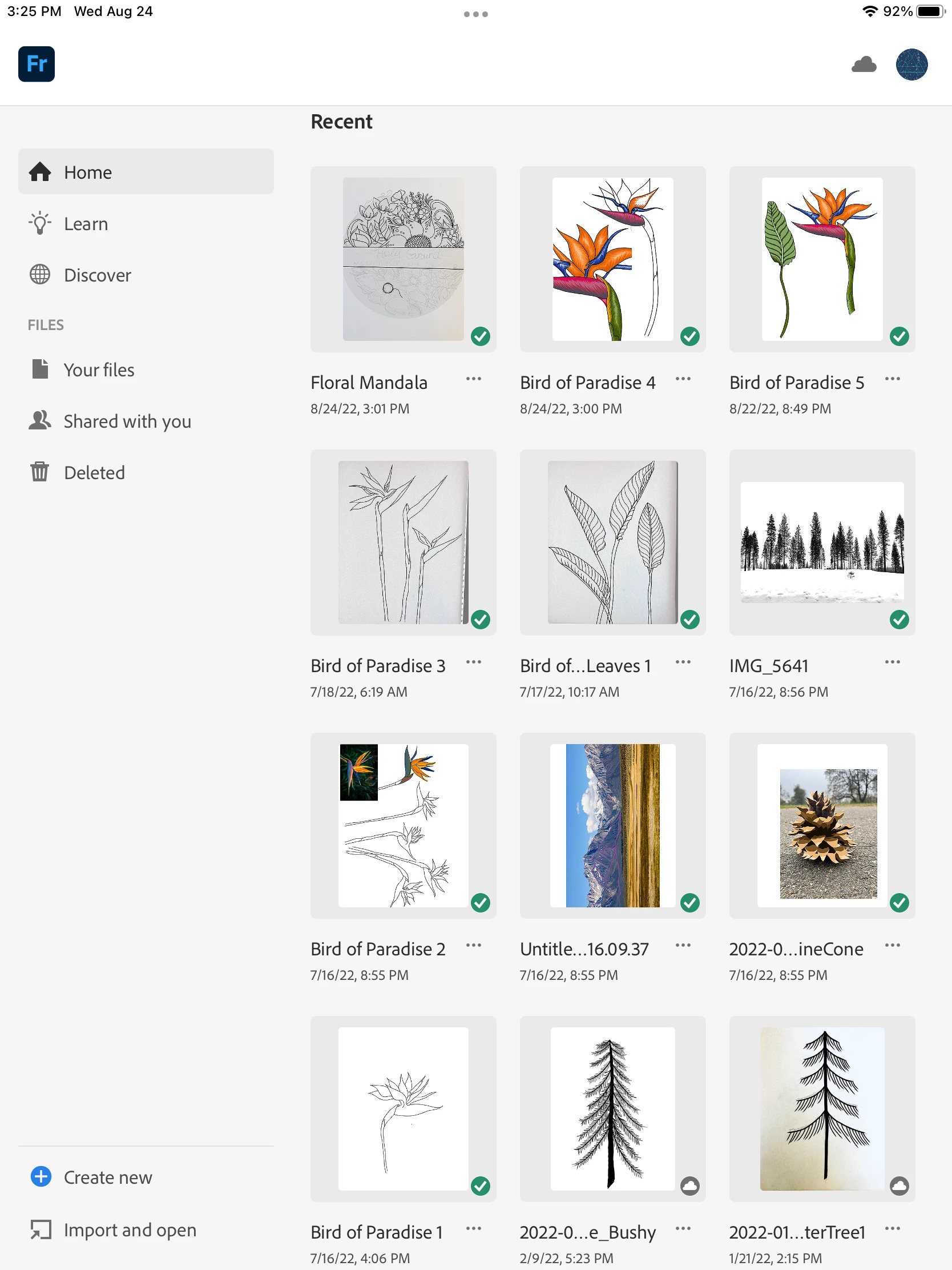
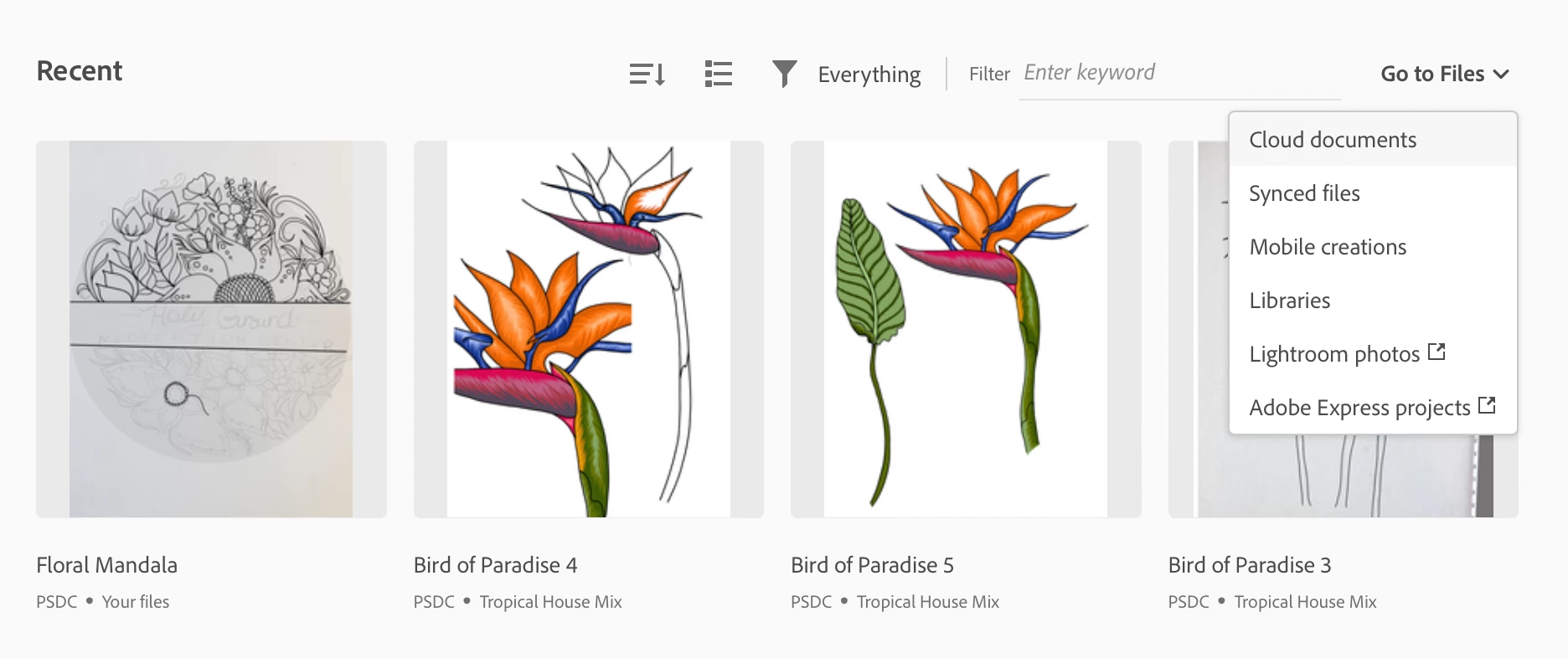
Screenshot of my "recents" from Fresco on my iPad
 

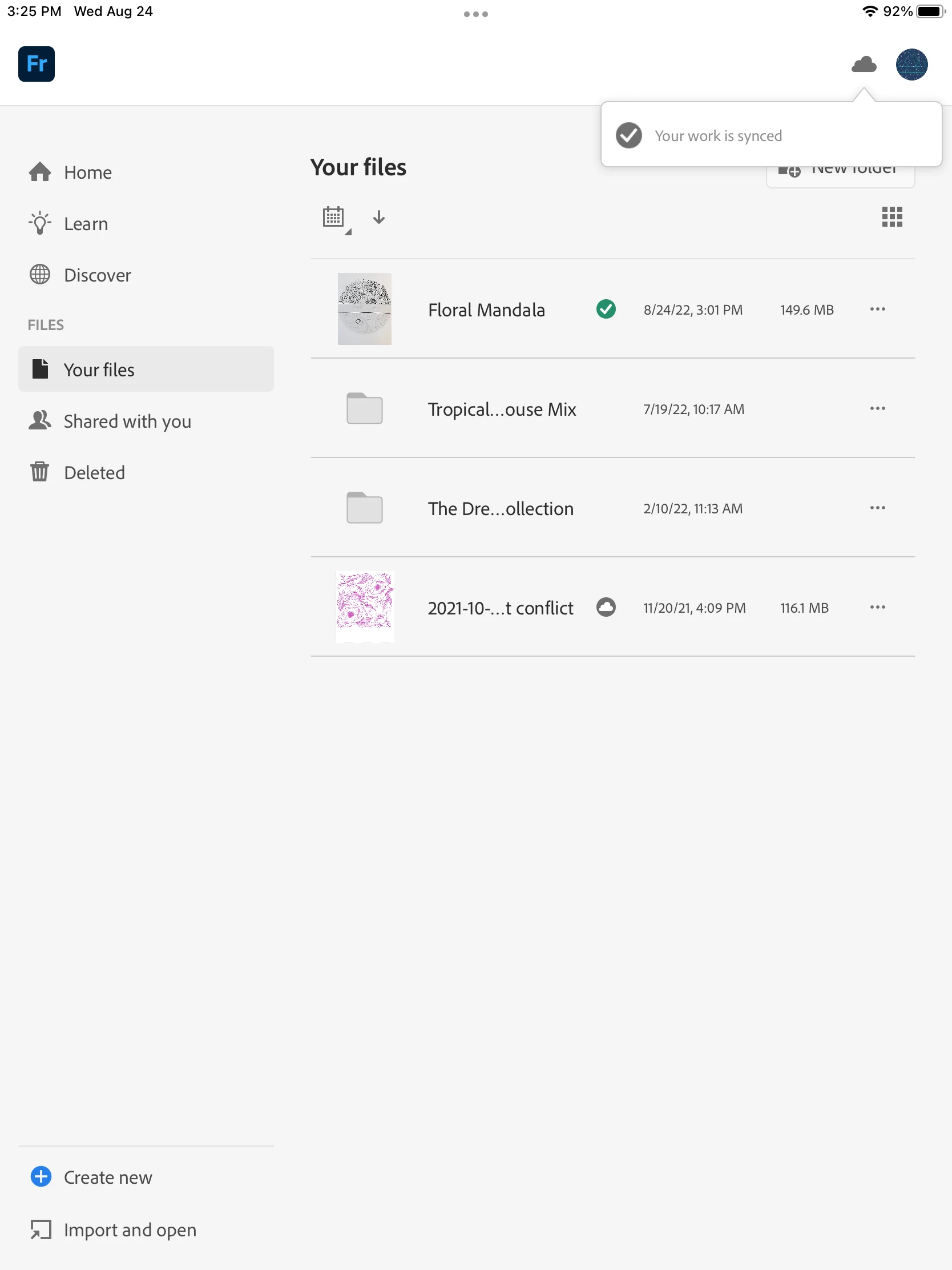
Screenshot of "Your Files"  and showing everything is synced - the bird of paradise files are not showing up.  (No they aren't in the folders.)
 

Screenshot of "Your Creatvie Cloud" homebase page:
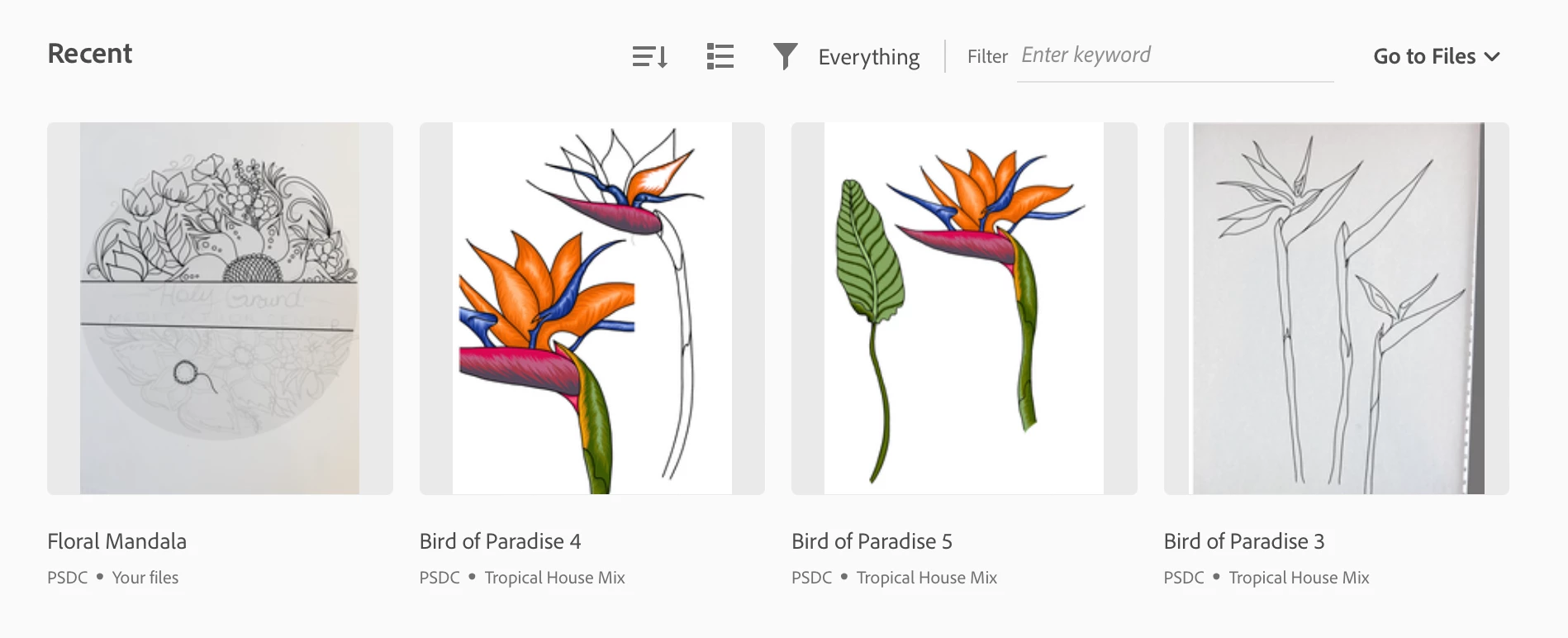
 

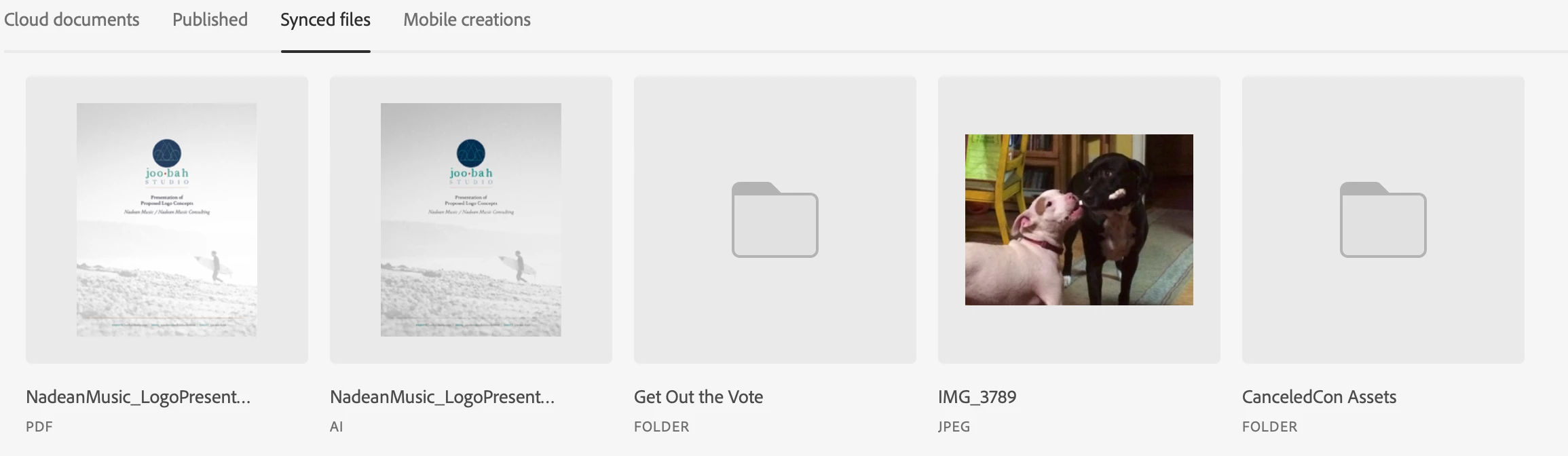
Going to "synced files"
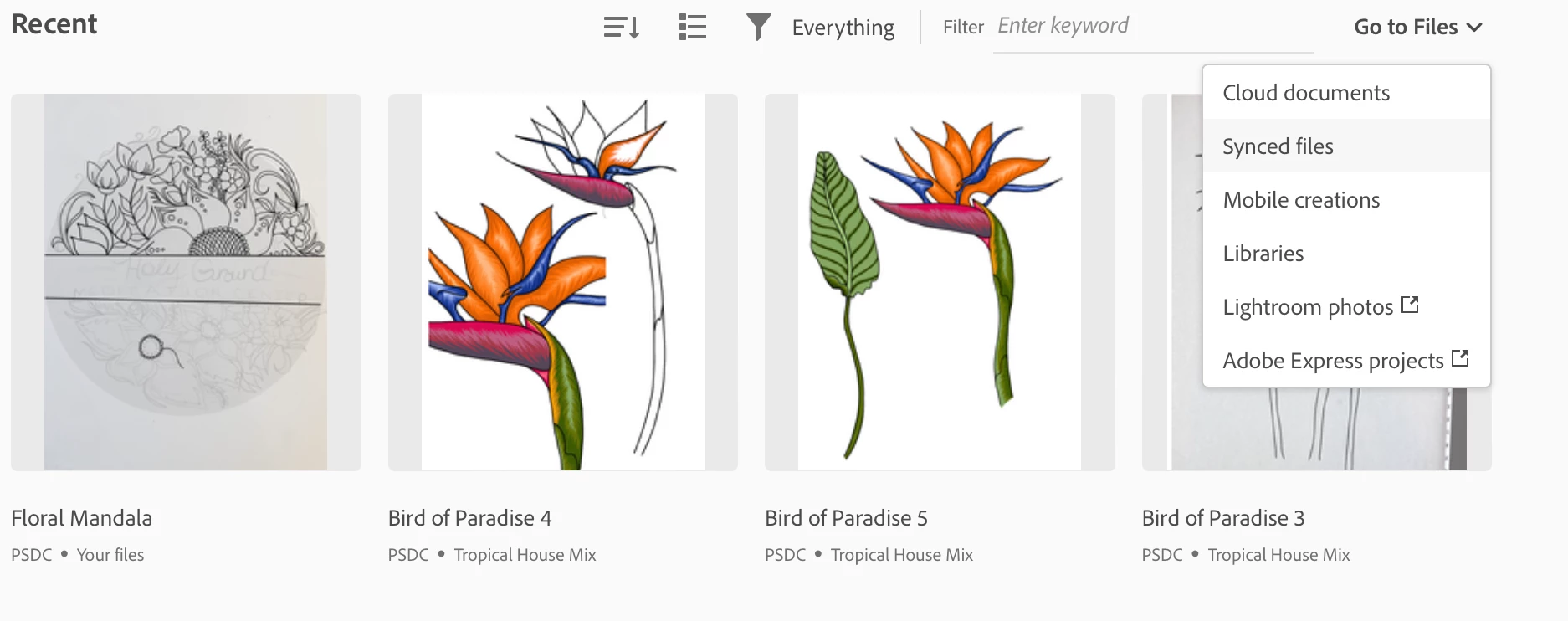
 

Nope - no bird of paradise art showing up here in synced files:
 

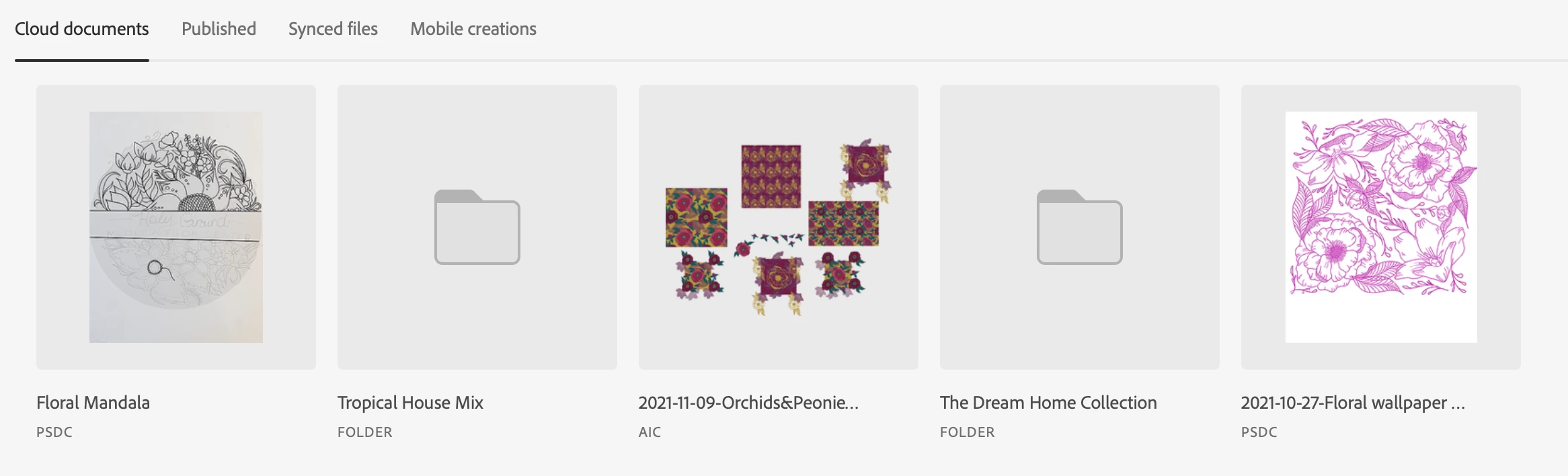
Back to the home base and going to "Cloud Documents":
 

No dice on bird of paradise files showing up here either.
     

What is the differenece between the cloud documents and synced files?  This website https://helpx.adobe.com/creative-cloud/help/about-cloud-documents.html does nothing to dispell the mystery.  You have to sync something to the Cloud therefore cloud documents ARE synced files!


I am missing 6 files of bird of paradise illustrations that I can only see in my "recents" in Fresco. I had random AIC files showing up in one of these cloud storage buckets that I have no idea what they are.....


Any insight to help with this would be much appreciated. I cannot for the life of me figure this out.  My husband who is a brilliant computer scientist can't parse it either.  Why can't we go back to pre-subscription Adobe and all of the cloud BS? 


Hi @determined_adventures154A,


We are sorry to hear about your experience and for the delayed response. I will try my best to help you understand & locate your missing Fresco Cloud documents.


- The files showing under recent are the ones you have recently edited/ opened/ created.
Note: Folders don't show under the "Recent" section.


- Under the "Your File" section, you will see the files & folders. I am sure that your missing files are under one of the folders. Please try locating them under the "Tropical House Mix".


- On the Creative Cloud assets website, there are four sections - "Cloud documents", "Published", "Synced files", & "Mobile creations".

  • Under Cloud Documents, you will see multiple file formats such as AIC, XDC, PSDC, FRESCO, & REAL.
    AIC file belongs to Illustrator
    XDC file belongs to XD
    PSDC files can be from Photoshop & Fresco.
    REAL files being to Aero.
  • Under the Published section, you will see files which are shared for review with the stakeholders & developers.
  • Synced files are basically like a storage section similar to dropbox, Google Drive, etc. Unlike cloud documents which are basically used by individual apps to store their specific file formats.
  • The mobile Creation section was basically used by EOL mobile apps like Sketch, Draw, Comp etc., to store their specific file on the cloud.


I hope this clarifies your queries.


Kindly update the discussion if you still need assistance with it. We'd be happy to help.


Thanks & Regards,
Anshul Saini

4 replies

Participating Frequently
February 18, 2024

Hi! This is happening to me too! At first it was just one file -- a very important one but thankfully I'd already sent the project to the publisher and still had the version I'd exported to Illustrator. This one went missing last fall and at the time when Creative Cloud was still active I could see the Fresco generated file there but not on my actual iPad Fresco app. Very frustrating. I should have followed up but just moved on with my life.

Then it happened again two days ago. I opened an older Fresco file to edit it. It opened fine, but then I remembered that I needed to copy a layer from another Fresco file so I closed it right away, went to the other file, hit copy and then went back to find the recently opened file and it had disappeared!!!!! It didn't show up in my "recents" OR in the folder it had previously been stored in. I can't check to confirm that it still exists via the Creative Cloud because that isn't working anymore. I'm freaking out. I use Fresco exclusively for my illustration work. I need to know that my files are secure and that I can always go back and edit.


Where are they stored on my iPad? If they go missing, can I restore them from somewhere else and reimport them? Someone please help! Thank you!

Participant
August 8, 2024

I think I am having a similar issue, where I had completed quite a few illustrations using Fresco offline, and without being registered to an account. Since the update, I've had to register with an account in order to access Fresco, but now my previous (unregistered) illustrations are nowere to be found locally, or on the cloud, as they aren't associated with any account. 


It feels like I've suddenly lost days' worth of work with no way around this, as its not synching either?

Anshul_Saini
Community Manager
Community Manager
August 8, 2024

Hi @Jeremiah39057605m7q8,


I'm really sorry to hear about your lost illustrations—it must be incredibly frustrating to suddenly lose days of hard work, especially when you're dealing with something as personal and creative as illustrations.


When using Fresco offline without an account, the work is typically stored locally on your device. However, since you've had to register with an account after the update, it's possible that the app is now looking for files associated with that account and might not be detecting your offline work.


I recommend logging out and checking if you can see your old artwork, which was not associated with any email ID.


Also, I just wanted to know if you recently uninstalled or reinstalled the app, as doing so will lead to data loss.

I know this is really tough, and I hope you're able to recover your illustrations. Please keep us updated on how it goes, and don't hesitate to ask if you need more help.

Best,

Anshul Saini

brettclements
Participating Frequently
June 13, 2023

Same thing to me except I've lost hundreds of files. 

ConverSketch
Participant
February 22, 2022

I'm having a similar issue. Not all of the files from my "Recent" home page in Fresco are showing up in the My Files tab.  I have plenty of cloud storage available, so it's not that issue.


Some of my recent work appears in "Your Files", but several files I created from the Home Page and showed up in Recents but didn't create while in the "Your Files" tab have disappeared on me when they're no longer "Recent" enough and get bumped off that page. They're also not in my Creative Cloud files - that just mirrors what I see in "Your Files". 


If I can't find a "Recent" file in "Your Files", but it's still showing up on my home page, I have exported it as a PSD file, then opened the Your Files tab and imported it that way. 


Super frustrating and I've searched the forum quite a bit with no solution. 

determined_adventures154A
Participant
August 24, 2022

I am experiencing the same issues.  This whole Adobe Cloud product is a disaster.  There is no coninutity, too many products with the same name or similar names and I can't figure out how to even frame my querie to get any reasonable help.  

determined_adventures154A
Participant
August 24, 2022

Screenshot of my "recents" from Fresco on my iPad


Screenshot of "Your Files"  and showing everything is synced - the bird of paradise files are not showing up.  (No they aren't in the folders.)


Screenshot of "Your Creatvie Cloud" homebase page:


Going to "synced files"


Nope - no bird of paradise art showing up here in synced files:


Back to the home base and going to "Cloud Documents":


No dice on bird of paradise files showing up here either.


What is the differenece between the cloud documents and synced files?  This website https://helpx.adobe.com/creative-cloud/help/about-cloud-documents.html does nothing to dispell the mystery.  You have to sync something to the Cloud therefore cloud documents ARE synced files!


I am missing 6 files of bird of paradise illustrations that I can only see in my "recents" in Fresco. I had random AIC files showing up in one of these cloud storage buckets that I have no idea what they are.....


Any insight to help with this would be much appreciated. I cannot for the life of me figure this out.  My husband who is a brilliant computer scientist can't parse it either.  Why can't we go back to pre-subscription Adobe and all of the cloud BS? 


Sue Garibaldi
Community Manager
Community Manager
February 1, 2021

Harri. 


After our conversation in the Sketch forum, I wonder if the issue you're running into is that you've reached the maximum of your Creative Cloud Storage. (You can check that in the app: From the Home screen tap the avatar icon in upper right corner; then from the App settings menu tap Account > Creative Cloud Storage.) The app requires storage padding of 500MB so if you see that 500MB is what's remaining, you are at your maximum.


That said, your work shouldn't just be "disappearing," you should see some sort of alert in the app about needing to freeing up storage space or something similar. But perhaps I'm misunderstanding...


Let me know what you find. 


Sue.

lynneb88209176
Participating Frequently
January 19, 2022

Hi Sue,

I'm having the same problem. A whole folder/group of drawings seem to have disappeared from Fresco. Only the most recently drawn image of the group remains, which were draw over a few months. Whilst earlier Sketch drawings have been imported ok, nothing has been saved in Fresco that was drawn in Fresco dated before that last drawing. I have only used 18gb of my 100gb storage allowance. I've looked in the creative cloud app and in assets adobe files and deleted files and can't find anything. I certainly haven't deleted them. I've received no warnings about exceeding any storage limits and have been paying my subscription without interruption. Any ideas about where to look? 

Anshul_Saini
Community Manager
Community Manager
January 22, 2022

Hi @lynneb88209176,


Sorry to hear about this. Could you please confirm if you are using a personal or business account to login into Fresco? Also, please confirm the exact version of Fresco, iPadOS & model of iPad.


Looking Forward to your response.


Regards,

Anshul Saini