
Fresco hiding all other layers feature on iPad - Major bug
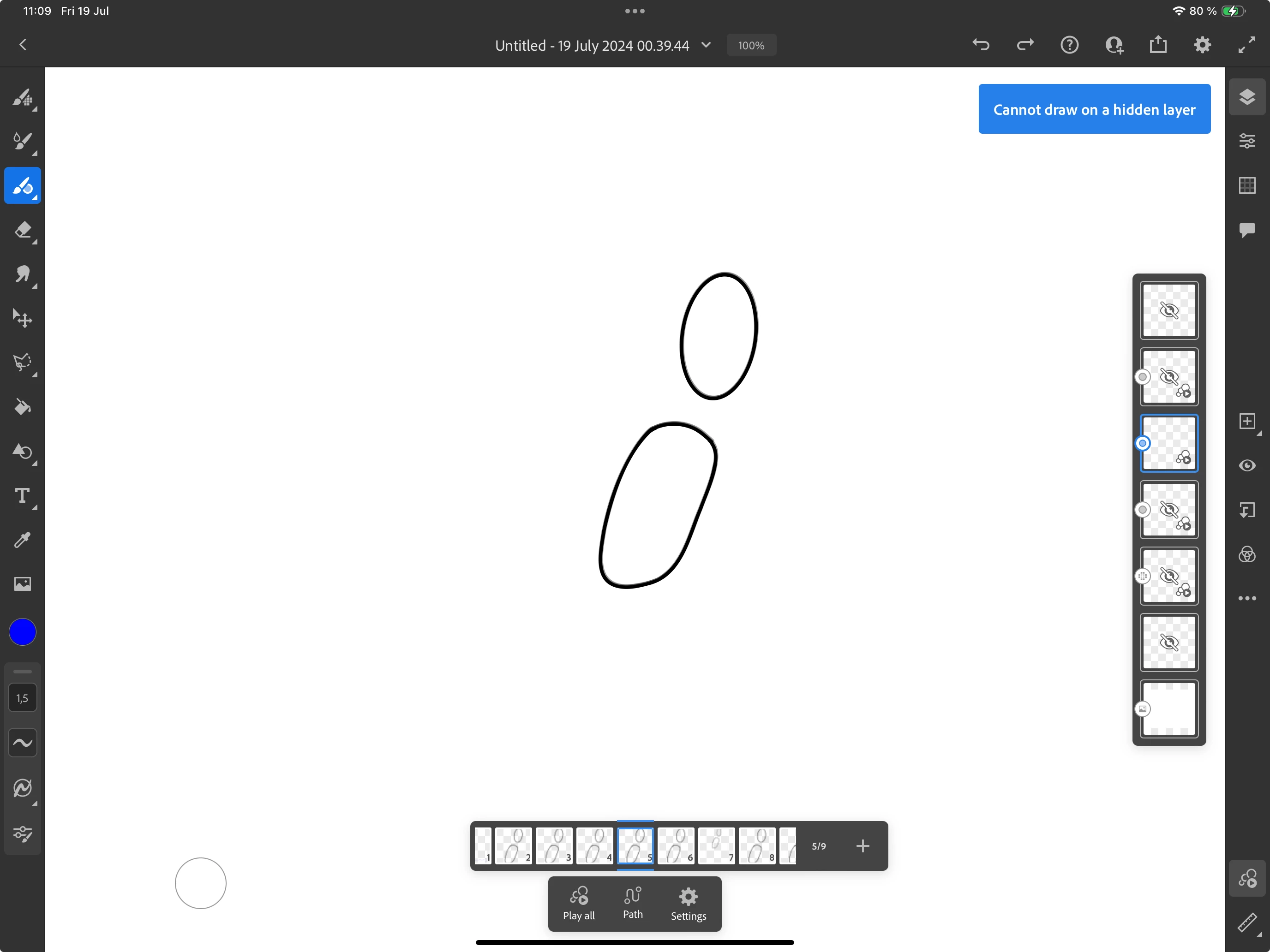
Yesterday i discovred a major bug with the "hide all other layers" feature, which i can repliacte 100% of the time. If you have multiple motion layers with multiple frames per layer, and try to "hide all other layers", Fresco will only allow you to draw on the spesific frame that was selected. Even though you can see all the frames on the layer, Fresco will tell you "cannot cant draw on a hidden layer". Hiding the whole layer and revealing it again does not help. Still theres only 1 frame on the entire layer that fresco lets you draw on. Only solution i could fine was either quitting out and save the document, then it worked as it should when i loaded back in. Or you have to select the next frame in the layer and press "hide all other layers" again, rinse and repeat for all the frames on the layer, but be careful with this! This is what I ended up doing yesterday, and it caused a save error #02?. The document refused to save no matter what and I ended up losing 2 hours of work.
Has anyone alse experienced this, know a workaround or whatnot? Is this a known issue?
Adobe Fresco version 5.7.0
iPadOS version 17.5.1


 AdChoices