Try uninstalling the app and reinstalling the app. Also, make sure that you are logged into your Adobe account with the cloud on this way you can access your projects. I have had this issue before. My cloud wasn't synced. I simply uninstalled and reinstalled and the logged out and logged back in and I was back up. Hope that helps.
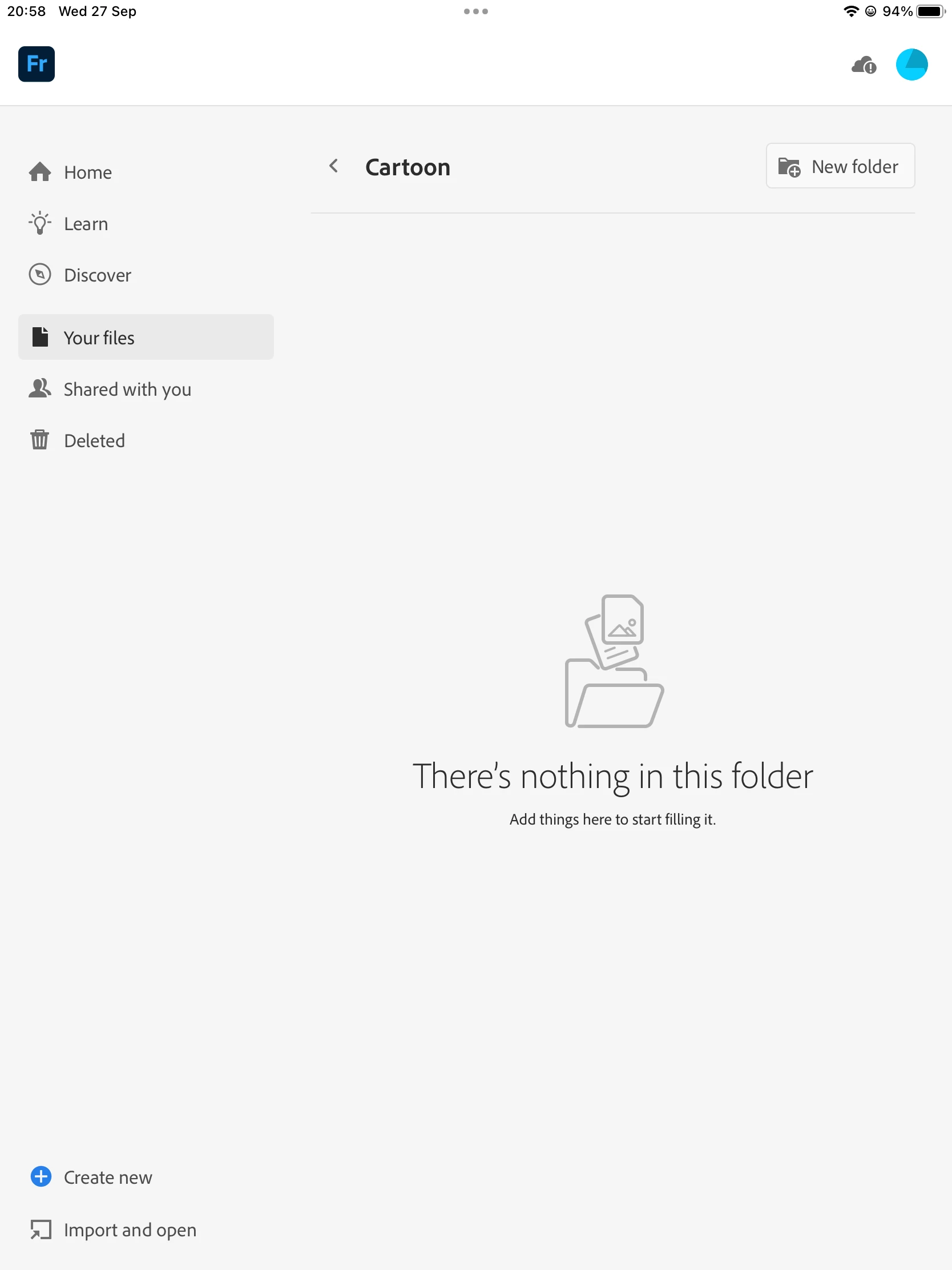
Sorry to hear about this experience. Would you mind trying to update the iPadOS and Fresco to check if it helps? Also, try logging out and logging in with a different email address or the social Sign-In option, such as (Facebook/Apple/Google) and share your observations. If the problem persists, kindly share more details, like the exact version of the OS/Fresco installed on your device and a screenshot of the Cloud Storage (by clicking on the cloud icon at the top right corner of the screen), so we can investigate this further.



 AdChoices