
Fresco is stuck on 'Saving' with no way to use the app or access my files
Hi, I'm working with a large file that's very important for my work as a professional illustrator. I went into Adobe Fresco this morning to continue my work and it's forever stuck on the 'Saving' screen, assuming it's still saving my progress from my last session?
Right now, my Adobe Fresco is bricked and I don't have access to any of my older files or the one I'm working on (the one being saved) because it's stuck on the 'Saving' prompt. See attached screenshot below.
I'm using iPadOS 15.4 with the latest version of Fresco
My internet speed is fast and consistent so it's not an issue with my internet connection.
Things I've tried:
I have tried quitting Fresco and opening it again
I have tried restarting my iPad and opening Fresco again.
Please help me get access to Fresco and my files again!!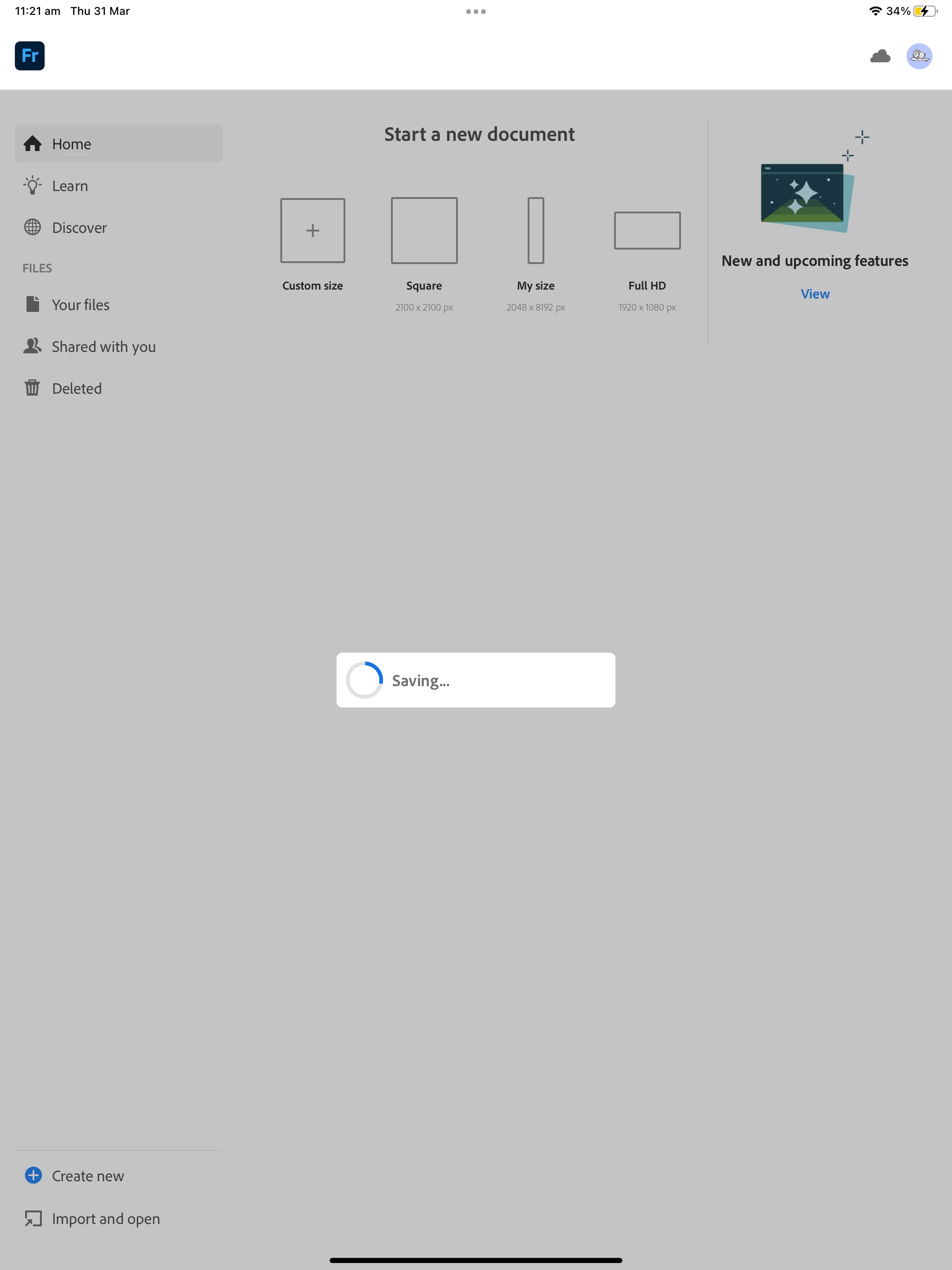


 AdChoices