
Question
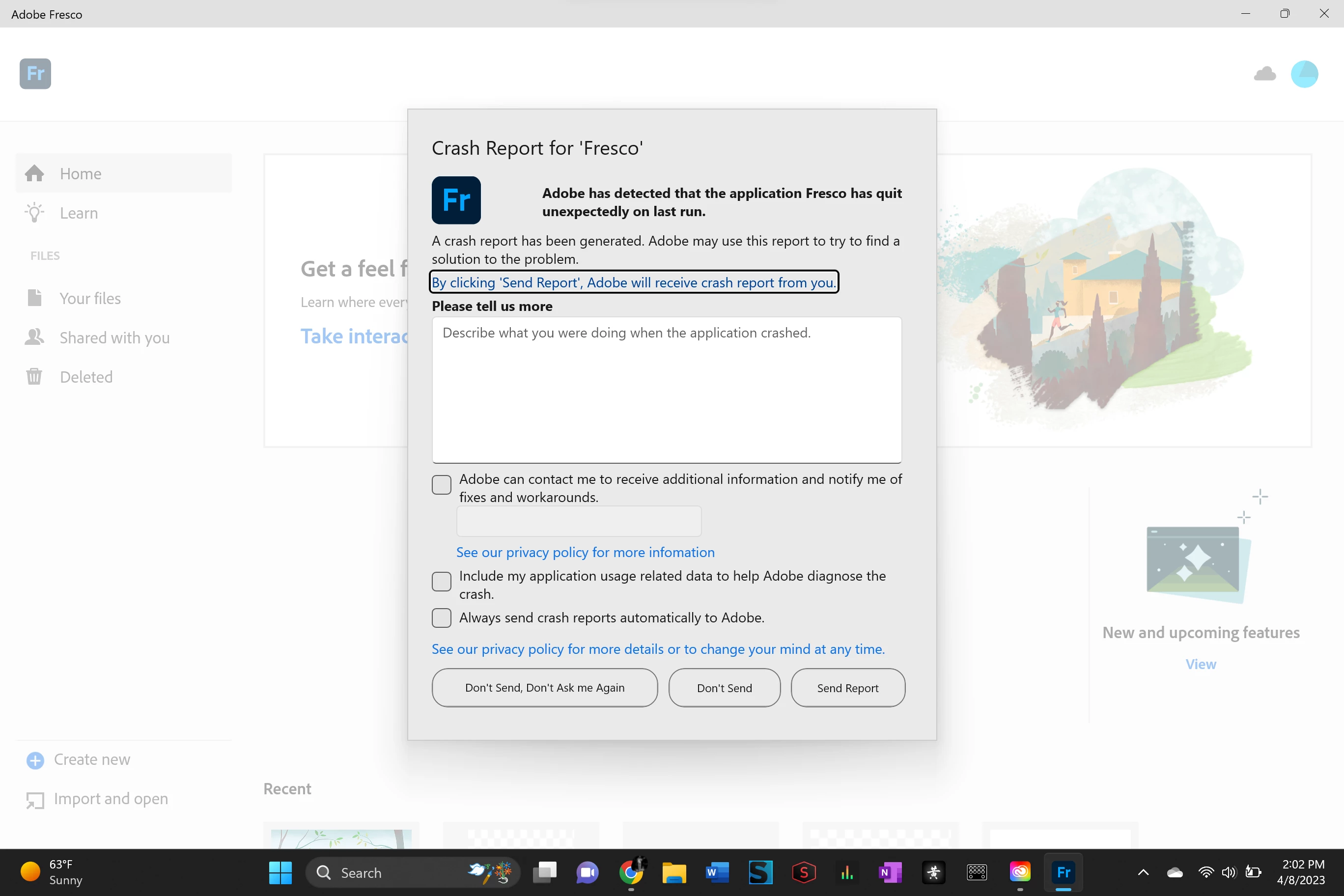
Fresco keeps crashing windows
I've tried a number of things to get this to work. I tried uninstalling, restarting, and reinstalling, I've tried the advice below, and I tried updating my firewall. nothing seems to work the app just does not work anymore.
"We understand how frustrating it can be to experience crashes. Would you mind trying the following steps and checking if it helps:
1. Go to Creative Cloud Desktop Application
2. Press Ctrl+Alt+R
3. It will show a dialog to Relaunch
4. Click Continue and wait for 2-3 minutes
5. Launch Fresco"


 AdChoices