
Fresco won't open
I followed all the advice I could find in past posts. I made sure everything on my computer was updated. I cleared off over 30GB of hard drive space. I restarted my computer and ran nothing else before trying to open Fresco. I uninstalled and reinstalled it (more than once). I have been trying to get fresco to work for 2 weeks not and nothing is working. I uninstalled several adobe products too just to clear up space. But every other Adobe product was running great.
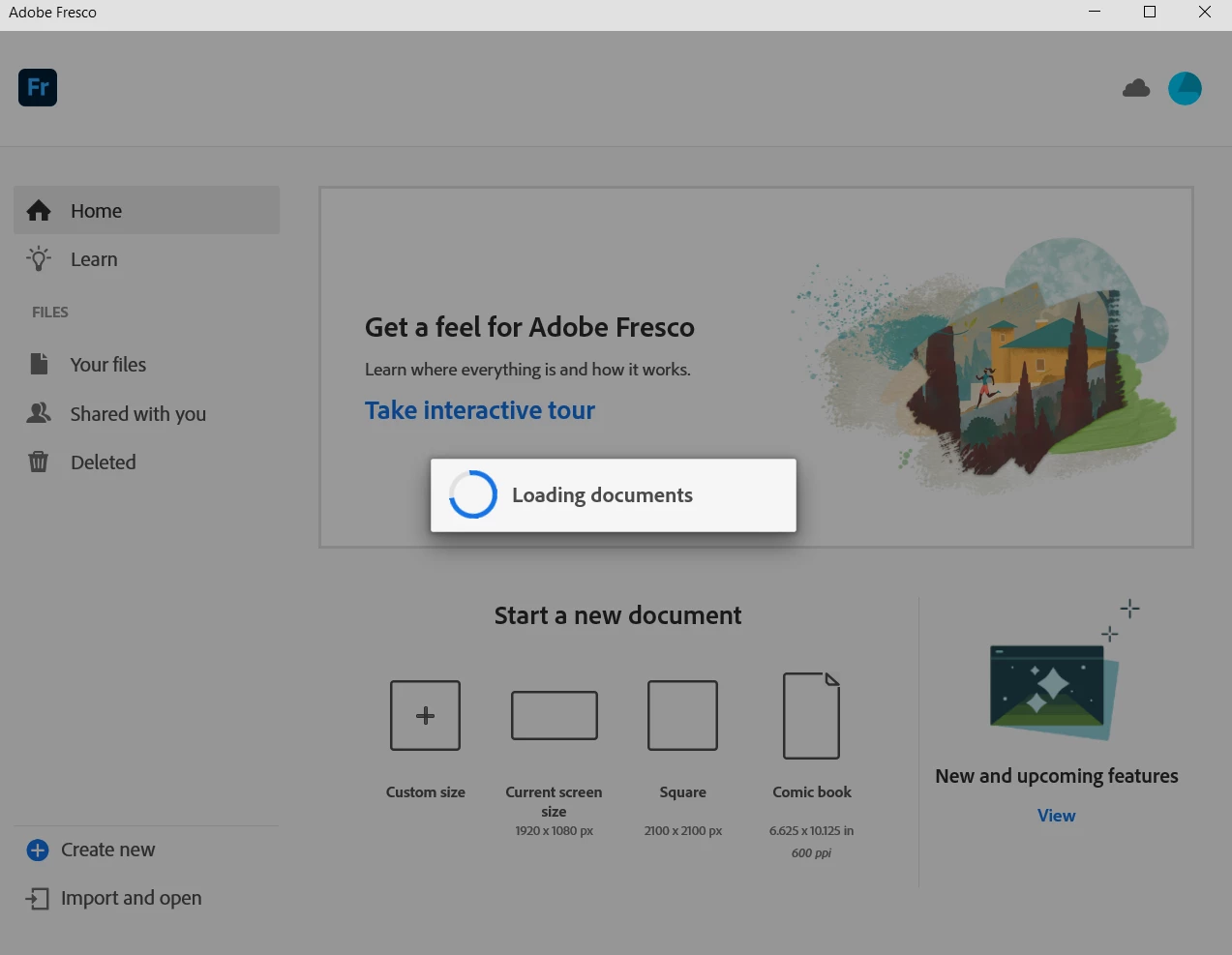
What happens when I launch Fresco: it opens, and immediately starts to "loading documents"... after about 30 seconds of this dialog, it just goes away. No crash report, nothing.
My computer: HP Envy x360 Convertible 15-bq2xx
Processor: AMD Ryzen 5 2500U with Radeon Vega Mobile Gfx 2.00GHz, x64-based processor
Ram: 8.00 GB
Windows 10 Home 21H1
I'm so frustrated, please help!


 AdChoices