


Question
Fresco Won’t Save Despite 60GB Free – Lost Work Twice, Corrupted Files, Deadlines at Risk!
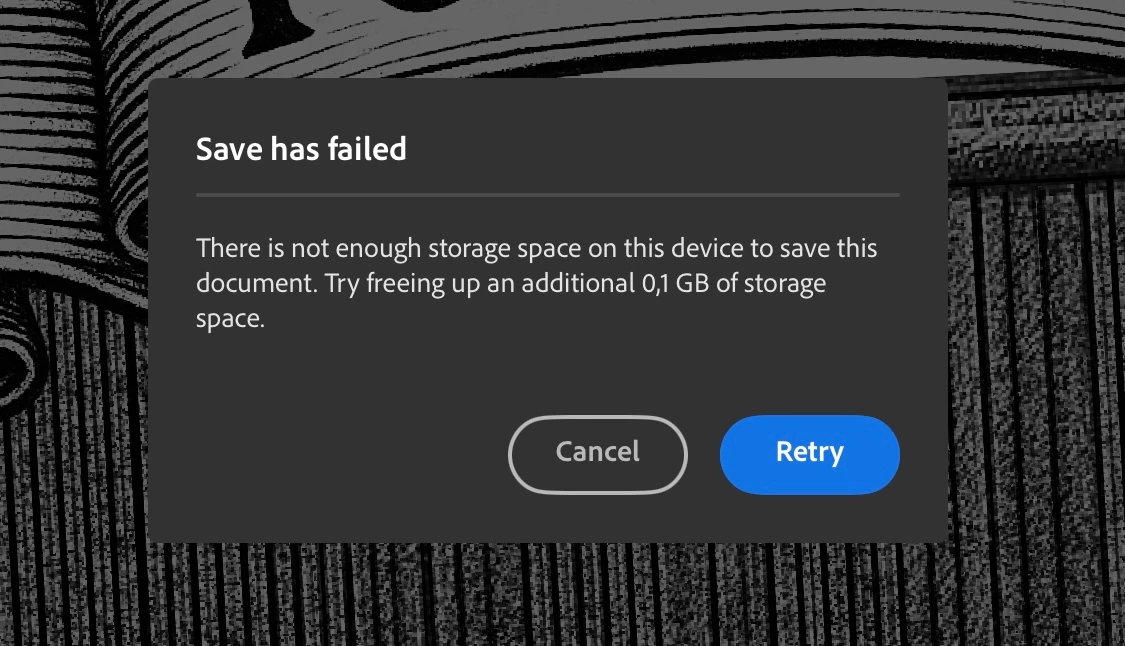
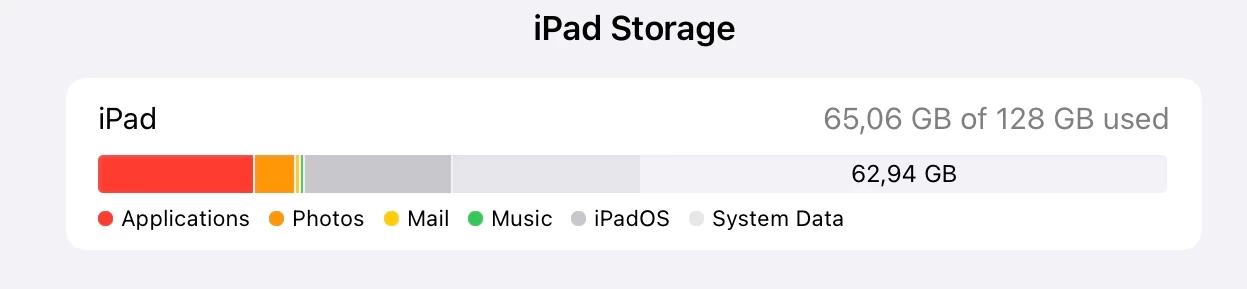
Fresco won't save any progress due to alleged insufficient iPad Pro storage, even though there is more than 60 GB of free local storage. I've lost all my work twice and due to this bug I've been postponing deliveries. My deadlines are approaching and I have nothing to show!
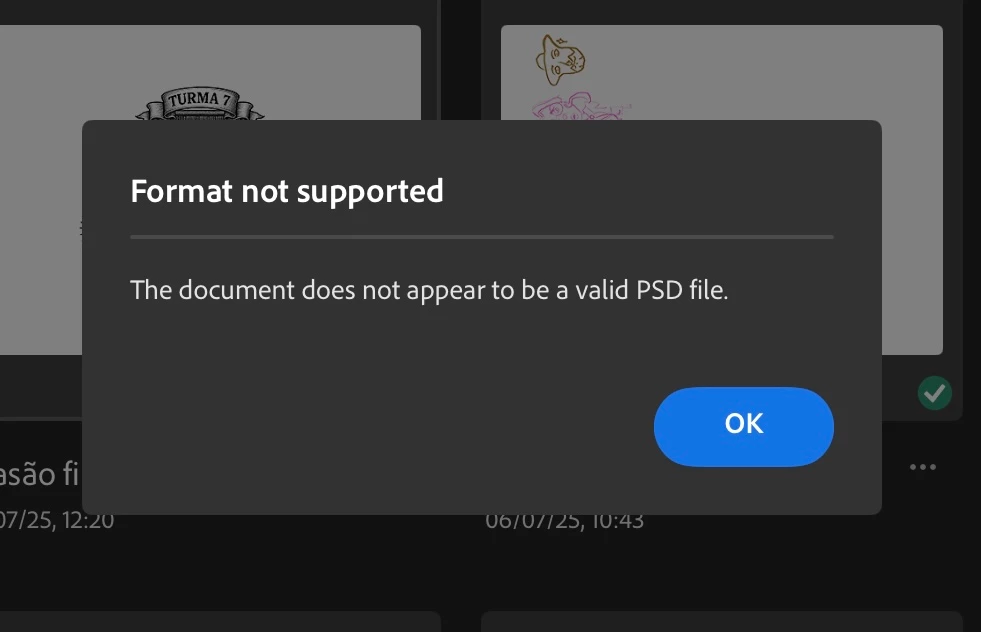
Also, with frustrated attempts to resolving it by restarting the iPad, offloading the app, uninstalling and reinstalling Fresco, the app managed to get my files corrupted, telling me they're not the supported PSD files, even though I've edited them exclusively on Fresco!!
 AdChoices