Answered
Import Photoshop color swatches to Fresco
Is it possible to import my color swatches from Photoshop to Fresco?
I can't seem to import the .aco file.

Is it possible to import my color swatches from Photoshop to Fresco?
I can't seem to import the .aco file.
Hello!
You can but only after you shared them as a library.
To do that, open or create a new library using the library panel in Photoshop
drag and drop your swatches individually directly in the library panel, or use the Capture module within Photoshop if the colours aren't swatches (that's still helpful)
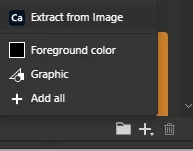
click on the + sign and choose either extract from image or any of the other options ( What is available to extract will depend on what layer is highlighted)
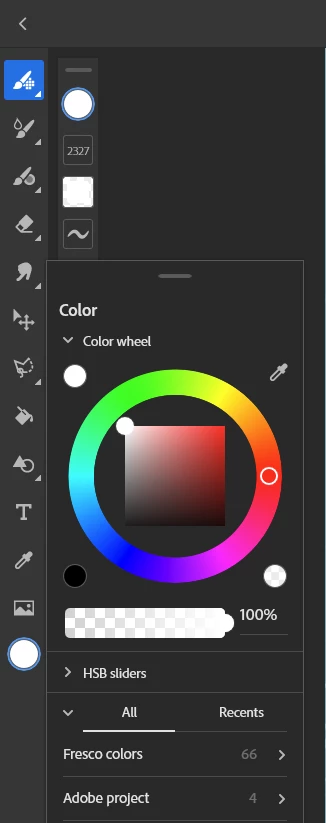
Once in Fresco, open a library from the colour picker (choose all and not recent to see them) and scroll until you find it. Your swatches/colours are here.
Already have an account? Login
Enter your E-mail address. We'll send you an e-mail with instructions to reset your password.


 AdChoices