

Participant
June 19, 2023
Answered
iPad Pro with Adobe Fresco, no screen mirroring with a projector.
- June 19, 2023
- 7 replies
- 1992 views
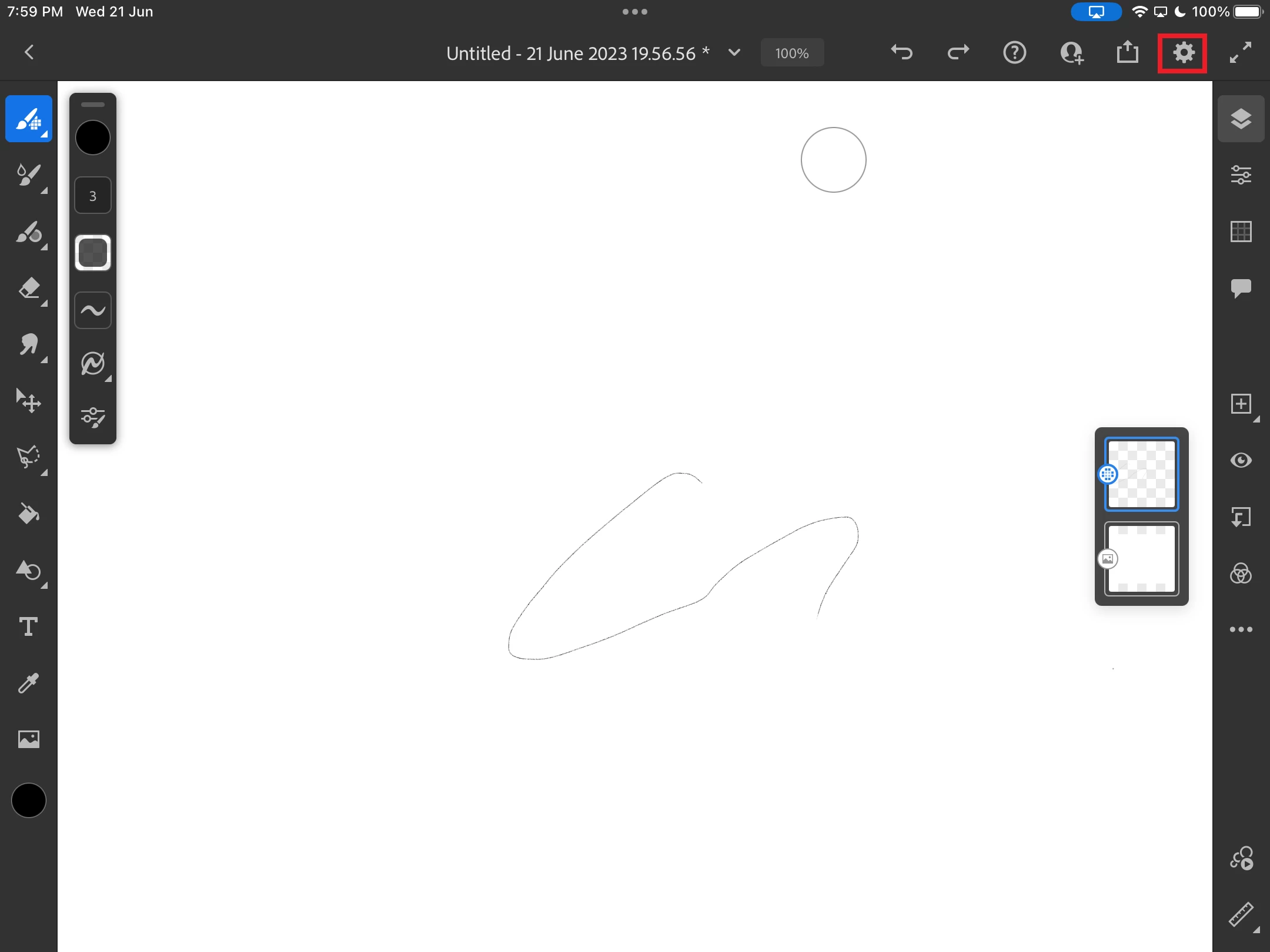
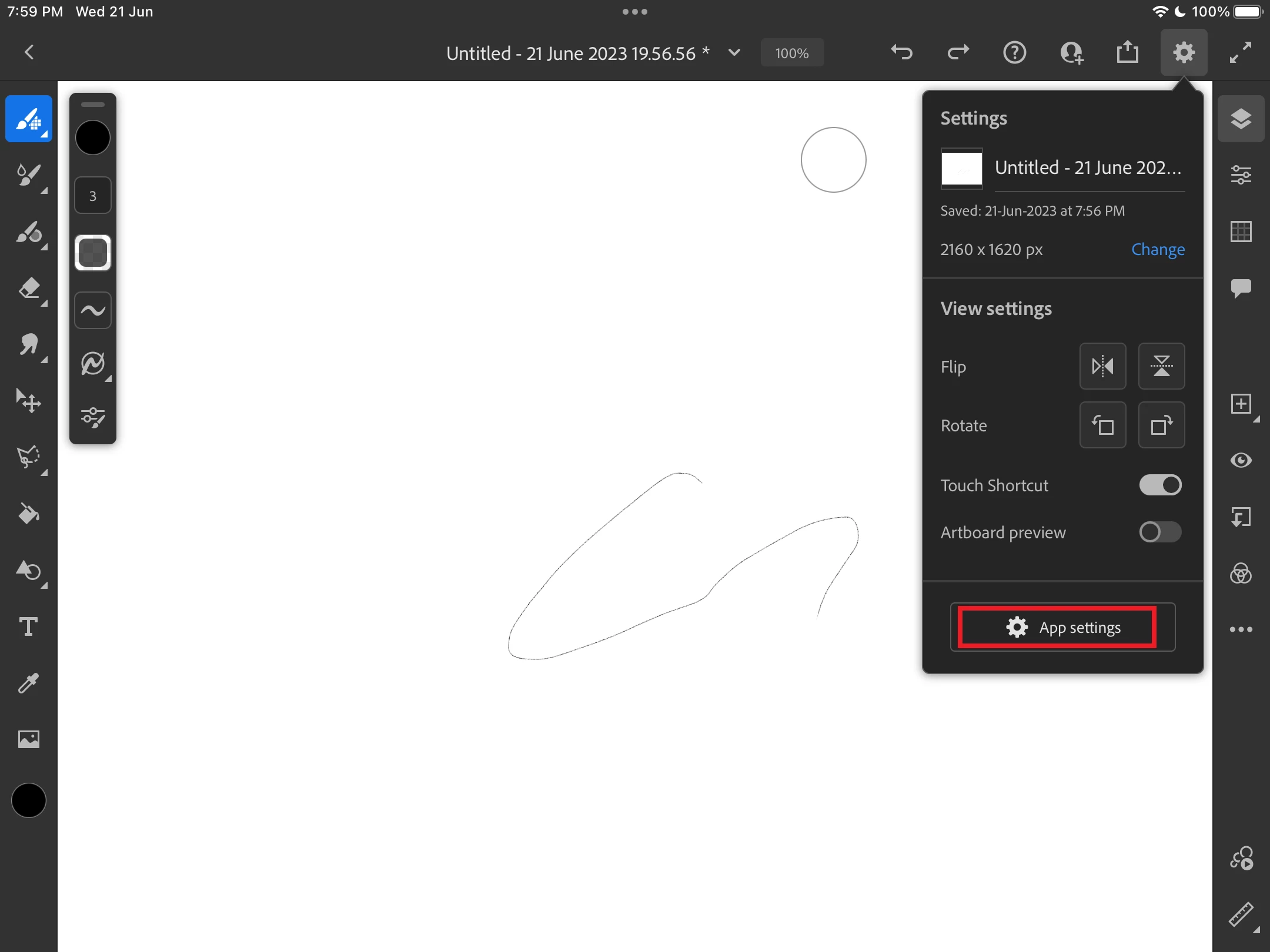
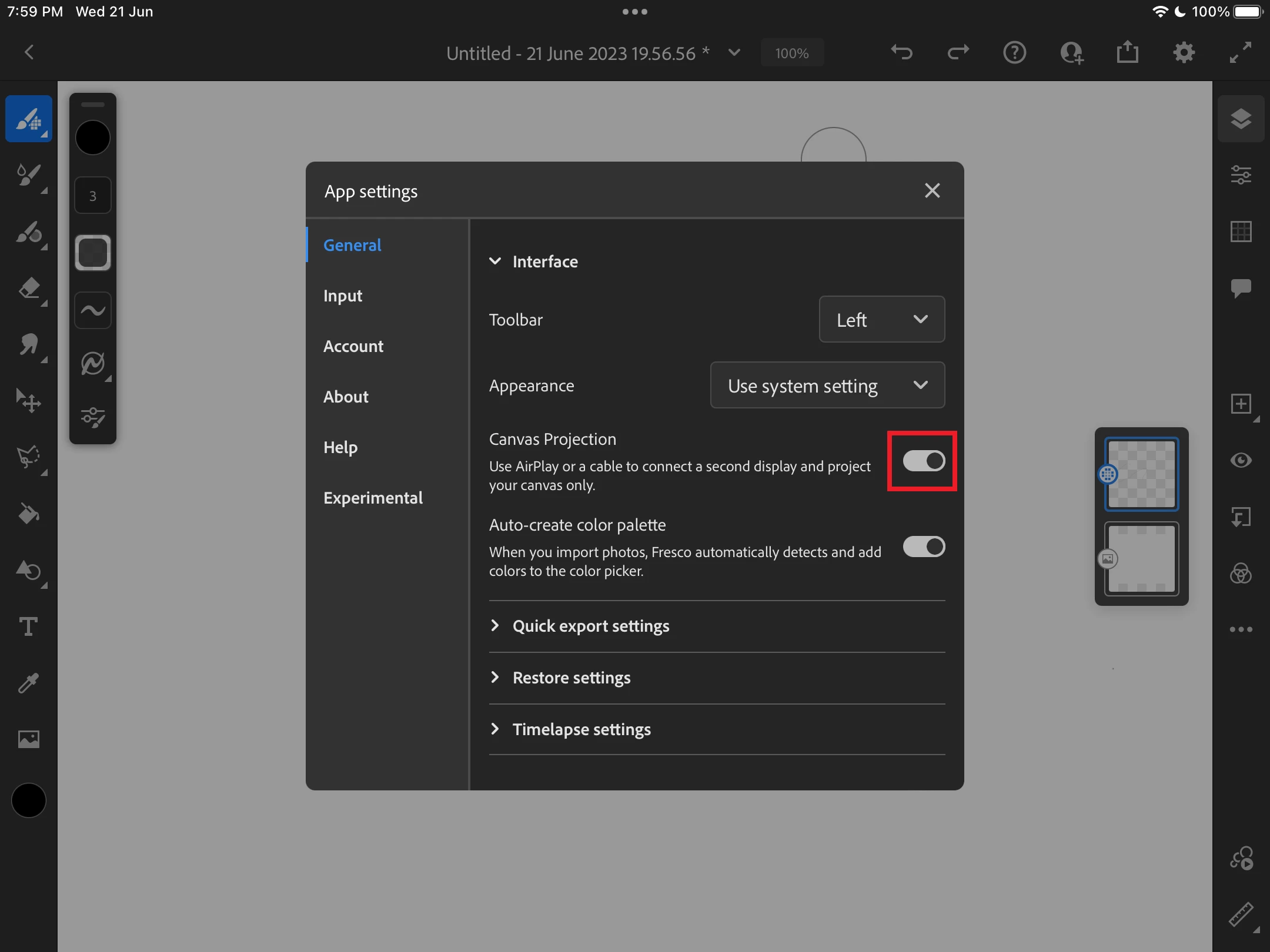
iPad Pro with Adobe Fresco, no screen mirroring with a projector. I am doing comic workshops and graphic recording and would like to use Adobe Fresco. The last attempt failed because the projector does not mirror the iPad screen, but only shows a kind of presentation view.
Apple Keynote has a similar effect when playing videos, they are then not displayed on the tablet, but only on the beamer. This is the so-called presentation mode.
With Graphic Recording you work on a large image but the parts of the image that are currently being presented in the moderation are always zoomed and enlarged. This works fine on Procreate.


 AdChoices