Participant
September 1, 2023
Question

Motion problem settings?

  • September 1, 2023
  • 1 reply
  • 1061 views

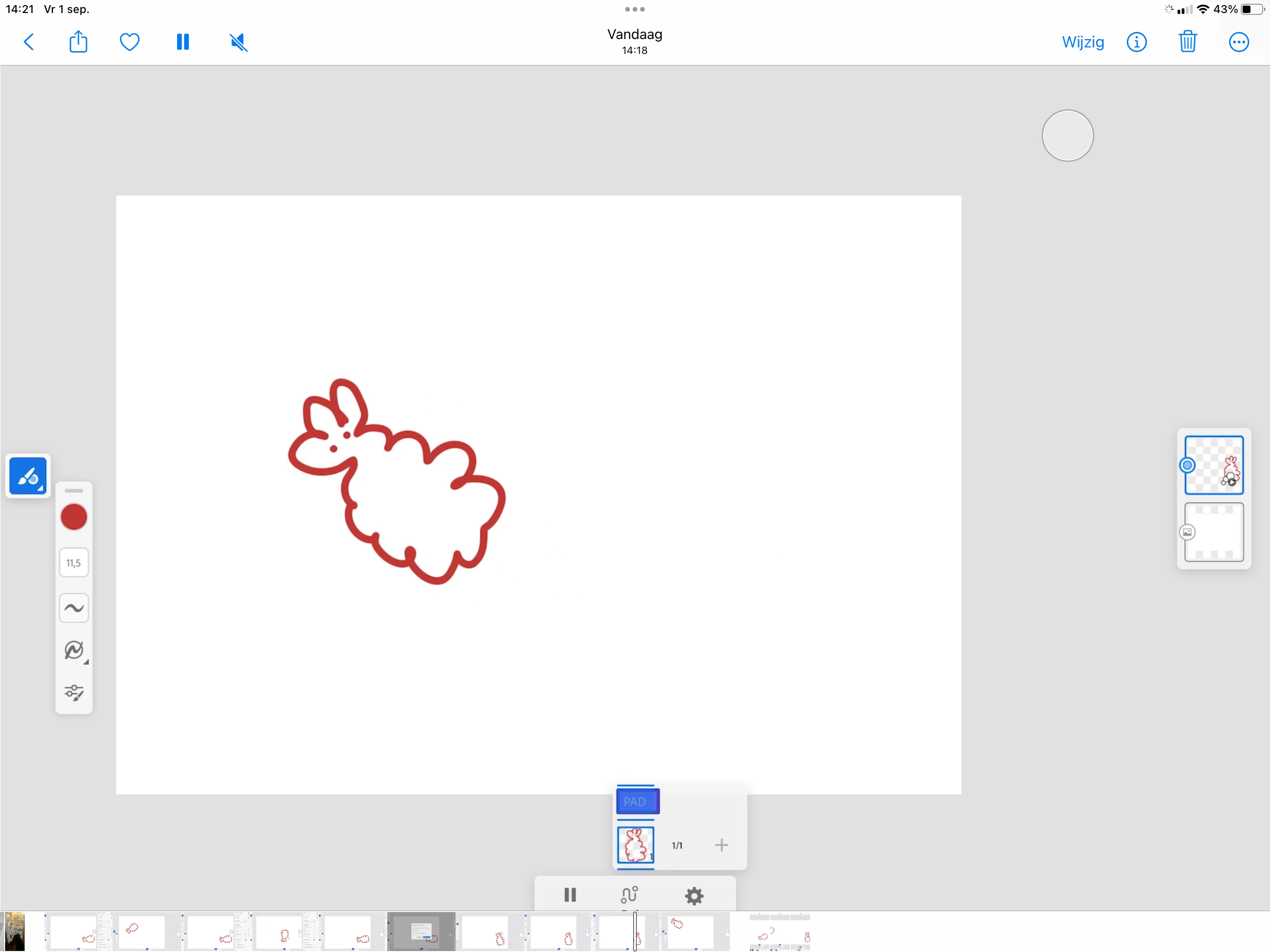
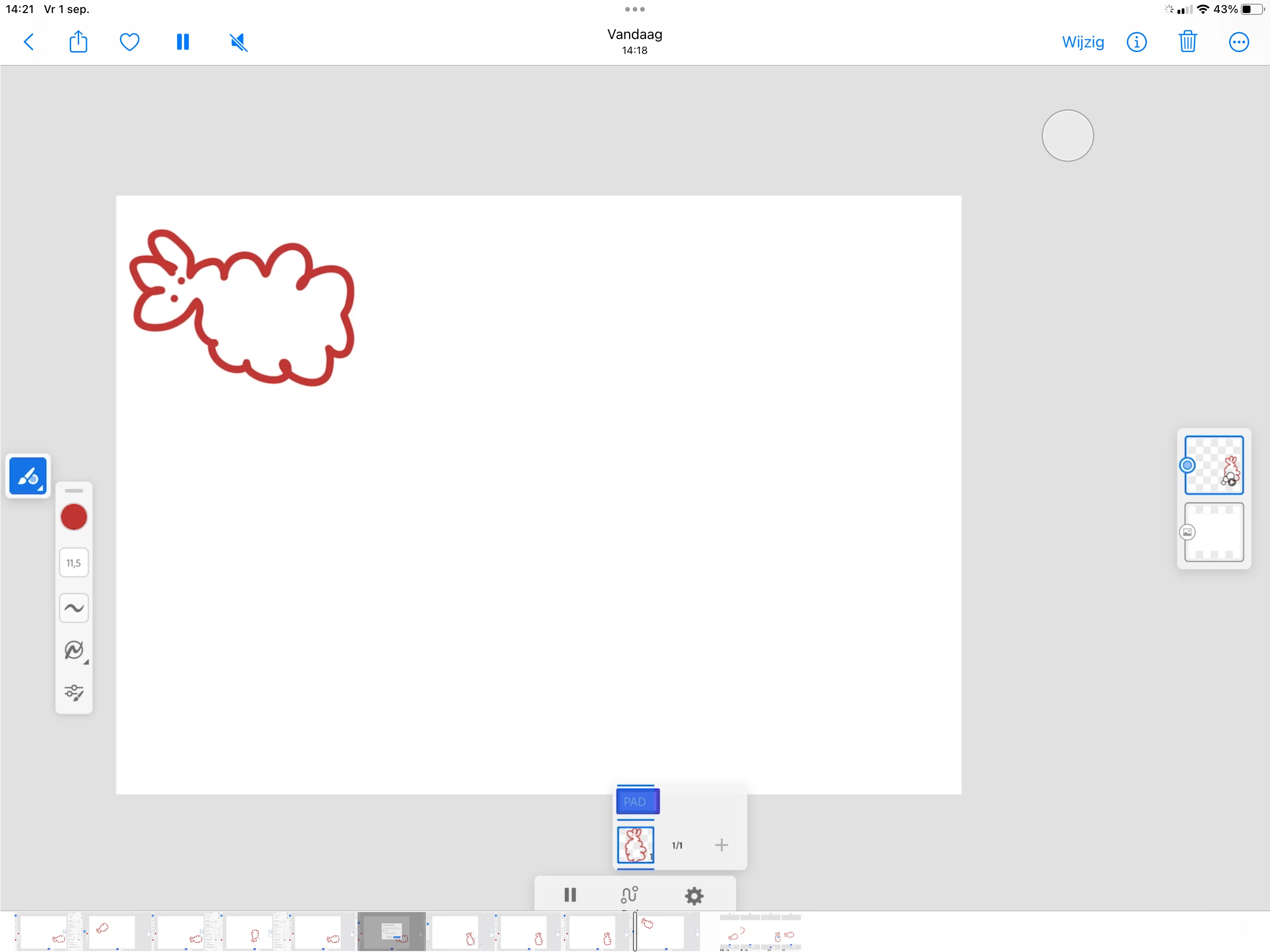
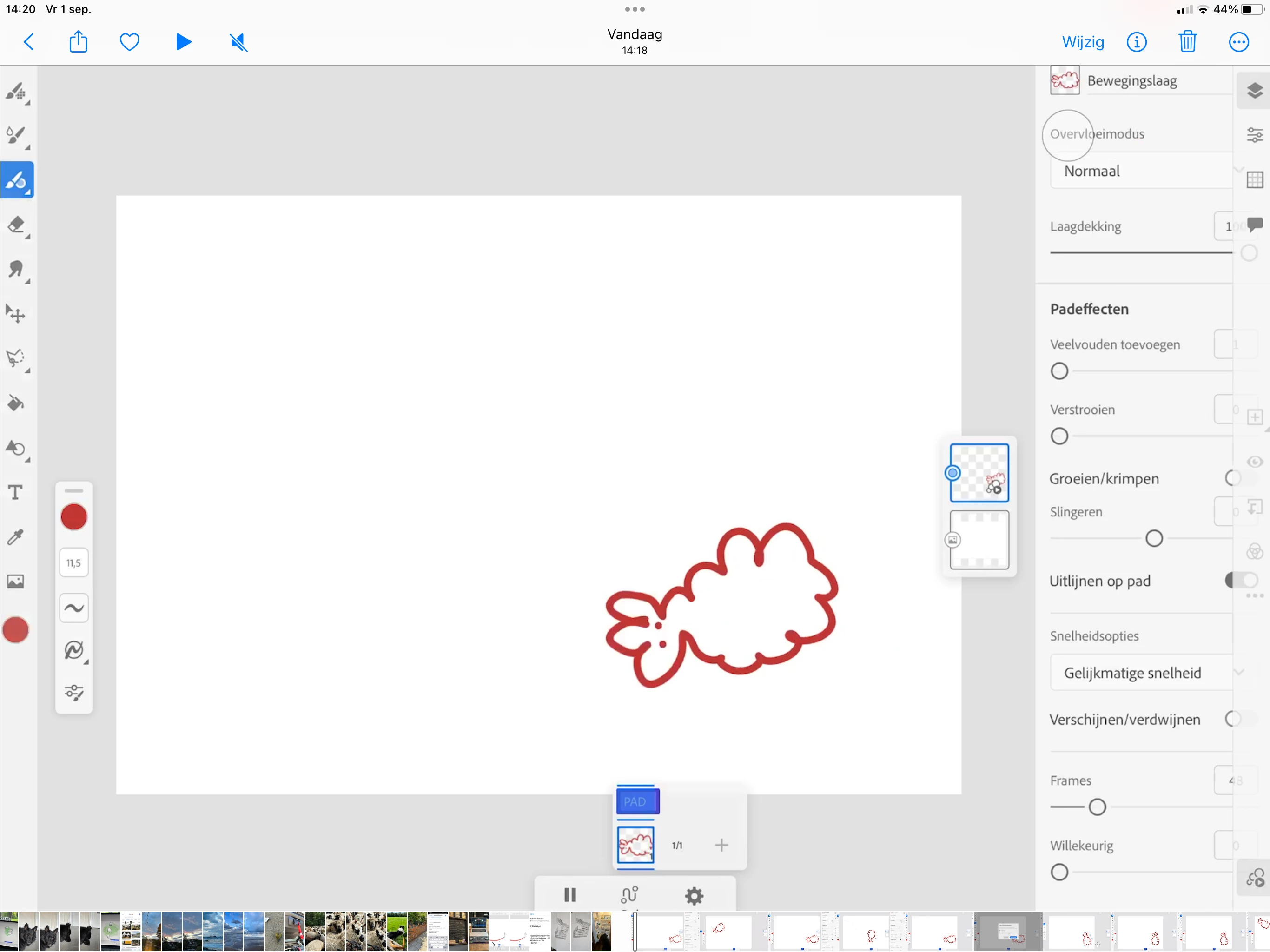
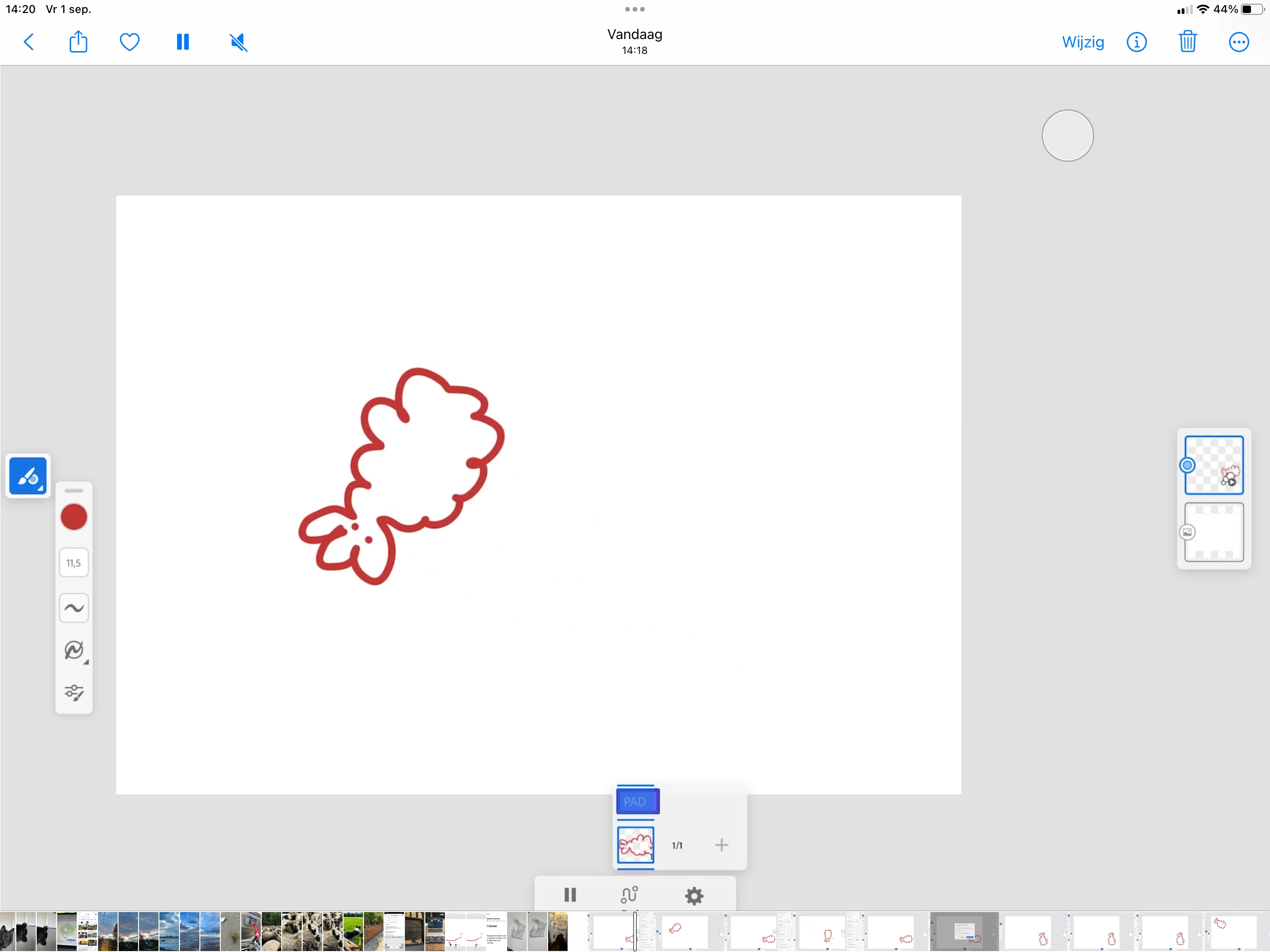
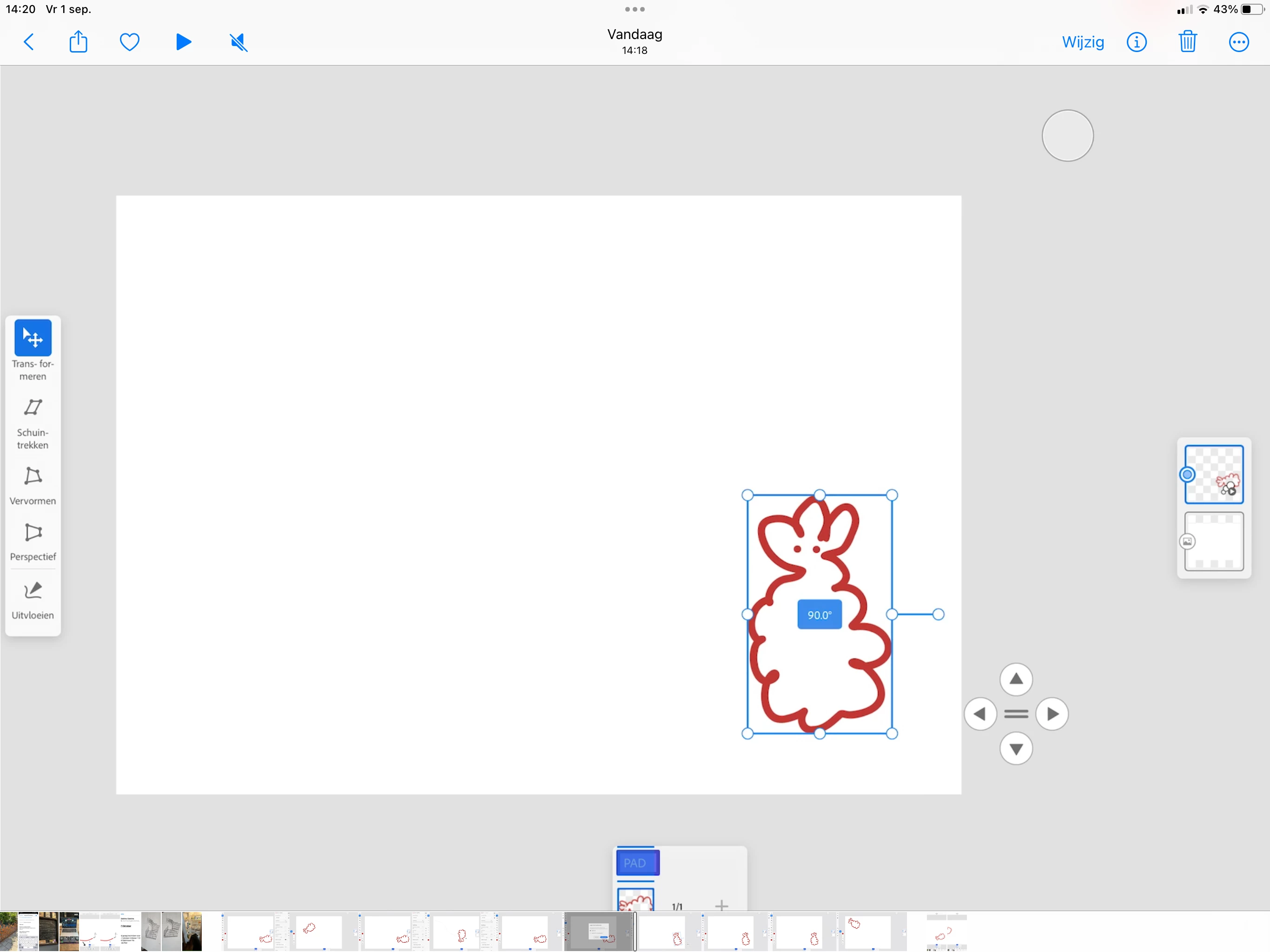
Hey, I'm fairly new to Adobe Fresco, but already addicted 😉 I have one thing I can't solve. I think its my settings... When I draw an object and add a path, it seems to be at 45 degree angle (I have it on Allign on path, or whatever that is in English, I work in a Dutch version). I seems like there's same setting not in order, but I can't find it. Because, when it draw it in a 45 degree angle it works just fine. But that seems silly to work in... Anyone? Included a few screenshots.
This topic has been closed for replies.

1 reply

Imaginerie
Community Expert
Community Expert
September 2, 2023

I don't see anything that would do that in your settings, as far as my understanding of Dutch goes 🙂
one thing (and sorry if it's silly). Do you actually have your artwork at the right angle compared to your Ipad?
To check that, close the settings tab, and pinch the screen with two fingers, so the canvas goes back to 100% and on the right way round (I am saying that, because I tend to rotate the canvas with my fingers as well as rotating the Ipad itself like I would do with a piece of paper, and at the end it's easy to not remember what is the right way round)

See my screenshot here:


In that configuration, I created the doodle and added a path when I was in landscape orientation (so my animation went from top to bottom) and moved the Ipad in portrait mode so I could show you the whole of the settings on the screen, and when I play the animation in Portrait mode, the animation goes from left to right.

If that's not it, just double check the settings that work for me above, and see if you can spot any difference with yours. Maybe I missed something.(Note that on mine the "align to path" is deactivated, but activating it just makes the doodle sways along the path following the curves of the path)

Participant
September 5, 2023

Thanks Imaginerie, going to check that and let you know