

Babington. Co
Inspiring
June 26, 2023
Answered

New “Paint Inside” brush feature

  • June 26, 2023
  • 1 reply
  • 402 views

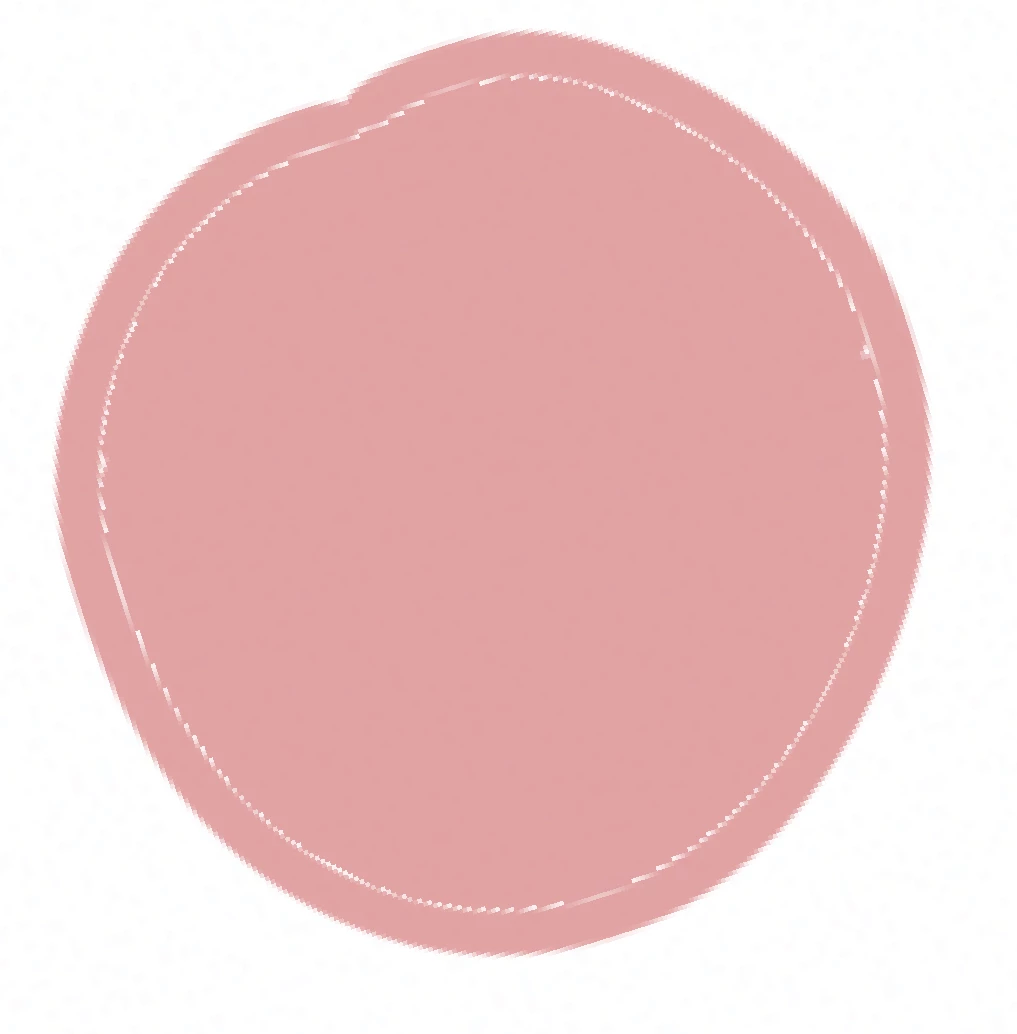
Hi friends. As the attached screenshot shows, when I use the new "paint inside" brush feature, a thin unpainted border appears and remains between the outsidestroke and the inside paint. What am I doing wrong? Thank you!
 

This topic has been closed for replies.
Correct answer Babington. Co

Thank you Sjaani! That worked after I slid the color margin of its highest possible, after a few attempts, failed with small increases. Hopefully I can now get this tool down because it should save me lots of time. Thanks again. 

1 reply

Sjaani
Community Expert
Community Expert
June 27, 2023

Also answered on your other thread but since this is a new/different topic I'll answer here as well.

The little Arrow on the tool lets you open up options such as Transparent areas only and Color margin.

Set the color margin to a higher number and see if that removes the border.

Babington. Co
Babington. CoAuthorCorrect answer
Inspiring
June 28, 2023

Thank you Sjaani! That worked after I slid the color margin of its highest possible, after a few attempts, failed with small increases. Hopefully I can now get this tool down because it should save me lots of time. Thanks again.