
Inspiring
July 28, 2023
Answered

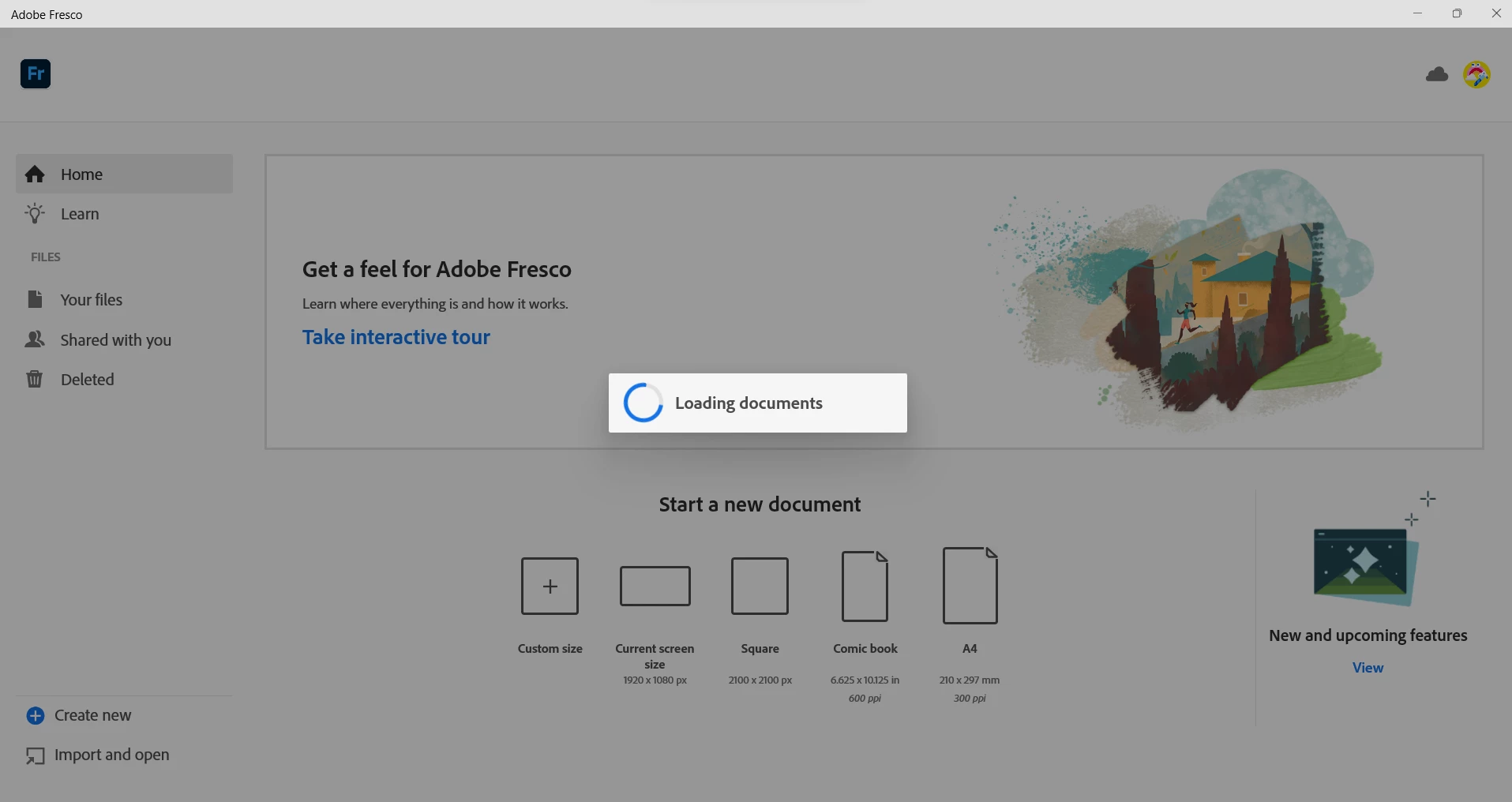
Opening Fresco results in infinite "loading documents" screen

  • July 28, 2023
  • 1 reply
  • 1873 views

I have recently reset my computer and have reinstalled Adobe Creative Cloud and Fresco. Whenever I try to use fresco, I am stuck on the Loading Documents Screen. I deleted all my files to see if it would load, but still nothing. I have no idea why it is stuck like this, and need help.
 

This topic has been closed for replies.
Correct answer George25849432b317

Hello @George25849432b317,


Sorry for the delayed response. I was unable to retrieve the crash log you shared earlier. Would you mind saving the crash report to your computer and then uploading it to share a link here (https://community.adobe.com/t5/illustrator-discussions/share-your-files-in-6-simple-steps/td-p/12967531) so we can investigate this further?


Looking forward to hearing from you.


Thanks,

Anubhav


I opened it up again, it seems to have been fixed. Thanks for your help!

1 reply

Anubhav M
Community Manager
Community Manager
July 28, 2023

Hello @George25849432b317,


We are sorry to hear about this experience. Would you mind checking for any pending Fresco/OS updates and installing them to check if it helps? If the problem persists, kindly try the following steps and share your observations:

1. Go to Creative Cloud Desktop Application

2. Press Ctrl+Alt+R

3. It will show a dialog to Relaunch

4. Click Continue and wait for 2-3 minutes

5. Launch Fresco


Also, kindly reinstall the GPU drivers (Intel / NVIDIA / AMD) and set the Graphics Preference to High-Performance for Fresco (https://www.amd.com/en/support/kb/faq/gpu-110).


Additionally, check if all of your work is synced online (https://assets.adobe.com/cloud-documents). If yes, please try resetting Fresco (https://support.microsoft.com/en-us/windows/repair-apps-and-programs-in-windows-e90eefe4-d0a2-7c1b-d...) and share your observations.


If these steps don't help, kindly share the logs by following the steps shared in this help article (https://helpx.adobe.com/creative-cloud/kb/cc-log-collector.html), so we can check it with the team.


Looking forward to hearing from you.


Thanks,

Anubhav

Inspiring
July 29, 2023

I have tried the proposed solutions and the app still does not appear to change, even after reseting and repairing. I have used the log collector tool and have recieved the confirmation email.