Known Participant
April 3, 2022
Answered

Place Image Function

  • April 3, 2022
  • 1 reply
  • 245 views

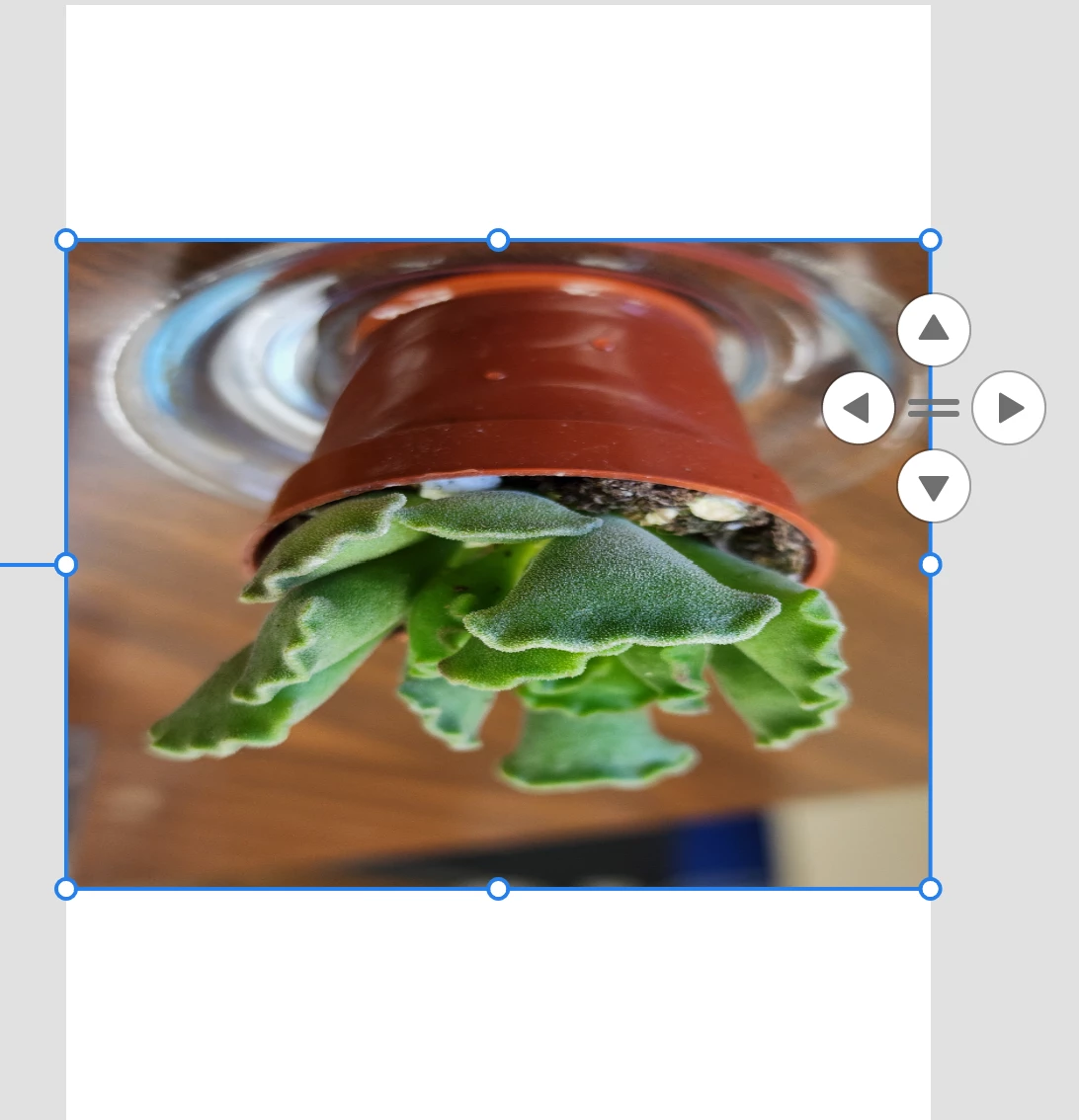
When I place an image from my file into a Fresco project, the image flips on it's side or up side down and is stretched to the edges of the artboard, distorting it. How can I control these imports? Windows PC version


Thank you! 

Denise 


This topic has been closed for replies.
Correct answer Sjaani

In short there's nothing you can do in Fresco to set up how a file is imported.

Is it happening to all files or is it somewhat random? Are you using Windows 10 or 11?

I am also able to recreate this issue. For me most images work correctly. The one which doesn't work, is the same file each time. Another interesting result if I resize the ones which place correctly everything is okay. If I try to resize the one placed sideways and distorted I end up getting told that the file is too large.

This leads me to believe it is part of the file size restrictions. So I am wondering if editing the file prior to importing into Fresco will solve this flipping and distorting issue. Admittedly this doesn't clearly explain why your image is appearing upside down.

1 reply

Sjaani
Community Expert
SjaaniCommunity ExpertCorrect answer
Community Expert
April 4, 2022

In short there's nothing you can do in Fresco to set up how a file is imported.

Is it happening to all files or is it somewhat random? Are you using Windows 10 or 11?

I am also able to recreate this issue. For me most images work correctly. The one which doesn't work, is the same file each time. Another interesting result if I resize the ones which place correctly everything is okay. If I try to resize the one placed sideways and distorted I end up getting told that the file is too large.

This leads me to believe it is part of the file size restrictions. So I am wondering if editing the file prior to importing into Fresco will solve this flipping and distorting issue. Admittedly this doesn't clearly explain why your image is appearing upside down.
