



Quickly create 3D designs from images using Perspective grid Capture
In the Max version of Fresco, we added support for perspective grids, that helped you create two or three-point perspectives. In Fresco 3.3, we have taken that idea forward through Perspective grid capture that automatically applies grids to imported images, layers, or documents using Adobe's AI technology.
To generate a perspective grid, tap Grid > Precision panel > Create a perspective grid, and choose the image, layer, or document.
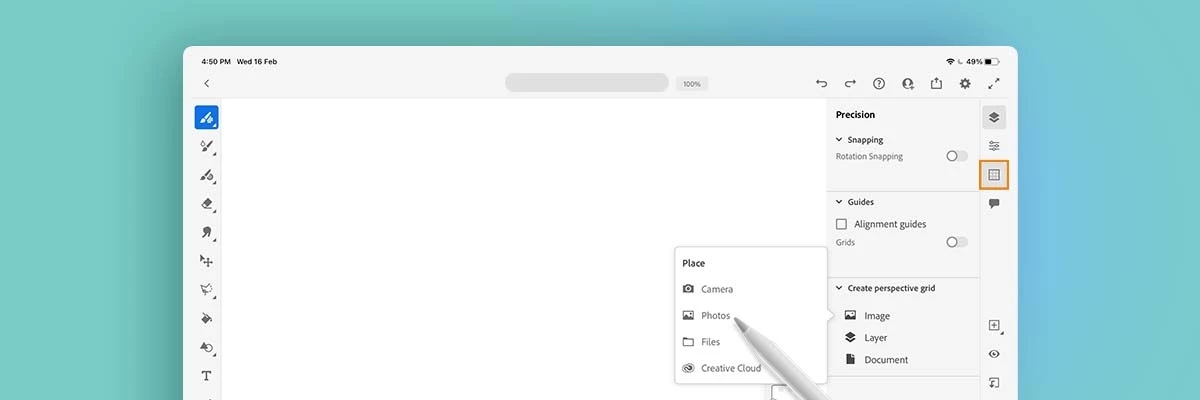
Perspective grid capture for an image
Tap Place in the left pane, choose the image, and tap Grid on the top right to generate the grid:-
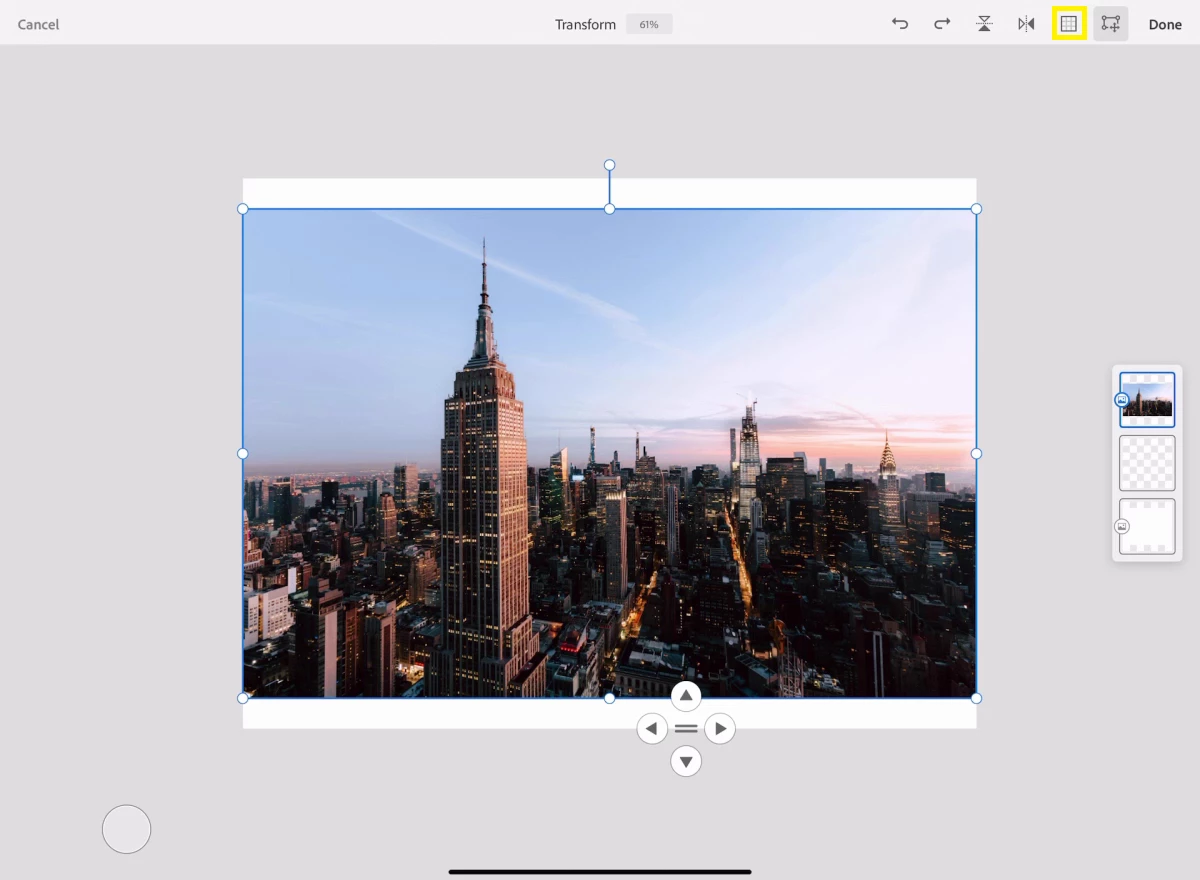
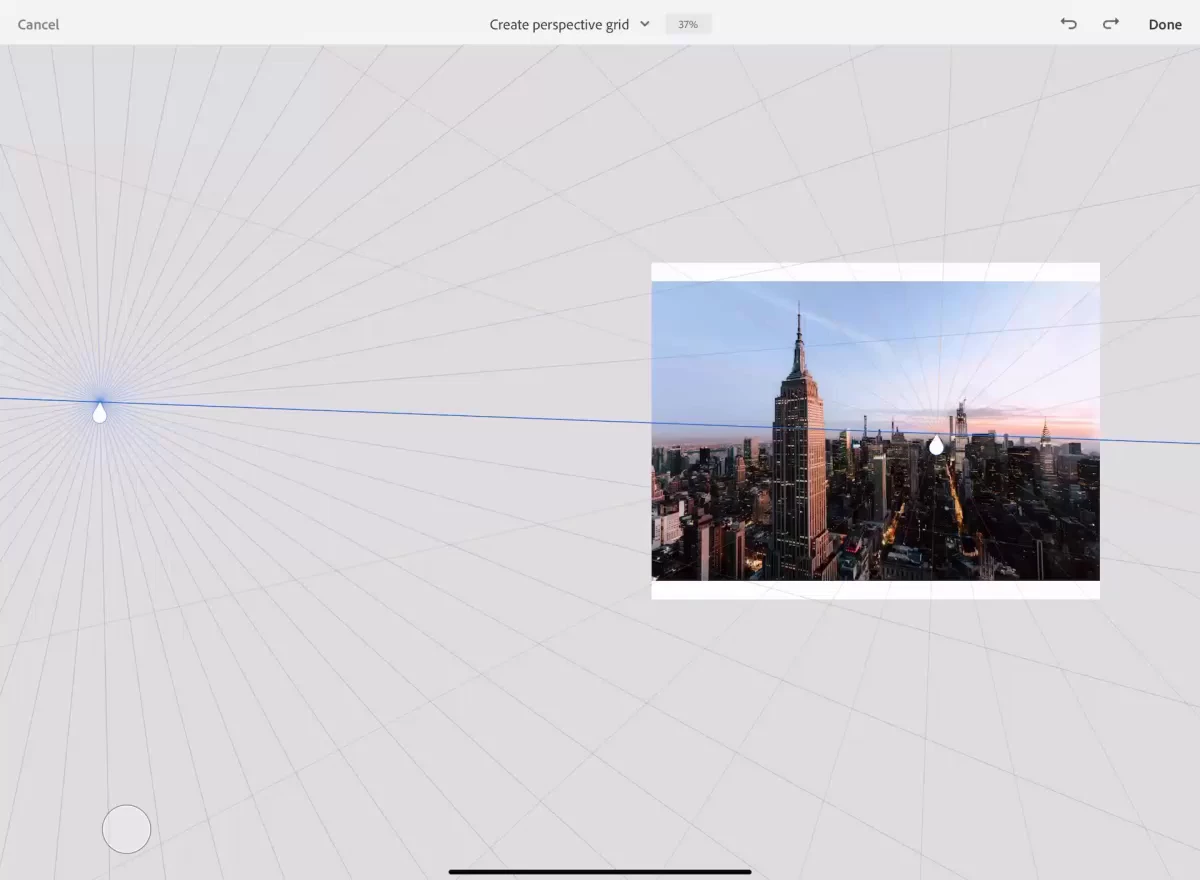
For more details, please see "Perspective grid capture" section in this helpx link.
I am locking this post. Please create separate posts to share your observations or feedback with us.
Thanks,
Vivek


 AdChoices