




Question
Resize Documents in your iPhone by easy access to custom preset in Fresco
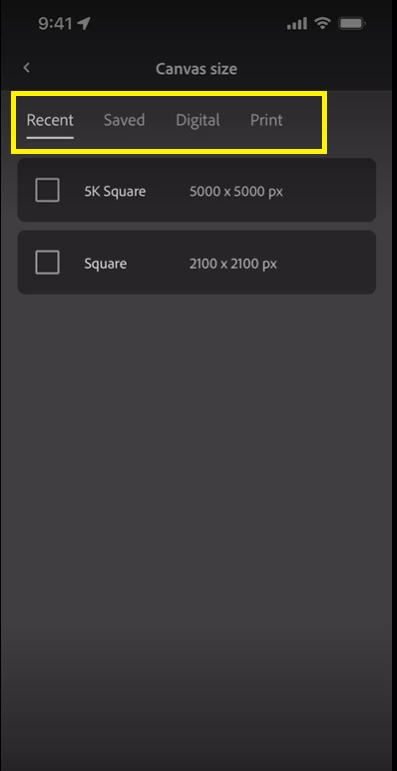
Fresco 3.4 provides you an option to resize your documents on your iPhone more easily with direct access to your custom document presets or the built-in presets.
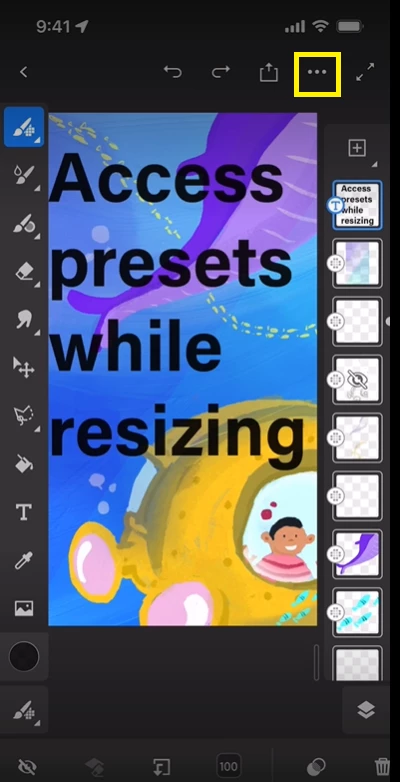
1. Tap the three dots on the top right-hand side.
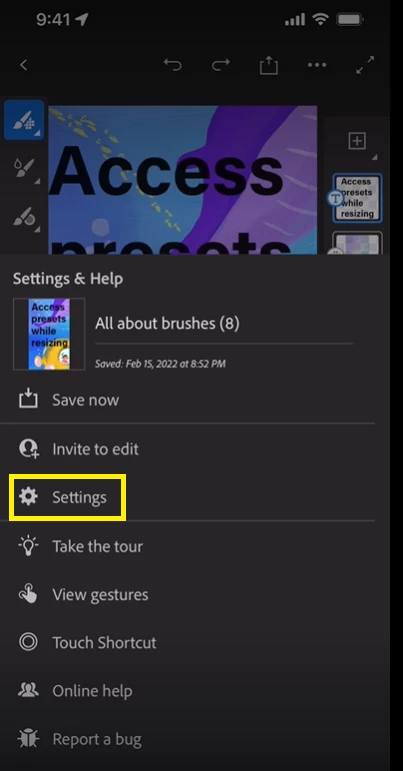
2. Tap the settings icon.
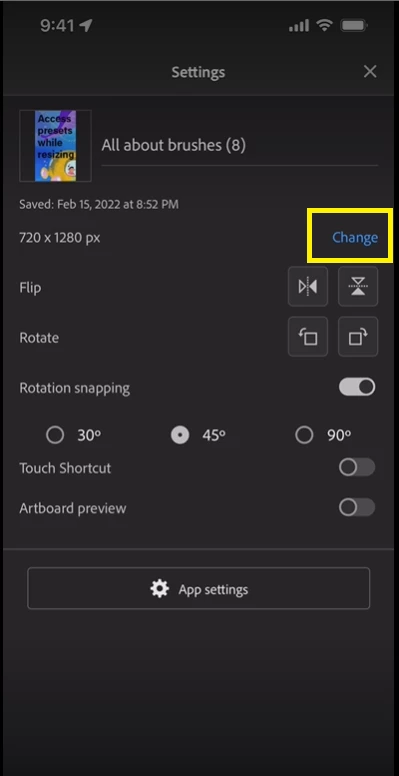
3. Tap the Change option.
4. Tap the Edit option.
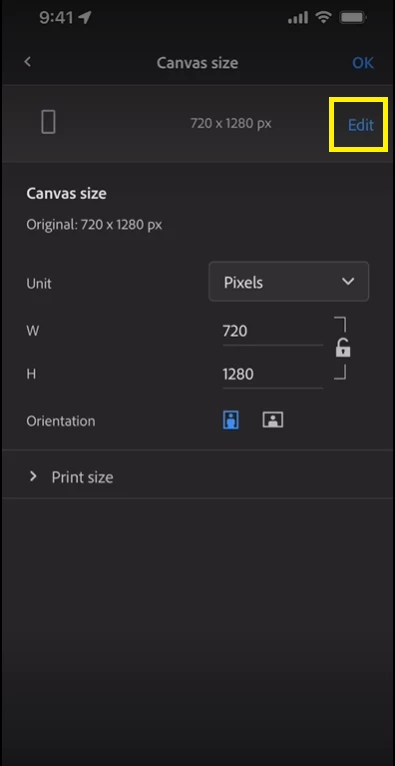
5. Use the desired preset. (Recent/Saved/Digital/Print)
For more details, please refer to this Helpx link.
I am locking this post. Please create separate posts to share your observations or feedback with us.
Thanks,
Vivek
 AdChoices