
Kisstina
Participant
May 11, 2021
Question

Saving vector images

  • May 11, 2021
  • 2 replies
  • 439 views

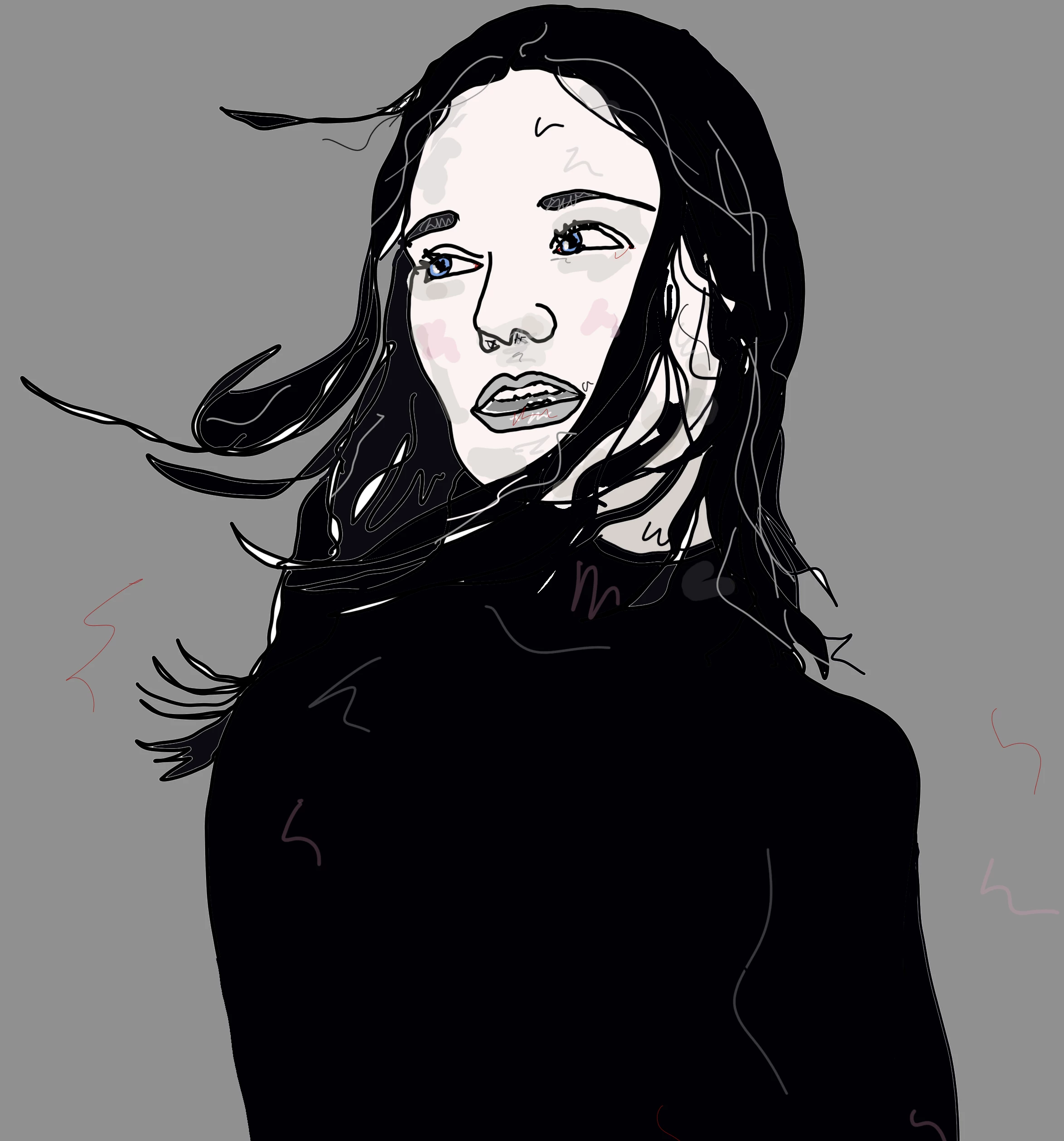
I am working with the Vector brush and it only saves in pixels.  Do I need to purchase Illustrator to save a vector image.  I was told by adobe that it is only raster.  Is this true? If so why would they have a vector brush.  I could not get an answer about having to have Illustrator to save vector images.  Can you help.


This topic has been closed for replies.

2 replies

Michael J. Hoffman
Community Expert
Community Expert
May 12, 2021

If you save a vector illustration from Fresco as PDF, the vector shapes are preserved as vectors. You can open the PDF in Illustrator to verify that vectors are preserved.


The path to save a PDF is: Share, Publish & Export, Export As, change the format to PDF.


The other export formats don't support vector (i.e. JPG, PNG).


Kisstina
KisstinaAuthor
Participant
May 12, 2021
Thank you so much for the information. I will that a try.


Sent from Outlook
Sjaani
Community Expert
Community Expert
May 11, 2021

The Vector Brush in Fresco creates shapes rather than lines.

Even when opened in Illustrator after creating in Fresco you will have shapes.

If you really want to work with Vector and a pen tool in an iPad app consider switching to Illustrator on iPad.


Kisstina
KisstinaAuthor
Participant
May 12, 2021

Thanks.  Most of my work has been in Photoshop and I am trying to work with vector images.  I thought Fresco provided that option.  It sounds like I need to buy Illustrator to do so.  Big thanks.