



Question
Send files from Fresco to Illustrator on iPad
Are you tired of sending your files to Illustrator on Desktop and then opening it on Illustrator on iPad? With the latest update, you can now directly open your Fresco projects in Illustrator on the iPad.
Update your application to the latest release (3.0) and send your files directly to Illustrator on iPad in just 3 clicks.
- Click on the Share icon
 on the top right corner of the screen.
 - Choose Send to Illustrator.
- Choose iPad or Desktop as per your preference.
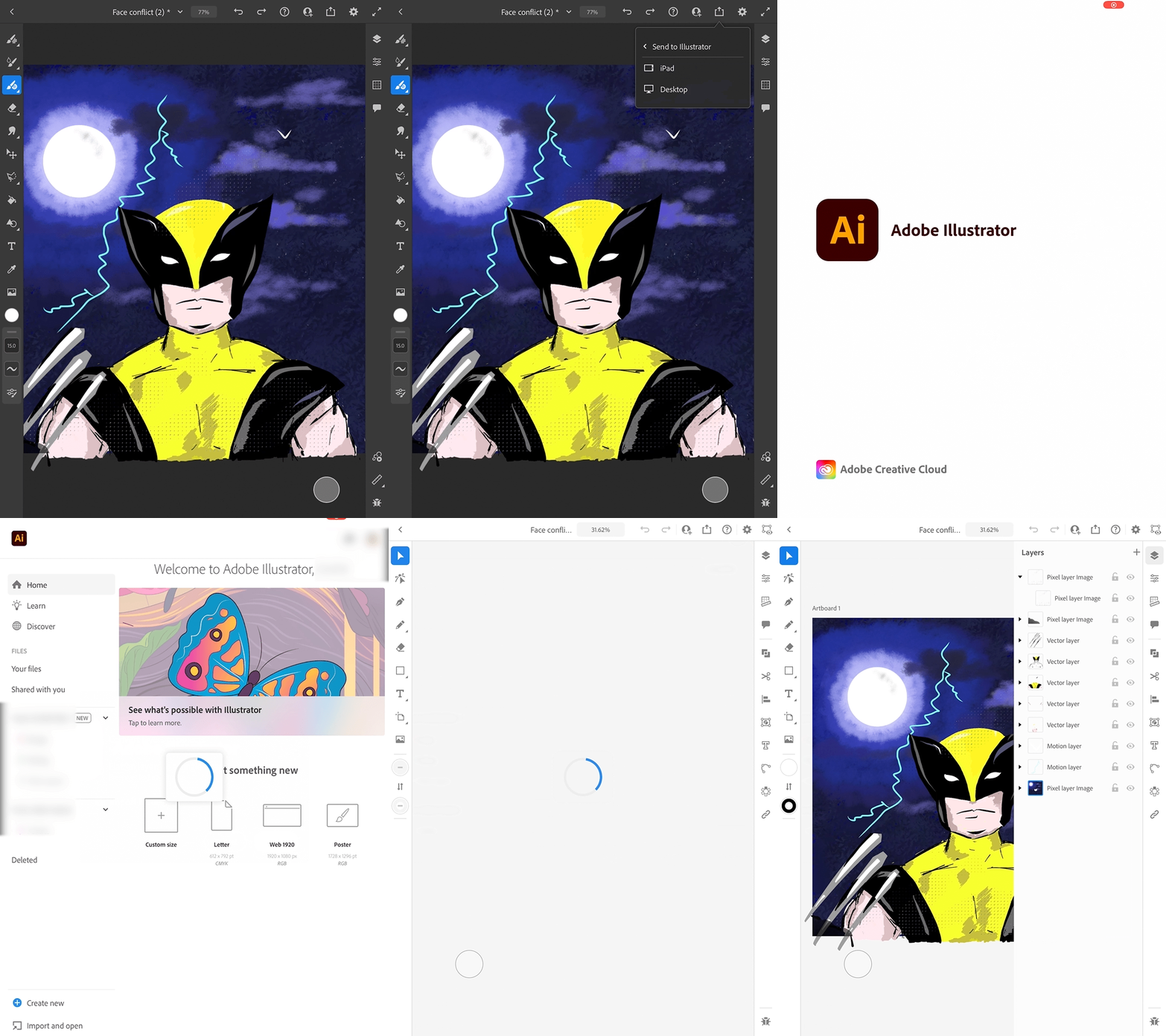
Limitation: This option is only available in the iPad version. You cannot send your files from the Windows version to Illustrator on iPad.
-Srishti
 AdChoices