Participant
Oct 5, 2026 3:38 PM UTC
Question

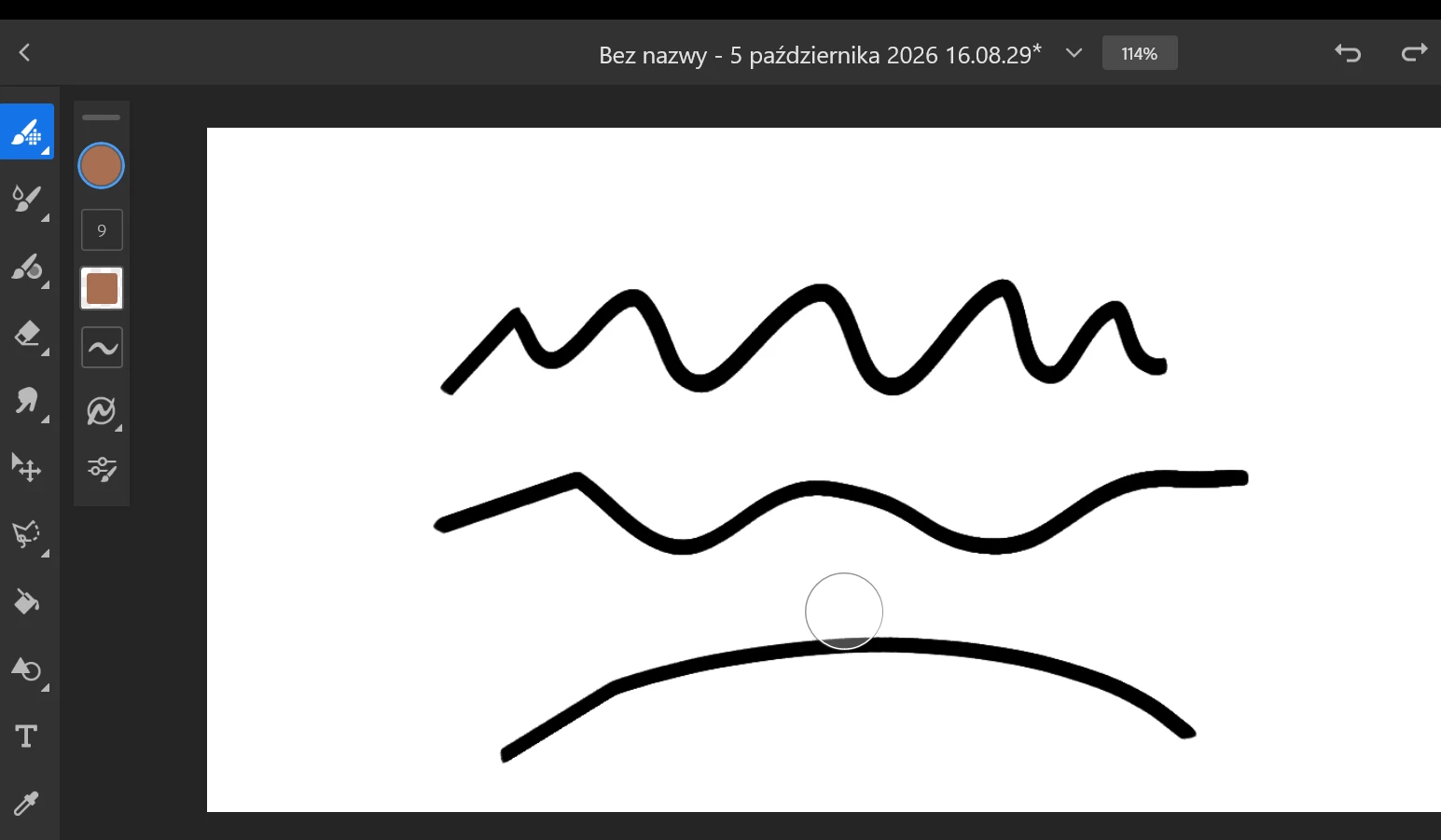
Stright line at the beginning of the stroke

When I try to draw anything it draws a straight line at the beginning of the stroke. When i disabled windows ink it worked normaly but pressure sensitivity was gone.

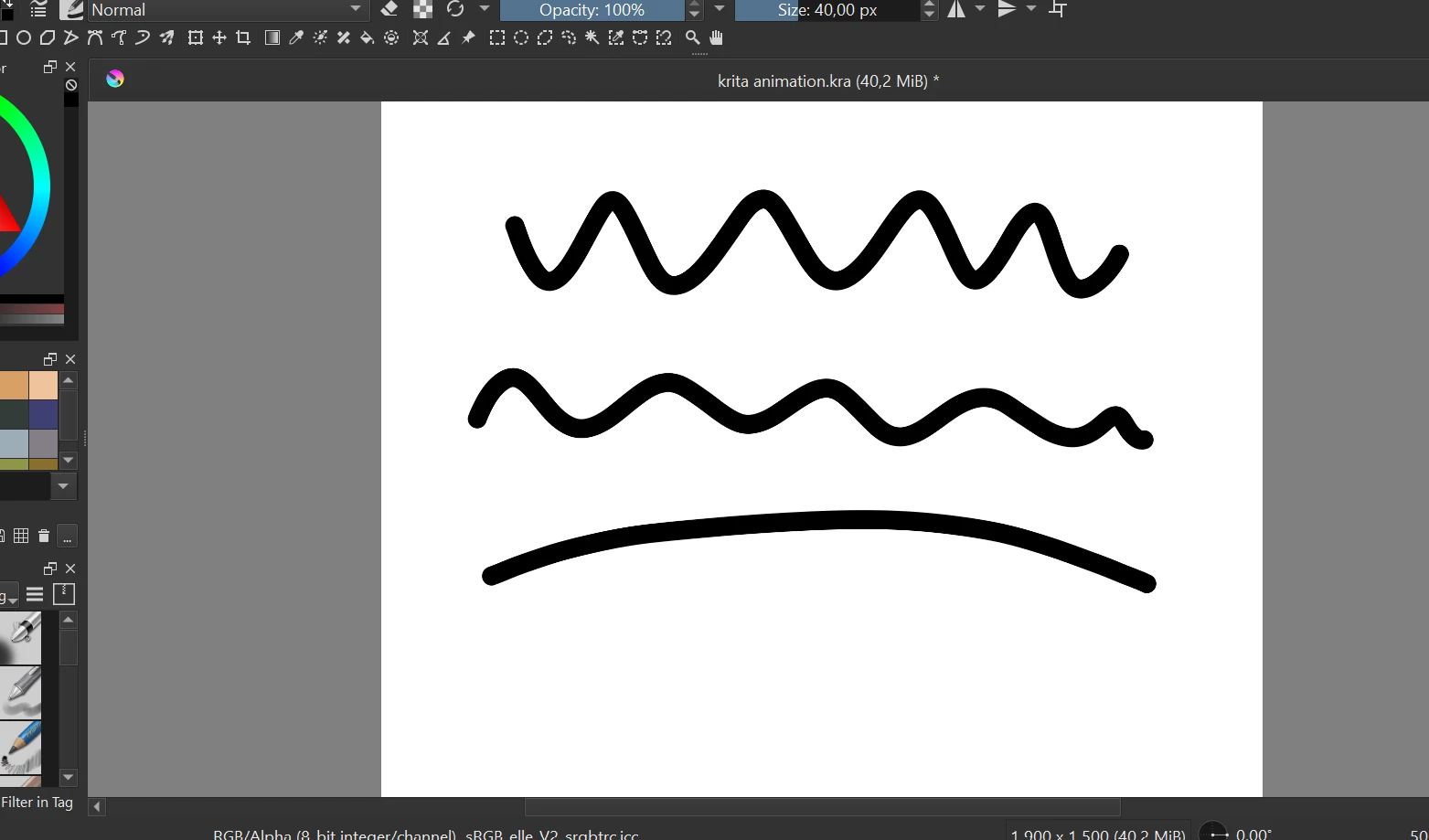
On other apps drawing works perfectly. I noticed that drawing with a mouse in Fresco also works so there must be something wrong with pen. This morning everything was normal when i was drawing.

Please help Im desperate.
Krita
Fresco


7 replies

Anubhav M
Community Manager
Community Manager
Oct 6, 2026 2:05 PM UTC

Hello ​@Amiable_student753c ​@eglinarts 


I’m sorry to hear about your experience. Could you share more details, like the versions of the OS/Fresco installed, and if this started happening after a recent update so we can better assist you?


Looking forward to hearing from you.
Anubhav

Translate
Participant
Oct 15, 2026 11:19 AM UTC

Hi, it is version 5.7.1. I didnt update it or anything, it happened just like that :(

Translate
Anubhav M
Community Manager
Community Manager
Oct 15, 2026 2:41 PM UTC

Hello ​@Amiable_student753c 


Thanks for confirming. Would you mind checking if all of your work is synced online (https://adobe.com/files)? If yes, please try resetting Fresco (https://support.microsoft.com/en-us/windows/repair-apps-and-programs-in-windows-e90eefe4-d0a2-7c1b-d...) and check if it helps.


Also, check for any pending Windows updates, update/reinstall your Tablet/Stylus/Pen drivers, and share your observations.


Looking forward to hearing from you.
Anubhav

Translate
Participant
Oct 6, 2026 2:03 AM UTC

I’m having the opposite problem, where the straight line appears at the end of a stroke. It’s especially prominent when drawing a curve or circle, which drives me nuts as soon as I BEGIN drawing, per the Loomis head method.

Unfortunately I do not have a fix. :( Just wanted to second that this is a legitimate issue that needs fixing, even after the most recent update.


Translate