



PTC_93
Participant
May 27, 2026
Question

Strokes do not register & also lag

  • May 27, 2026
  • 1 reply
  • 3 views


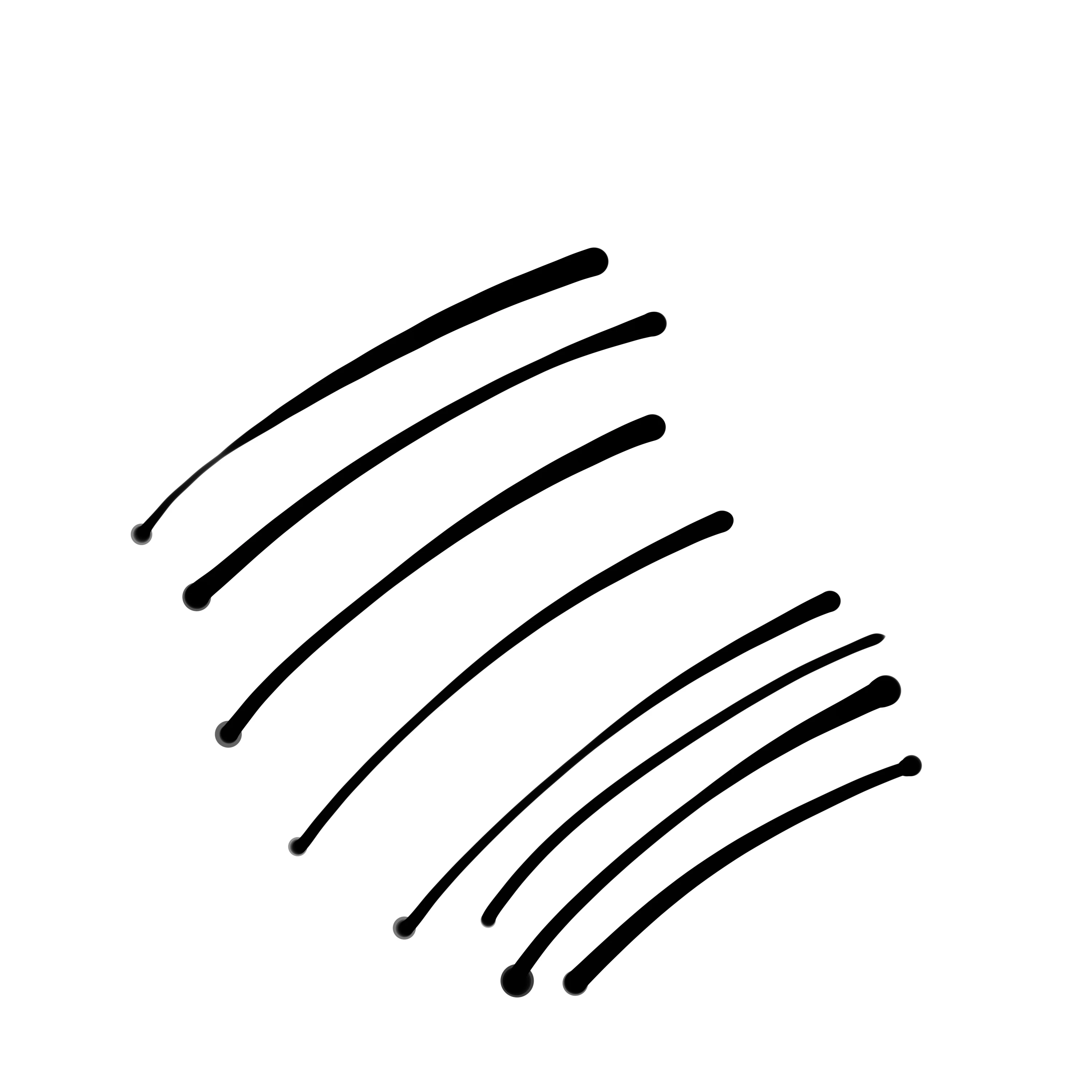
I am experiencing an issue where the pen stroke does not respond correctly at the beginning of each

stroke. The line often breaks or does not register properly when I first start drawing, especially when using pressure sensitivity.

Here are the details:

  • App: Adobe Fresco
  • Device: iPad Air 11-inch (M4)
  • iOS Version: ios version26.5
  • Apple Pencil: [Apple Pencil Pro]

I have already tried:

  • Restarting the app
  • Restarting the device
  • Updating Adobe Fresco to the latest version
  • Updating iOS to the latest version

The Apple Pencil works normally in other apps such as GoodNotes, so the issue seems to occur only in Adobe Fresco.

This problem started suddenly, even though the app previously worked fine.

Please investigate this issue and let me know if there is a solution or if this is a known bug
 

    1 reply

    Abhishek Rao
    Community Manager
    Community Manager
    May 27, 2026

    Hi @PTC_93,


    I'm sorry to hear you're experiencing this issue, especially since the Apple Pencil is working normally in other apps. Could you please try turning off Zoom under iPad Settings > Accessibility > Zoom and then test Fresco again? Also, please make sure there are no pending Fresco updates remaining and confirm that your work is fully synced online: https://adobe.ly/3Yc6OOc

    If your work is synced, please try deleting Fresco, restarting the iPad, and then reinstalling the app before testing again. Additionally, please check that the Apple Pencil tip is fully tightened, as loose tips can sometimes cause inconsistent stroke detection in drawing apps.

    If the issue still persists after this, kindly share a short screen recording showing the behavior while drawing so we can investigate it further. Please let us know how it goes.


    Thanks,
    Abhishek