

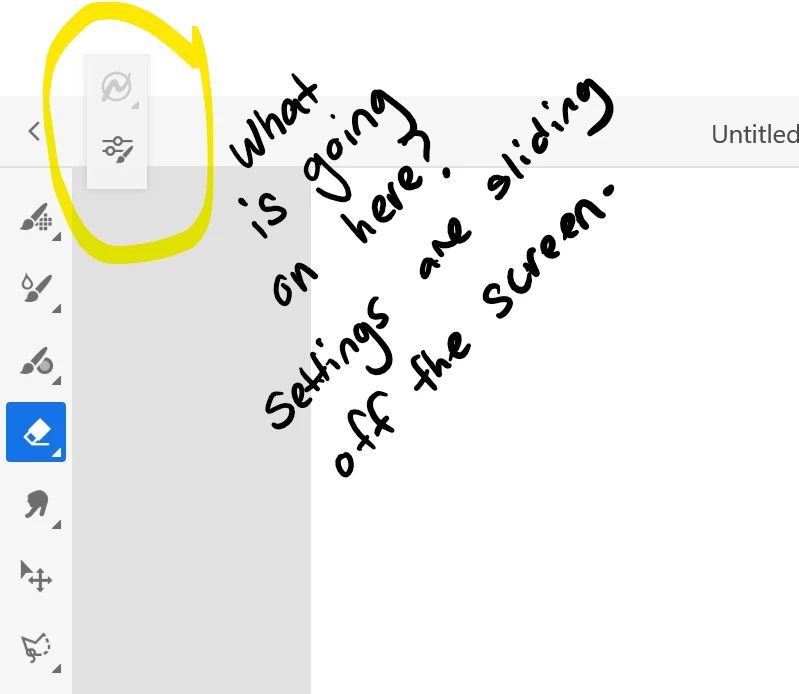
Toolbar tool settings are slowly inching their way up the screen and I can't change the size of any brush.
When I click on a tool in my toolbar (e.g. brushes) - the sub-settings for the tools are only half accessible. They are slowly inching up the screen and becoming inaccessible. I cannot possibly change the brush size or edit the smoothing. It seems to get worse every day… I’m working on a windows laptop.
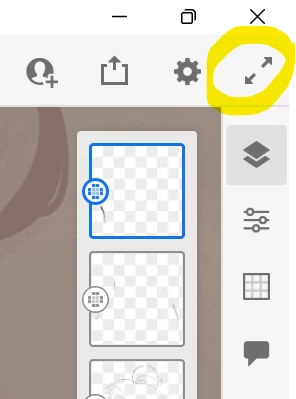
I have tried seeing if I can drag it down with my pen or mouse - nothing. It’s stuck. I have tried fiddling with the settings - nothing seems to work (also, there aren’t many settings anyway?) I have tried shutting the app and restarting it. I have tried restarting the computer. I have tried ‘repairing’ the app through windows. I want to avoid ‘reinstalling’ if I can - in case I am going to lose my brushes? Will my brushes get deleted if I reinstall the app, or are they saved in the cloud settings?
Has anyone had this issue? Thanks!


 AdChoices