
Using Fresco Symmetry on iPad with Apple Pencil Pro double click
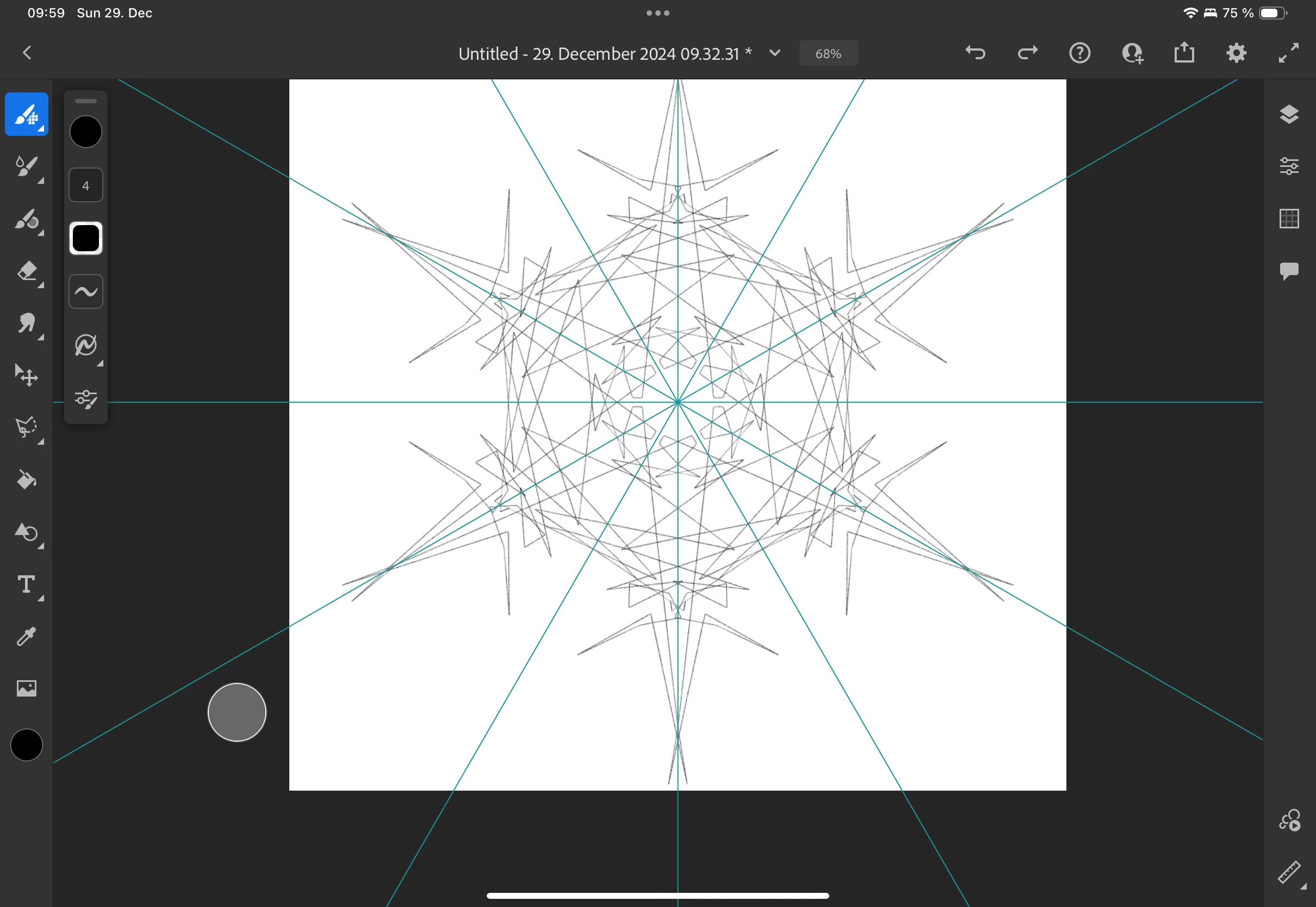
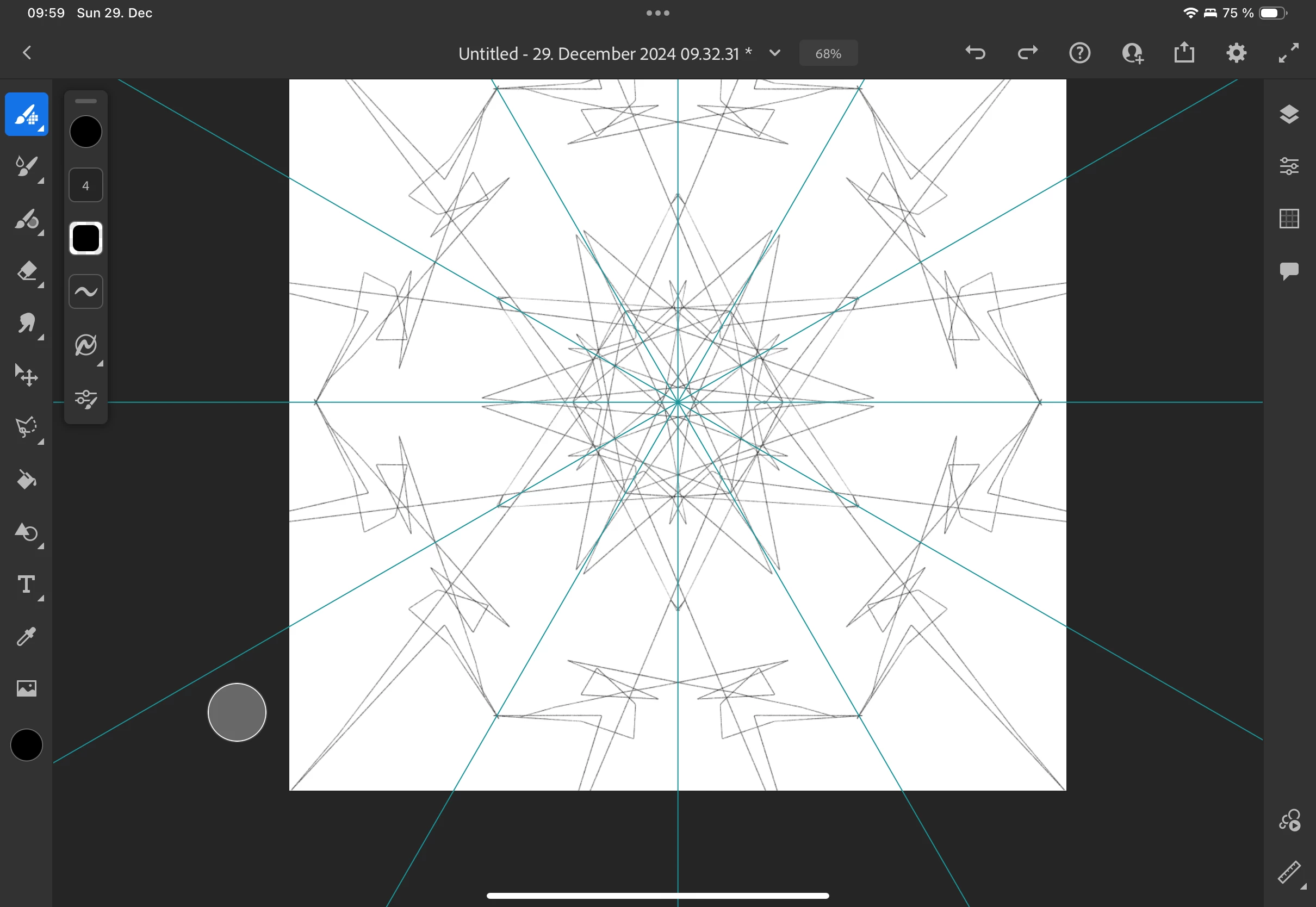
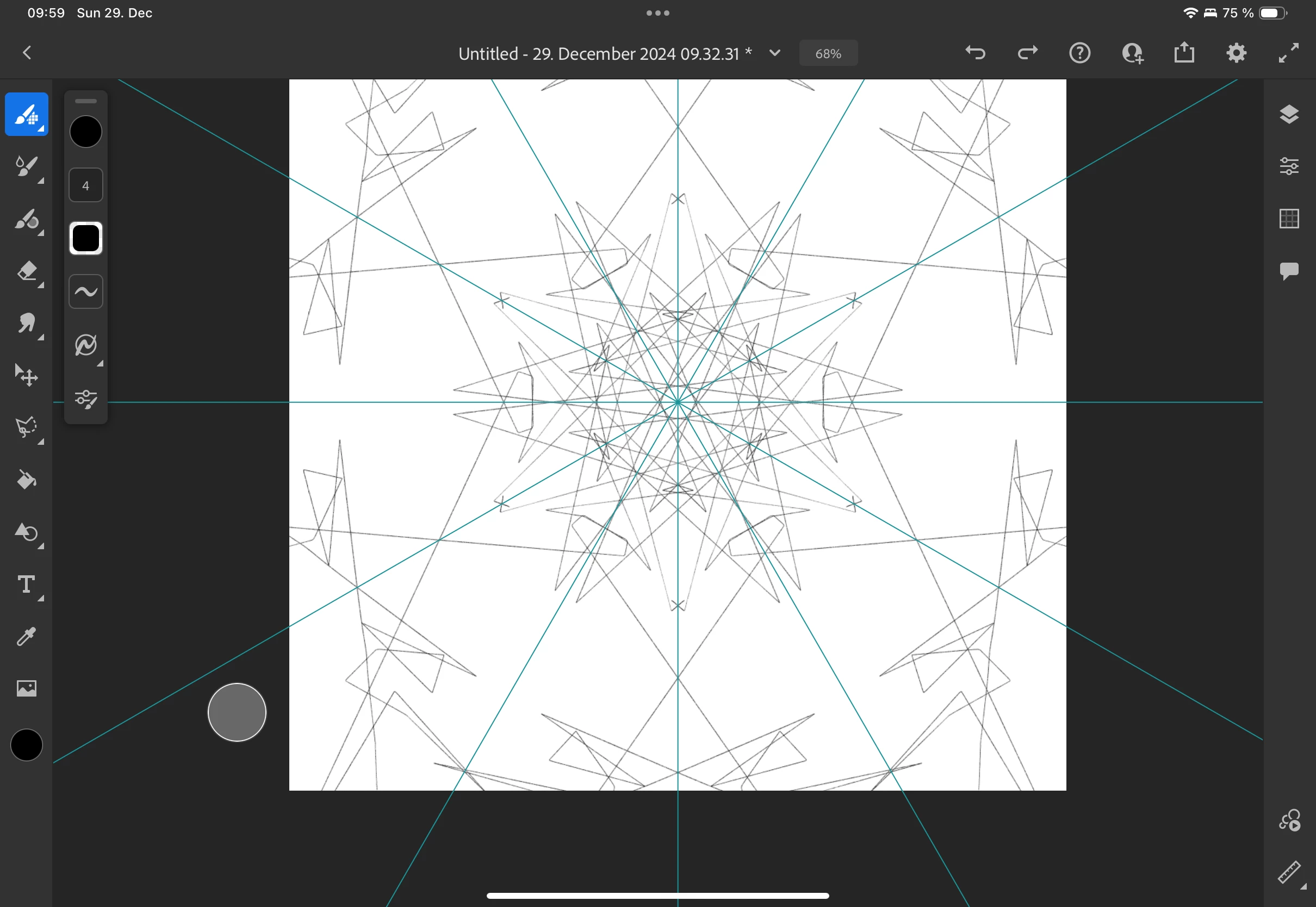
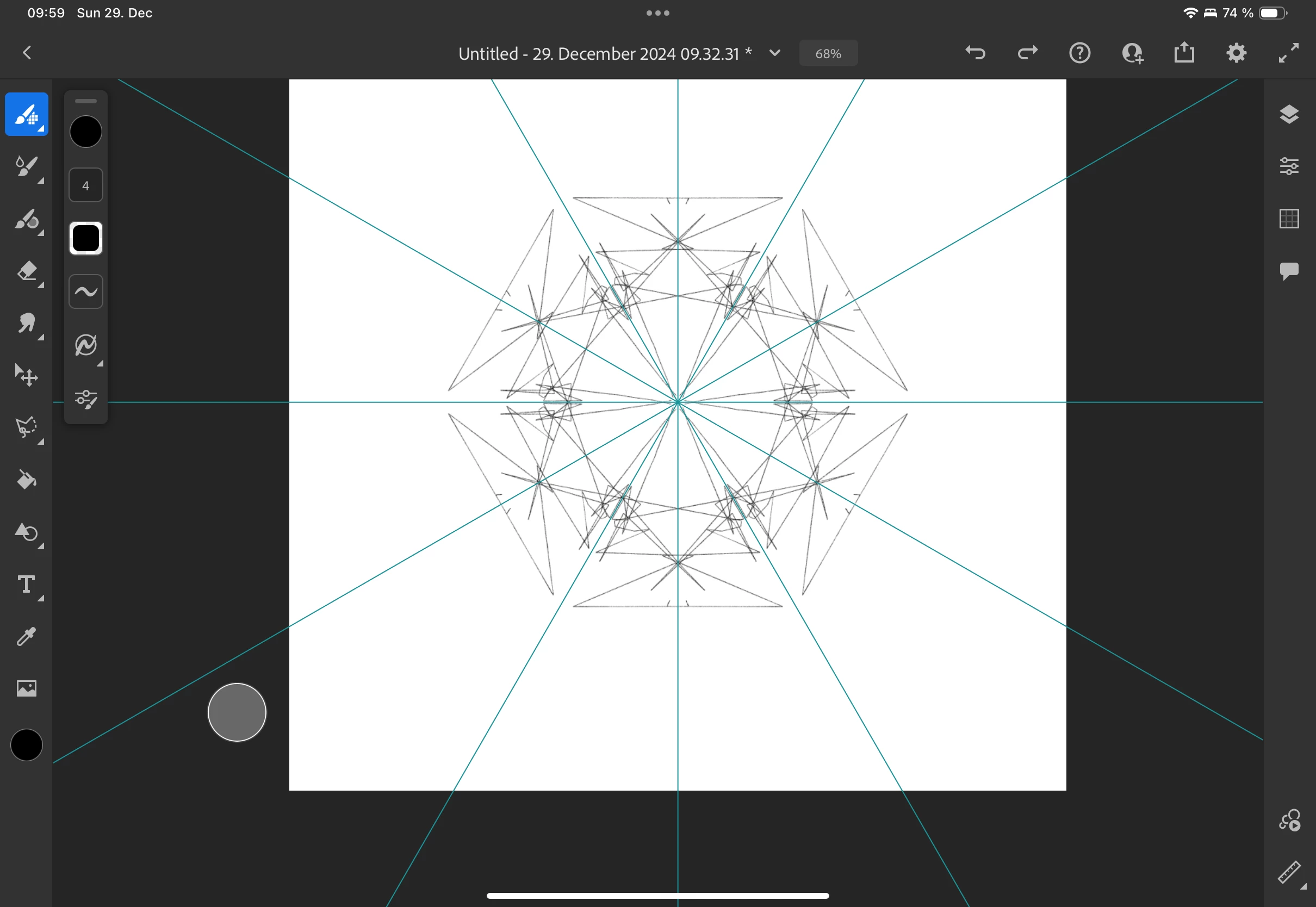
I have accidentally discovered a feature that I can not find in documentation and tutorials. I want to understand how it works better, because I still don't quite get it how to enable it, it happens by lucky chance from where I am standing now.
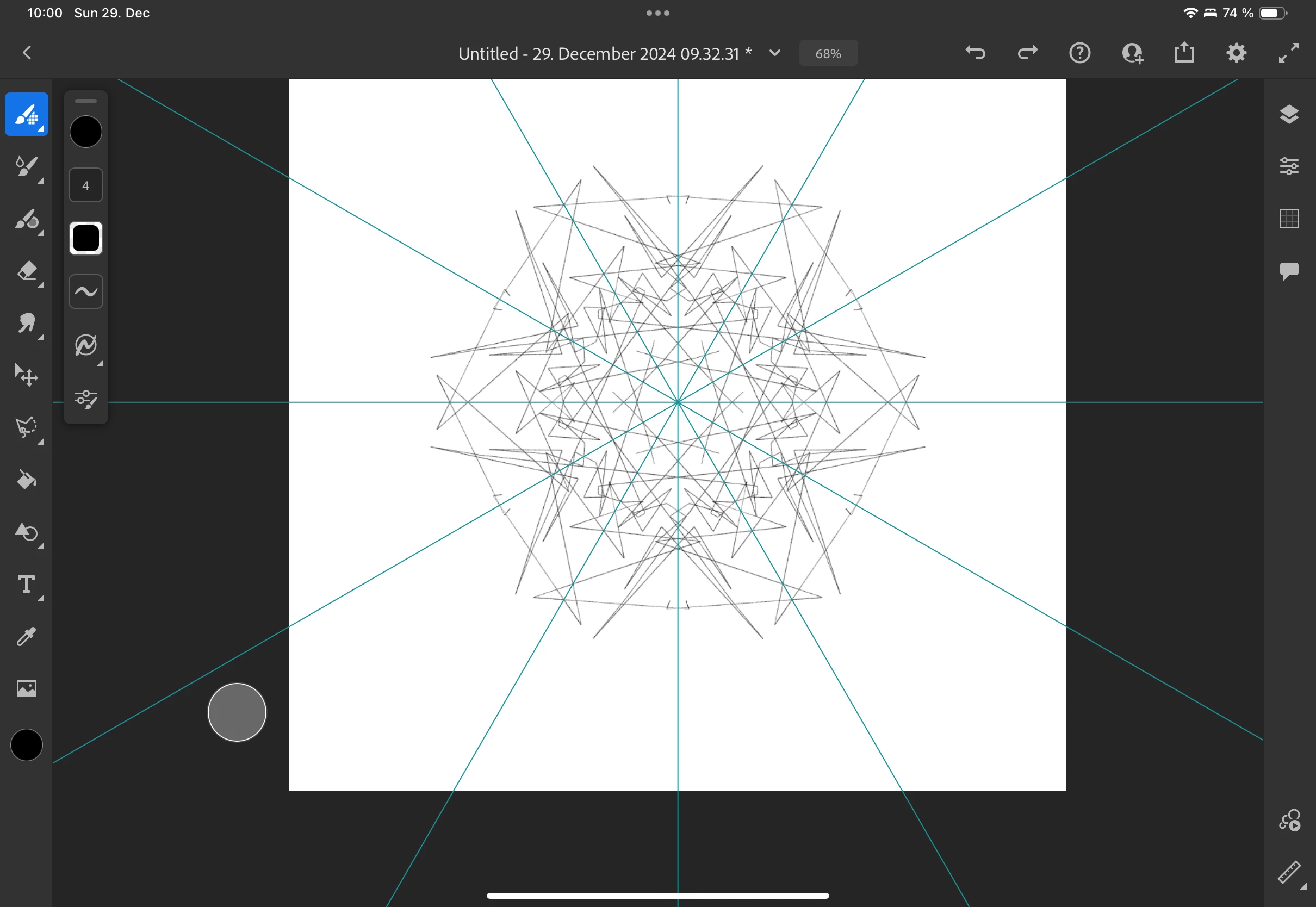
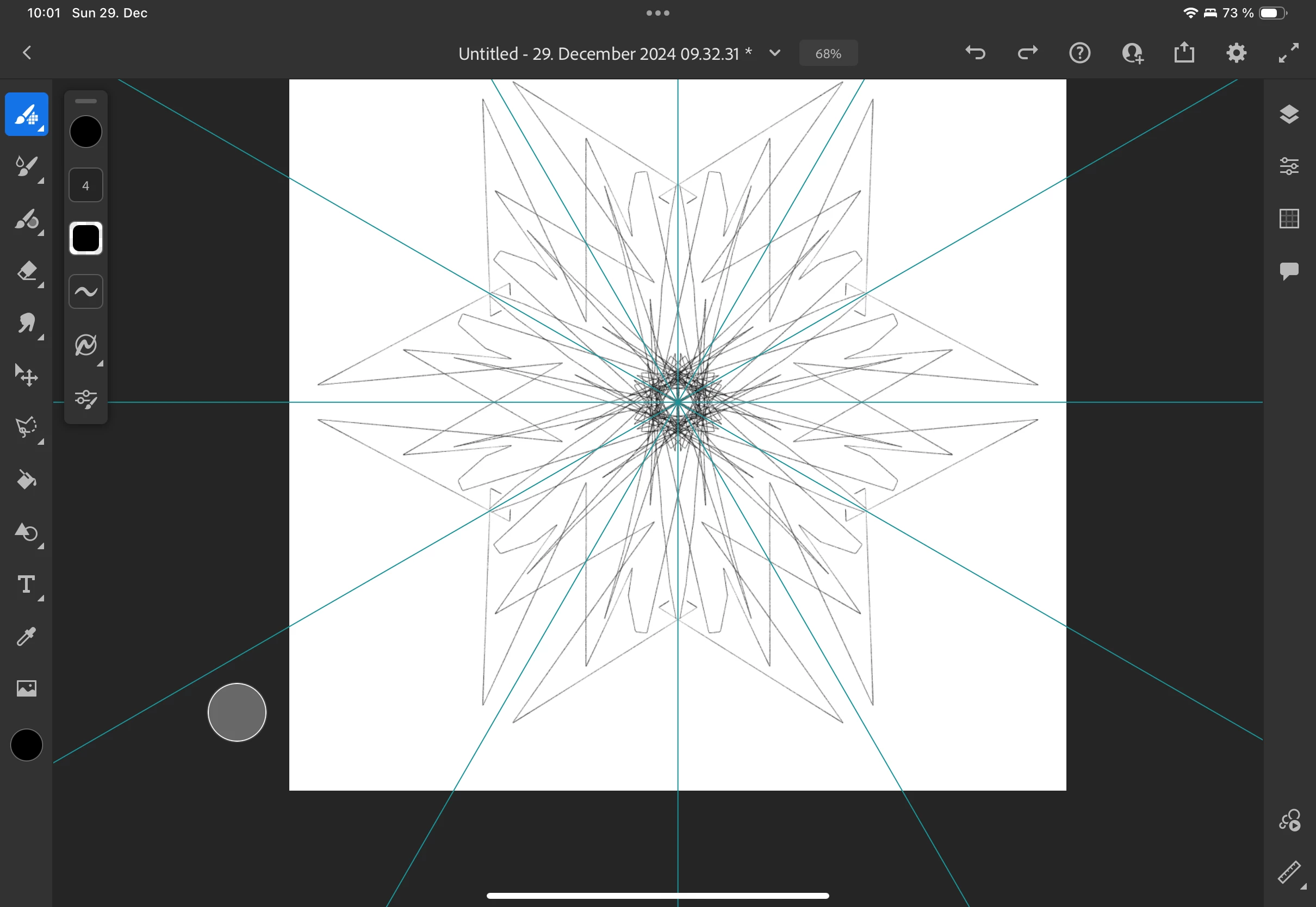
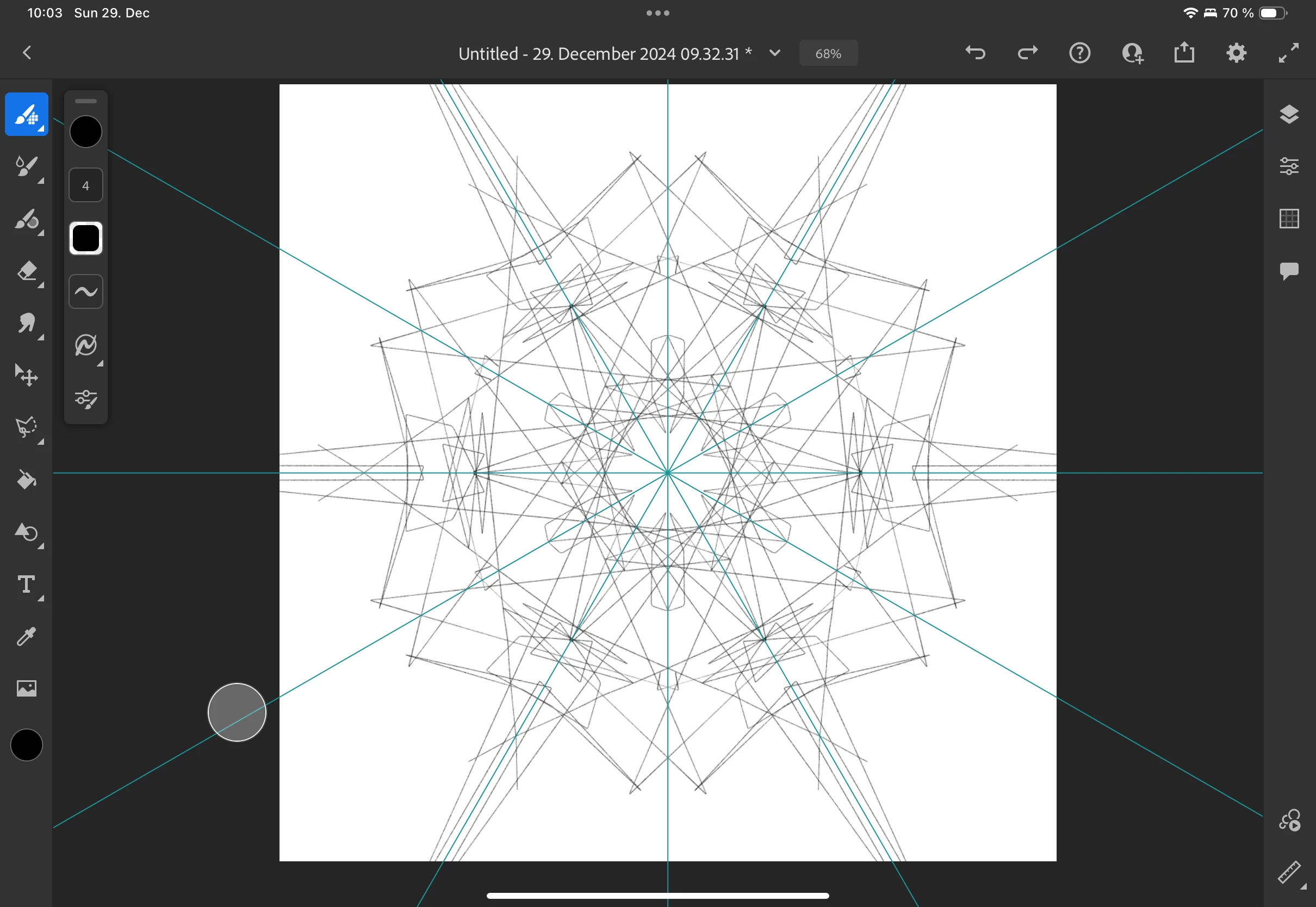
I start to draw a mandala in symmetry mode with my Apple Pencil. Sometimes when I press on the stylus firmly the lines start to move differently helping to reshape and scale the pattern until the pencil tip stops touching the surface of my iPad.
All the attached images are made from one instance by moving the stylus in different directions.
My questions are:
What action and under what conditions enable the feature? Is it double click?
Why is it not always working?
How is this mode called and where can I read about it?


 AdChoices