Participant
Nov 12, 2023 8:00 PM UTC
Question

Vector Fill creates white edges

Hello,

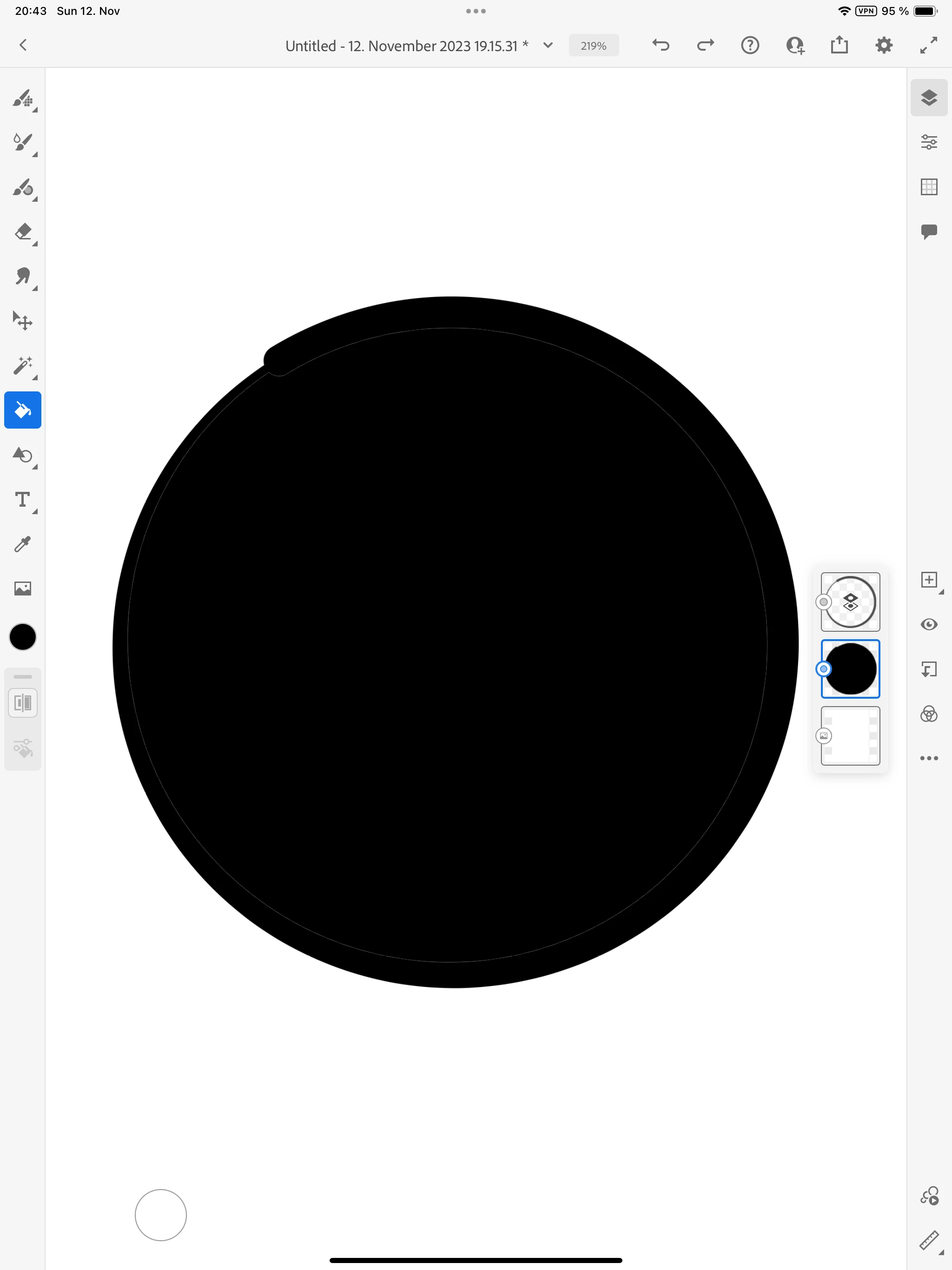
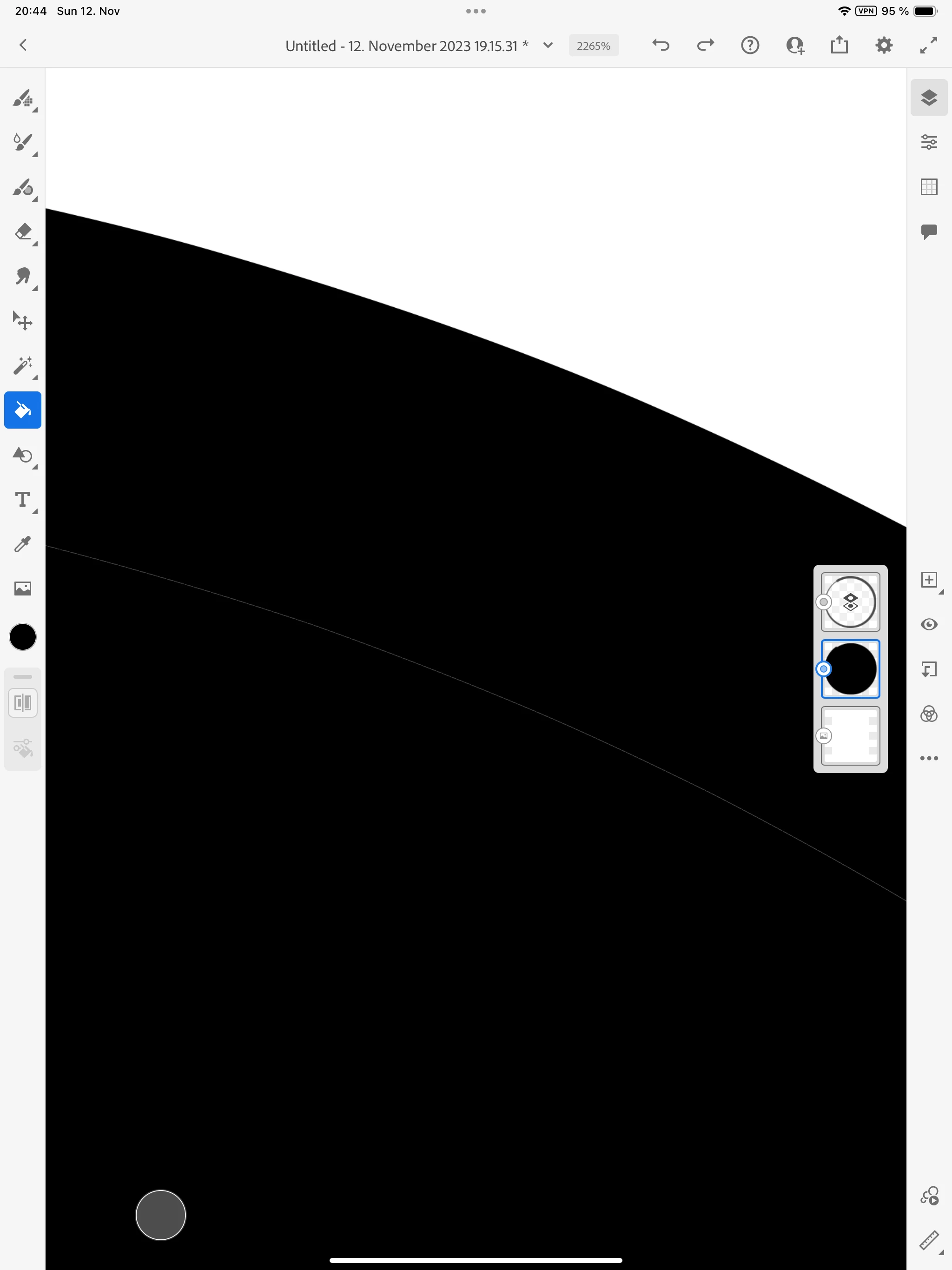
I want to use vector brushes and vector fill but i always get a white edge if I fill in the same color as my vector line.

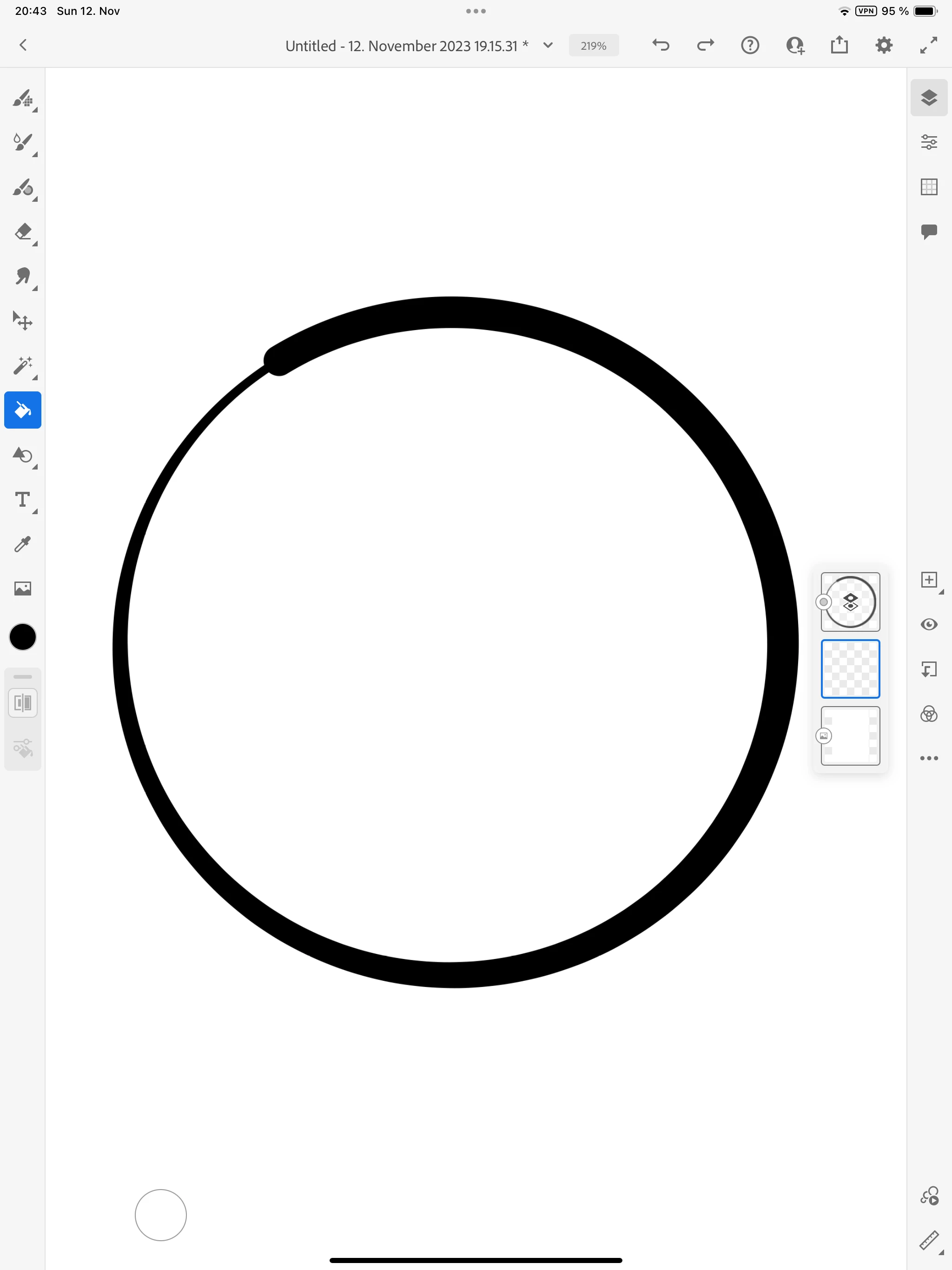
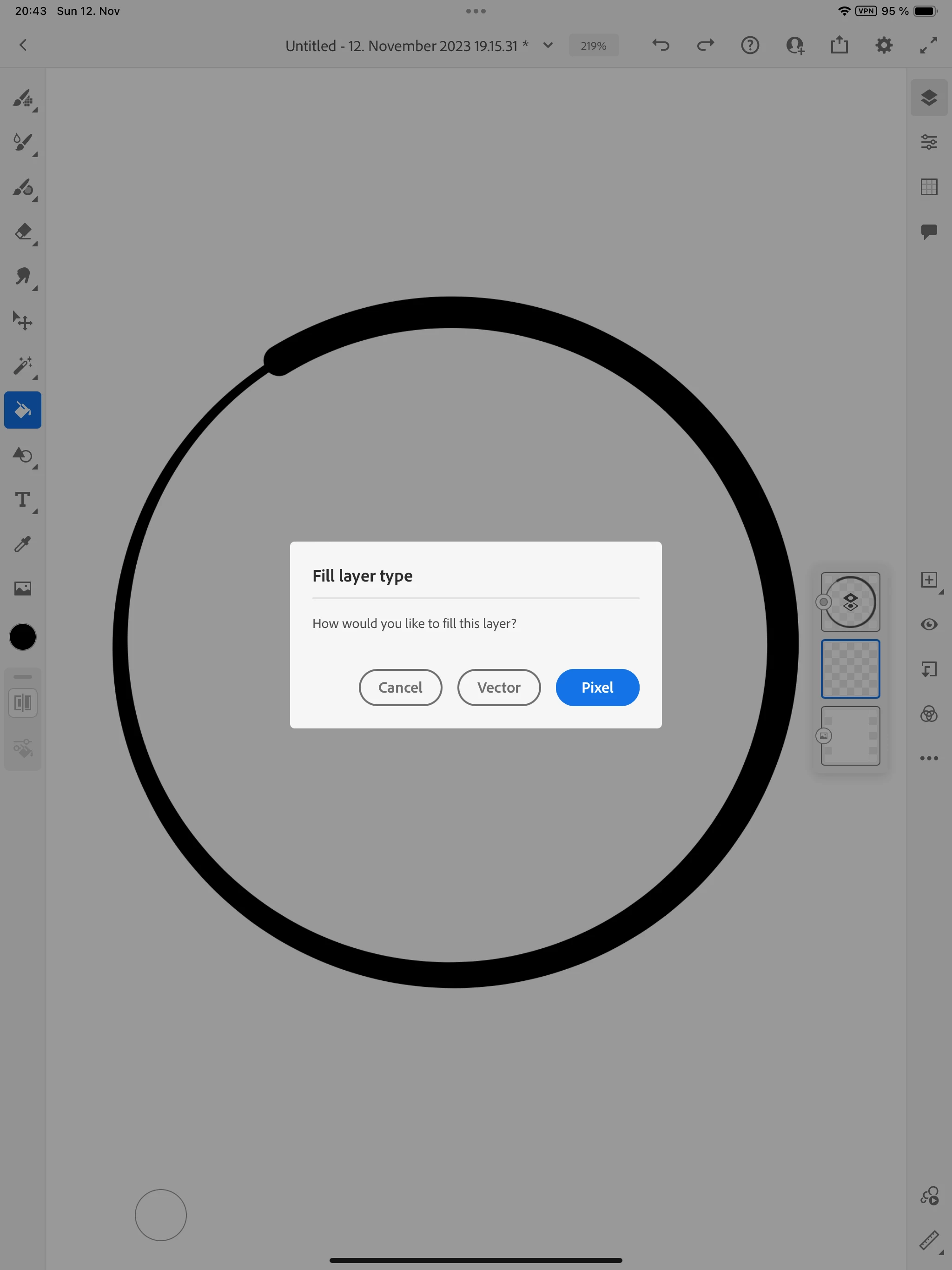
In more detail: I create a closed object using the vector brush.  I then create another layer and make the layer with the object a reference layer. I take the paint bucket and fill in the same color on another layer. As you can see in the images there is a white margin on the edge. And there is no option to fix the margin like with pixels. How can i get rid of the margin? Thank you!
This topic is closed to new replies. Start a new post to keep the conversation going.

4 replies

Known Participant
Nov 28, 2023 4:25 PM UTC

I´ve noticed the same issue with vector brushes and fill, very frustrating and also couldn´t find any solution so far..

Translate
Participant
Dec 1, 2023 6:27 AM UTC

Hi Elena, the only workaround I found so far is to manually use the vector brush and go over the white edges

Translate
Community Expert
Nov 13, 2023 3:27 AM UTC

This tutorial might help. https://youtu.be/0-ZTNbEM-ZY?si=dwoQiz9MUimORkqU&t=59 

Chris has a lot of great tips and tricks. 

Translate
Participant
Nov 13, 2023 3:25 PM UTC

Hi @Nick Gioia thansk for the video! Unfortunaltey it just talks about pixel brush and filling and not vector which i am after 😞

Translate