


Participant
Apr 8, 2020 10:59 PM UTC
Answered

Weird graphical glitches over drawn areas?
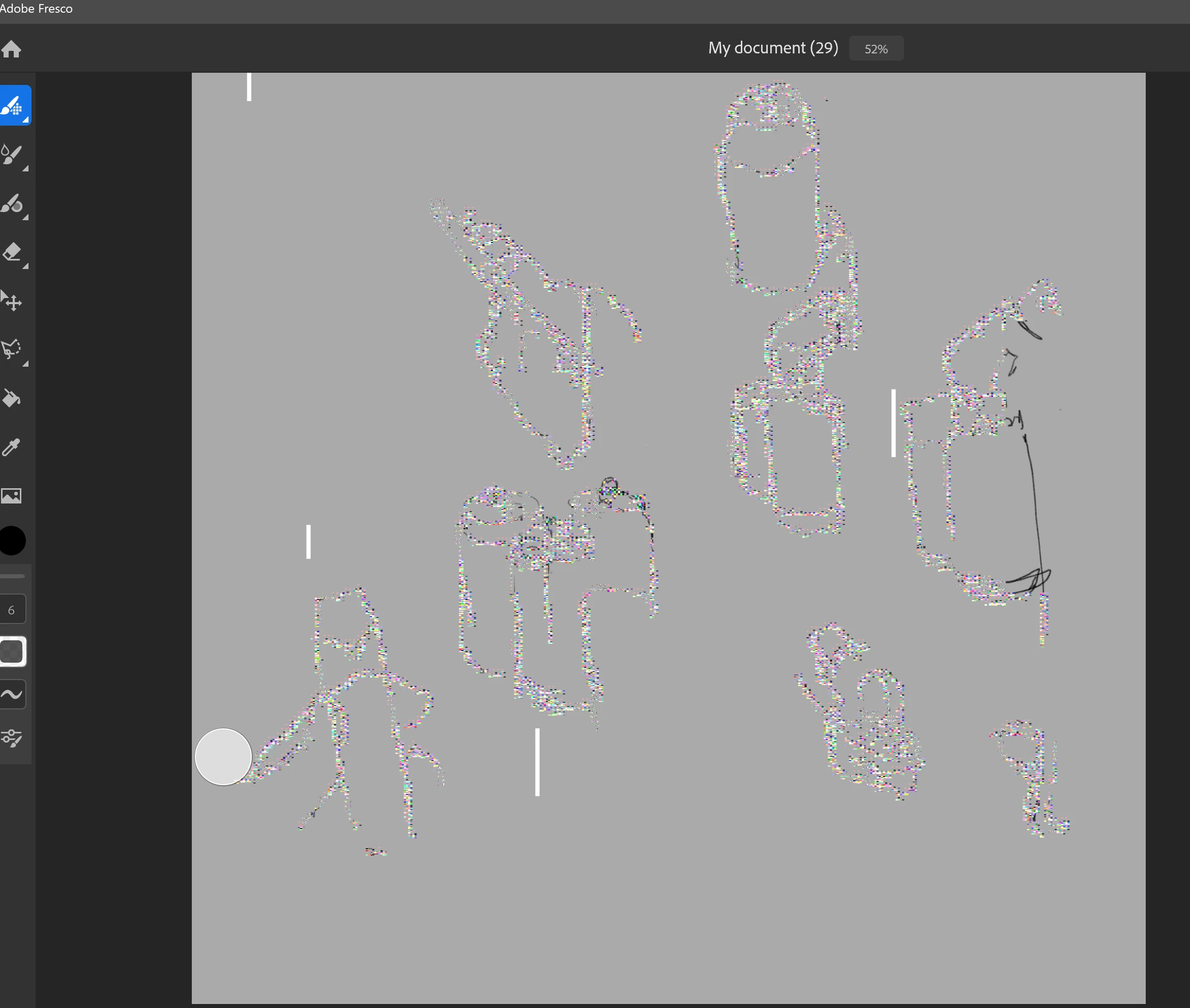
 Hi all, this is Fresco for Windows 10 through the CC app. Used it all the time this past year on my i7 Surface Book 2 (Nvidia GPU, 32gbs ram..) and its worked just fine. Now, when panning, drawing, changing visable layers, these weird rainbow graphical glitches appear on any area with pixels drawn. Ive uninstalled and reinstalled the program to no avail. Help!

This topic is closed to new replies. Start a new post to keep the conversation going.
Rohit Guglani
Rohit GuglaniCorrect answer
Participating Frequently
Apr 21, 2020 8:50 PM UTC

Bump!


Hello carterlilley,


We are still working on getting a fix. Kindly rollback your driver to previous version of the Nvidia. We can confirm the problem started happening with 445.75 driver version. 


Thanks a lot,

Rohit

5 replies

Rohit Guglani
Participating Frequently
Apr 9, 2020 2:40 AM UTC

Hello carterlilley,


Kindly share the Nvidia graphics driver version on your system. We have seen this issue with latest Nvidia drivers and are working with them for resolution. 


Kindly revert the driver to a prior version and we will update you once this issue is fixed. 


Thanks,

Rohit


Thanks,

Rohit

Translate
jay-indino
Participant
Apr 14, 2020 4:52 PM UTC

Same problem happened to mine. Same computer Surface book 2.
My NVIDIA GeForce GTX 1050's driver version is 26.21.14.4575

Translate