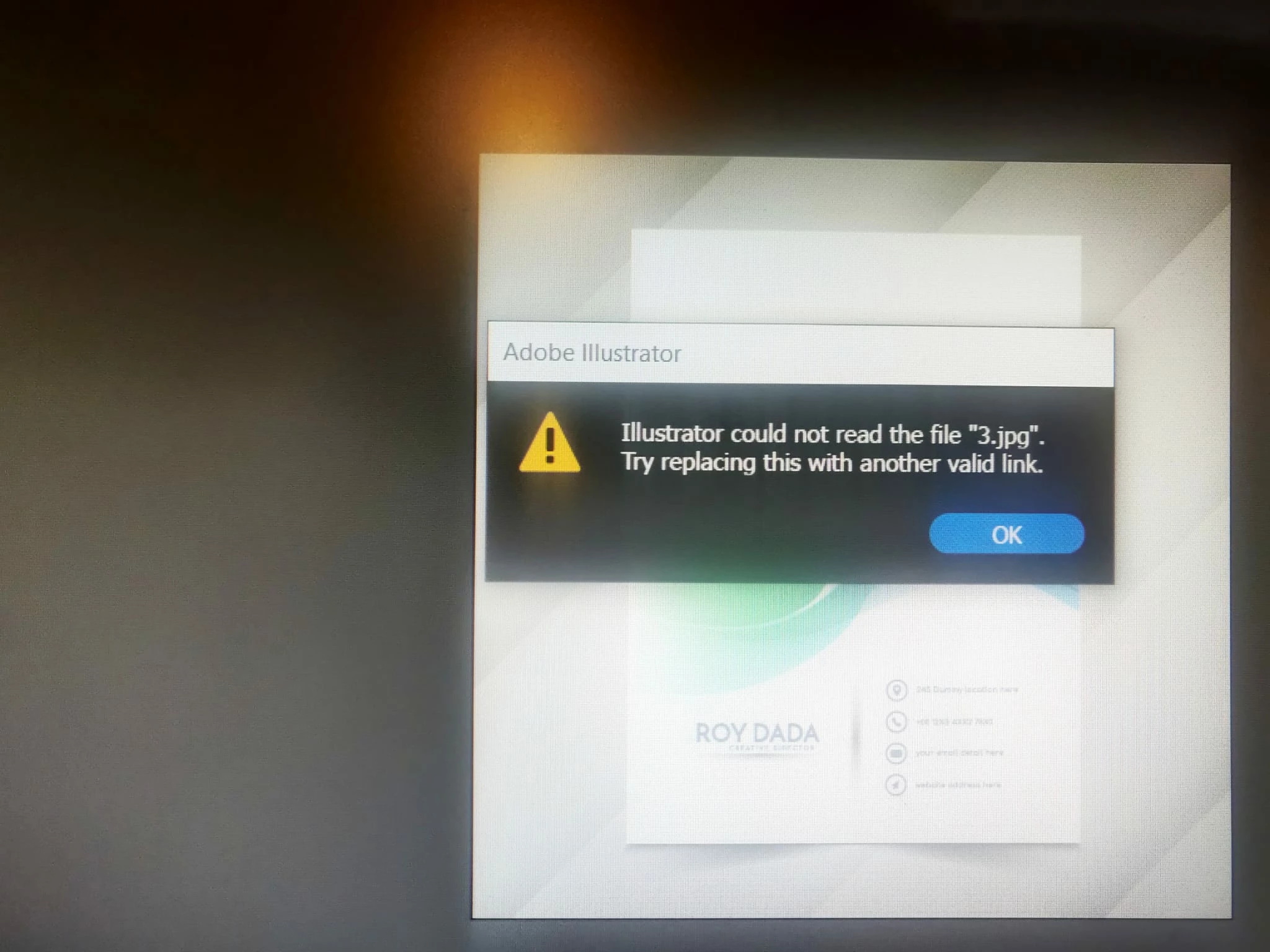
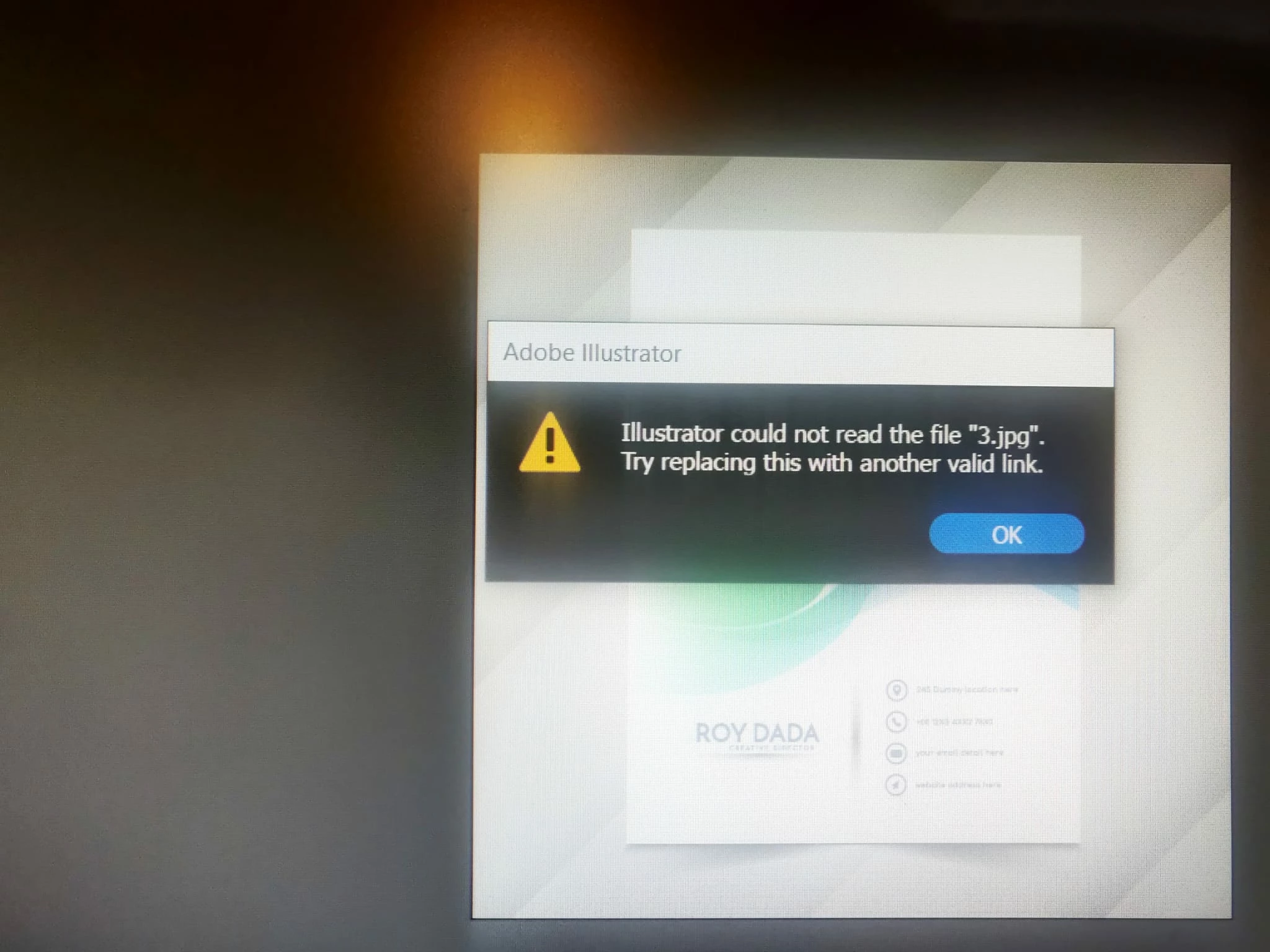
This topic has been closed for replies.

4 replies

Community Manager
August 1, 2022

Hello @Irit252785793dnf,


Sorry to hear about this experience. I hope the suggestions shared by Monika, Lambilloon, and Bill helped resolve the problem. If not, kindly check if the files are saved on a network drive/removable media as suggested by Bill, and if yes, try to move them to a folder on your internal drive, open it from there, and share your observations.


Also, try granting Illustrator Full Disk Access by following the steps shared in this article and checking if it helps: https://support.avast.com/en-in/article/allow-mac-full-disk-access/#pc.


Looking forward to hearing from you.


Thanks,

Anubhav

Bill Silbert
Community Expert
Community Expert
August 1, 2022

Are you actually importing a jpeg that is already on your system or from over a network or from the web? If it is not physically on your hard drive somewhere then it makes sense that Illustrator can't read it.

lambiloon
Community Expert
Community Expert
July 31, 2022

Hi, this is due to a file missing I think you download this from a website there should be an image located in the downloaded file try to use that again...regards

Ali Sajjad / Graphic Design Trainer / Freelancer / Adobe Certified Professional
Monika Gause
Community Expert
Community Expert
July 31, 2022

Is it just this file or all files?

Does this file open in Photoshop and can you then save it again and load that file?