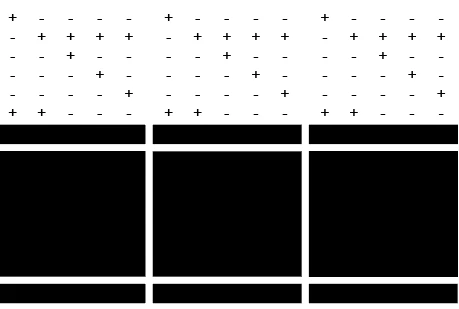
Thanks for reaching out, and sorry to hear about the display issue. With the affected file open, please go to View > Preview on CPU and let us know whether the artwork displays normally. If it does, go to Preferences > Performance, temporarily disable GPU Performance, restart Illustrator, and test again. Ref: https://helpx.adobe.com/illustrator/kb/gpu-performance-errors-troubleshooting-workarounds.html
Please also try opening another AI file or creating a new document to confirm whether this happens with all files or only this one. If the black areas are placed/linked images, please check Window > Links and confirm whether any links are missing or modified.
Could you also share your Illustrator version, OS version, and let us know whether an exported PDF/PNG also shows the black areas? If possible, please share a short screen recording and a sample AI file that reproduces the issue.




 AdChoices