Question
外掛程式問題的錯誤訊息
更新之後一直出現外掛程式問題的錯誤訊息
這個修復方式 如何在MAC電腦上處理
- 將外部外掛程式更新至其最新版本並重新啟動 Illustrator。
若問題持續存在,請使用以下解決方案。 - 修復 Visual C++ DLL (Windows)
- 前往 控制面板 > 程式集 > 程式和功能。
- 按一下右鍵 Microsoft Visual C++ Redistributable (2012-2017),然後選擇修復。
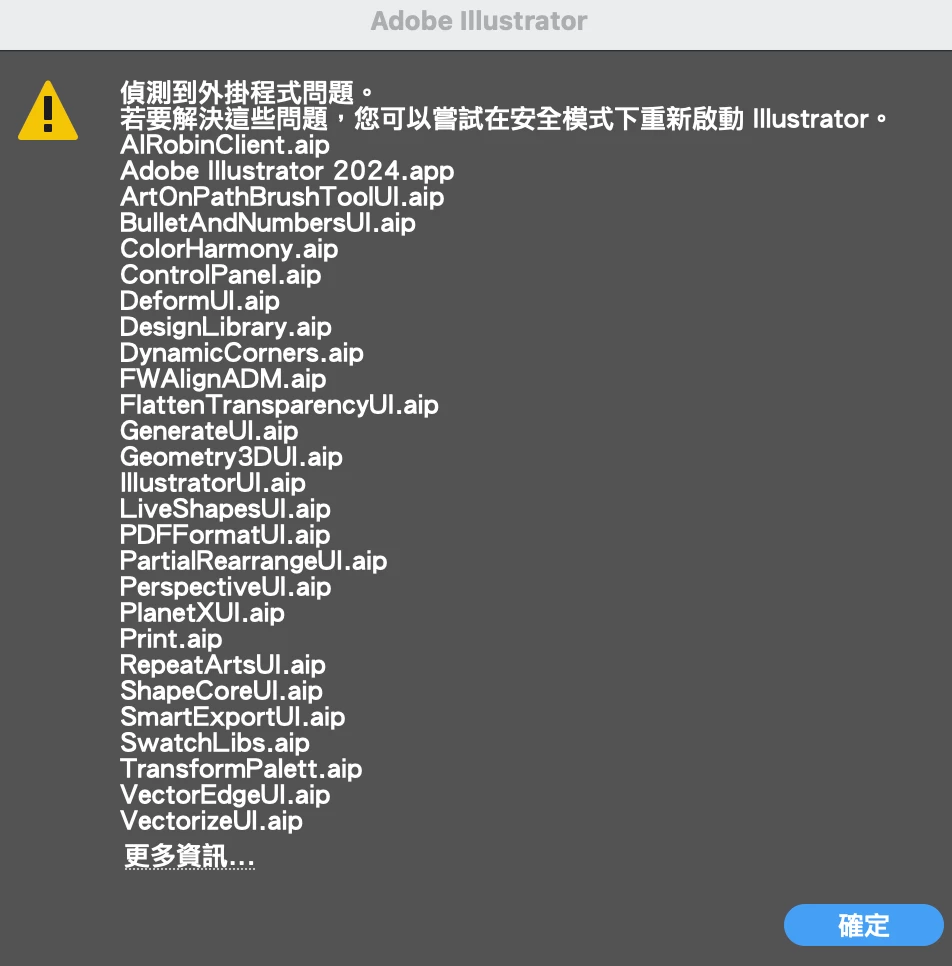

更新之後一直出現外掛程式問題的錯誤訊息
這個修復方式 如何在MAC電腦上處理
Already have an account? Login
Enter your E-mail address. We'll send you an e-mail with instructions to reset your password.
 AdChoices