컬러풀_웃음7210
Participant
April 14, 2026
Question

어도비 일러스트 무한로딩, 실행안됨

  • April 14, 2026
  • 1 reply
  • 41 views

진짜 온갖 방법 다 한거같습니다.

  1. 어느순간부터 어도비 일러스트가 무한 로딩에 걸려 실행이 안됩니다. 가끔 재부팅 하면 켜지긴 하는데.. 맨날 재부팅 할 수도 없는 노릇이고, 그리고 운 안 좋으면 그것마저도 안될때가 있습니다.
  2. 서체 싹다 지우고 백업해둔거 다시 설치도 해봤구요 유효성 검사해서 문제되는거 싹다 지웠습니다.
  3. 어도비 일러스트 삭제하고 재설치도 해봤고, 옛날버전으로도 깔아봤고 지금은 최신 버전 상태입니다.
  4. 맥북 업데이트도 해봤구요..ㅠㅠㅠ;;
  5. 포토샵.인디자인,프리미어프로 등 다른 앱들은 다 정상적으로 실행됩니다. 진짜 일러스트만 안돼요...어떡하죠 
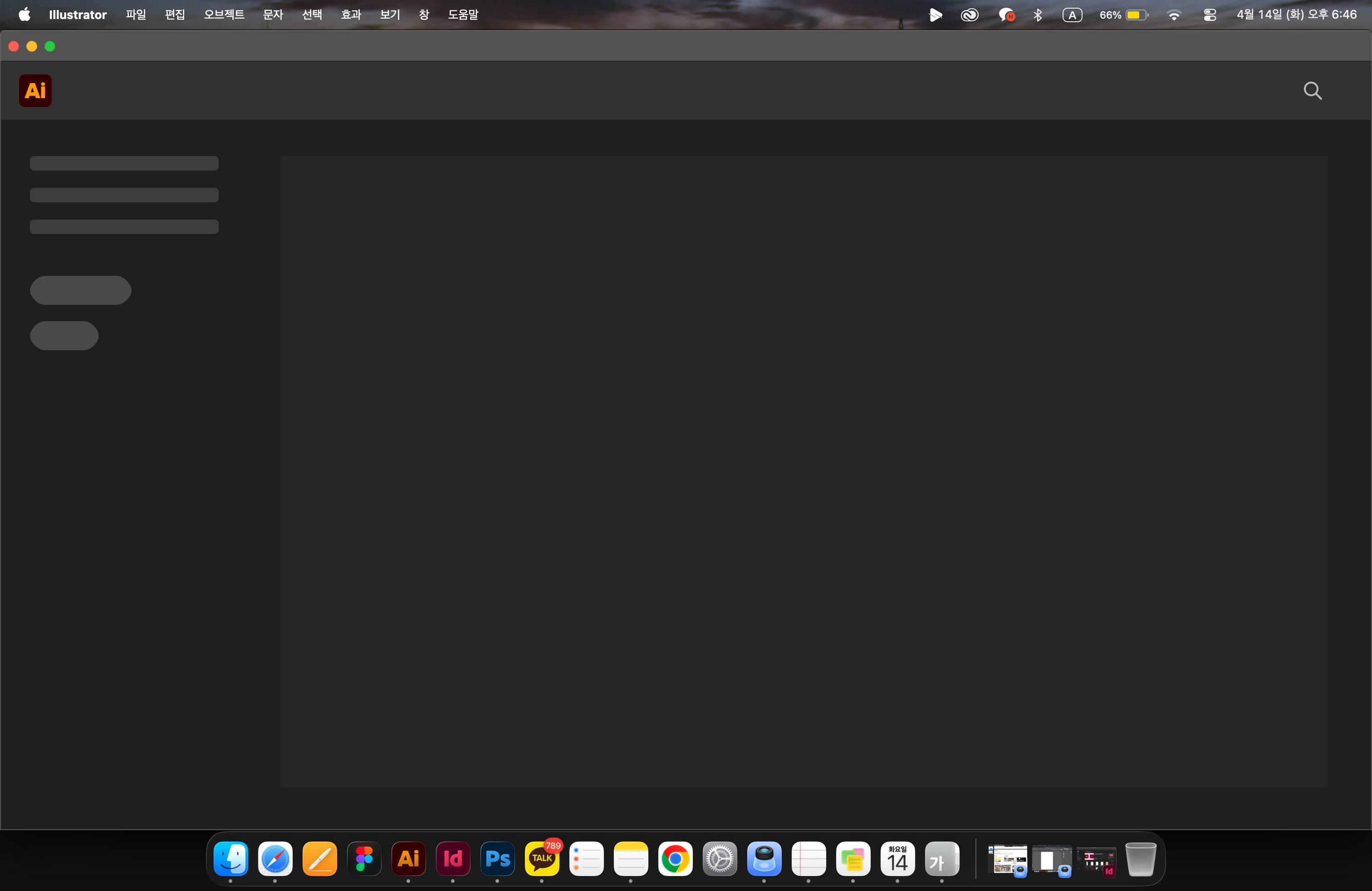
  6. 사진에 나와있듯이 저렇게 걍 무한 로딩상태에 빠집니다. 클릭도 안 먹고요 그냥 강제종료밖에 답이 없어요. 제발 도와주세요.. 

     

1 reply

Anubhav M
Community Manager
Community Manager
April 14, 2026

Hello @컬러풀_웃음7210


I'm sorry to hear about your experience. Would you mind trying the following steps and checking if they help:

- Close all Adobe applications.

- Rename the UXP folder to UXP.old from the following location: Navigate to Macintosh HD/Library/Application Support/Adobe/UXP

- Relaunch Illustrator

If the problem persists, kindly try to run Illustrator under a different administrator account (macOS) and share your observations.

Looking forward to hearing from you.

Anubhav

컬러풀_웃음7210
Participant
April 14, 2026

진심으로 너무 감사합니다. 관리자 추가해서 바꾸니 실행 가능해졌습니다. 하지만 원래 사용하던 계정으로는 어도비 일러스트를 더이상 사용 못하는건가요???

파일 이름 바꾸는 건 소용 없었습니다. 

Anubhav M
Community Manager
Community Manager
April 14, 2026

Hello ​@컬러풀_웃음7210 


Thanks for confirming. This means there could be a potential problem with the permissions/preferences for Illustrator on your primary account. To check this, would you mind trying to manually reset Illustrator's preferences and let us know how it goes:

• Close all Adobe applications.

• Go to the following locations

• ~/Library/Caches

• ~/Library/Application Support/Adobe

• ~/Library/Preferences

• Rename Adobe Illustrator, com.adobe.illustrator and Adobe Illustrator 30 Settings folders to Adobe Illustrator.old, com.adobe.illustrator.old and Adobe Illustrator 30 Settings.old

• Launch Illustrator from the Creative Cloud.


Note: Location starting with this "~" sign indicates the User Library, which is hidden. So, you need to copy & paste the exact path in spotlight search or from Finder Menu > Go > Go to Folder > Paste the location in the dialog box.


Disclaimer: Please note that renaming preferences folders will remove all the custom settings, and Illustrator will launch with default settings. You can also save a backup of the folders in case you want to. The location is mentioned above.


Looking forward to hearing from you.
Anubhav