Known Participant
February 14, 2025
Answered

100% transparency is still transparent

  • February 14, 2025
  • 2 replies
  • 568 views

Hi,
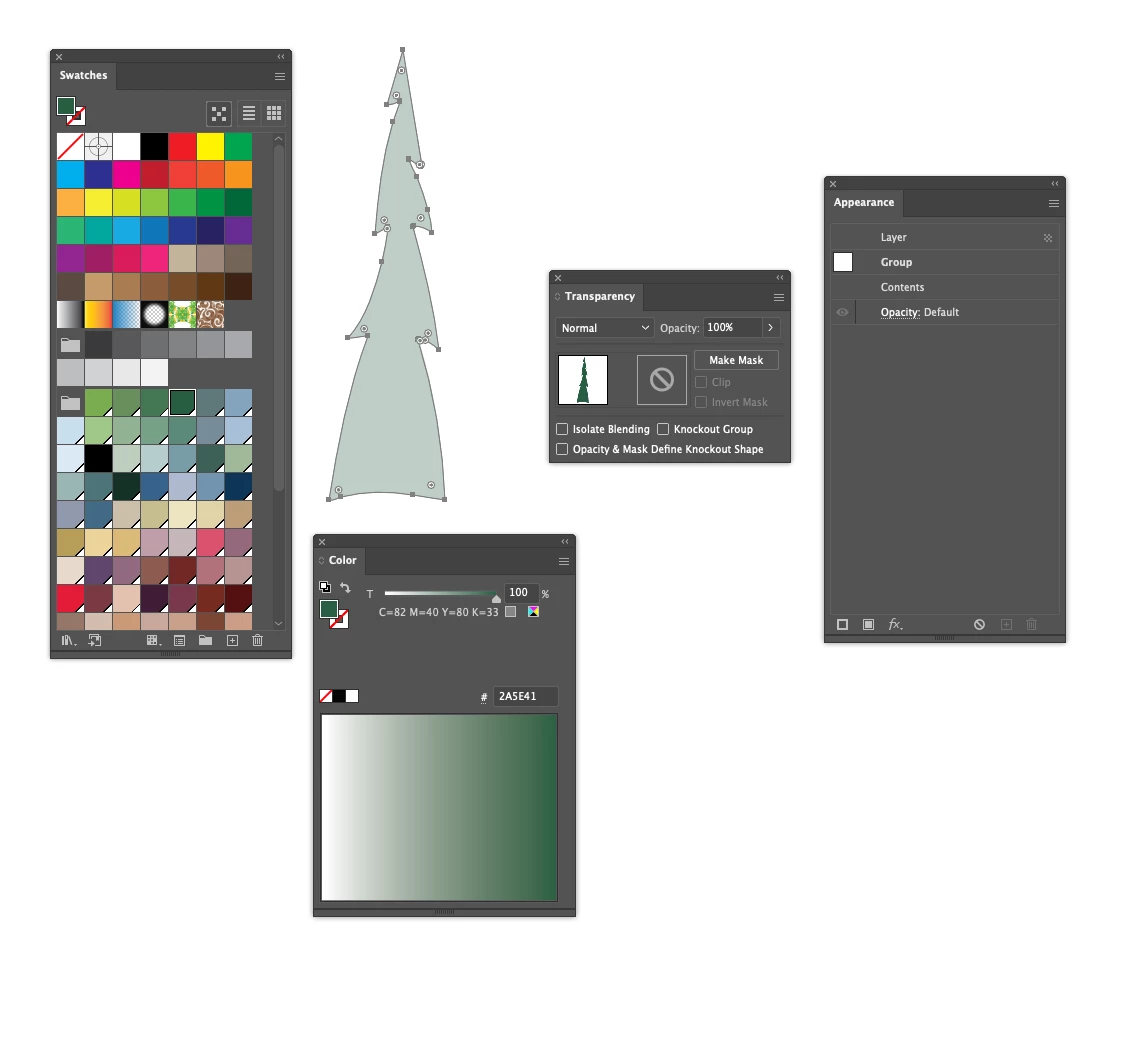
I have a set of swatches that I use in my illustrations in Illustrator. Now I'm experiencing an issue where all swatches seem to be applied with a degree of transparency. All palettes look correct, showing 100%. No layer mode is activated. What could have happened here? I have also tried toggling "Knockout Group" on and off.

I hope someone has a good suggestion for this!
 

Correct answer Doug A Roberts

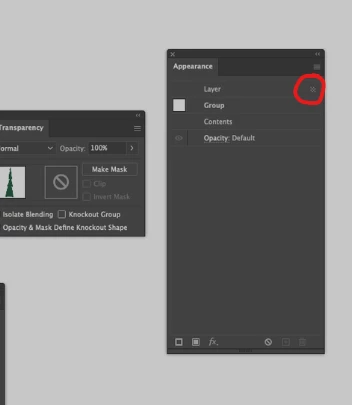
This indicates that transparency has been applied to the layer. Double-click on the layer in appearance to edit its settings:


2 replies

Monika Gause
Community Expert
Community Expert
February 14, 2025

... and if you want to know how that happened:

https://youtu.be/jMDpnI5i7M0

Reddhare_Author
Known Participant
February 14, 2025

Thank you, good to know 🙂

Doug A Roberts
Community Expert
Doug A RobertsCommunity ExpertCorrect answer
Community Expert
February 14, 2025

This indicates that transparency has been applied to the layer. Double-click on the layer in appearance to edit its settings:


Reddhare_Author
Known Participant
February 14, 2025

Yes, that worked! Thanks 🙂