
courtneyh72522051
Participant
November 8, 2018
Answered

2019 Illustrator Issue

  • November 8, 2018
  • 1 reply
  • 337 views

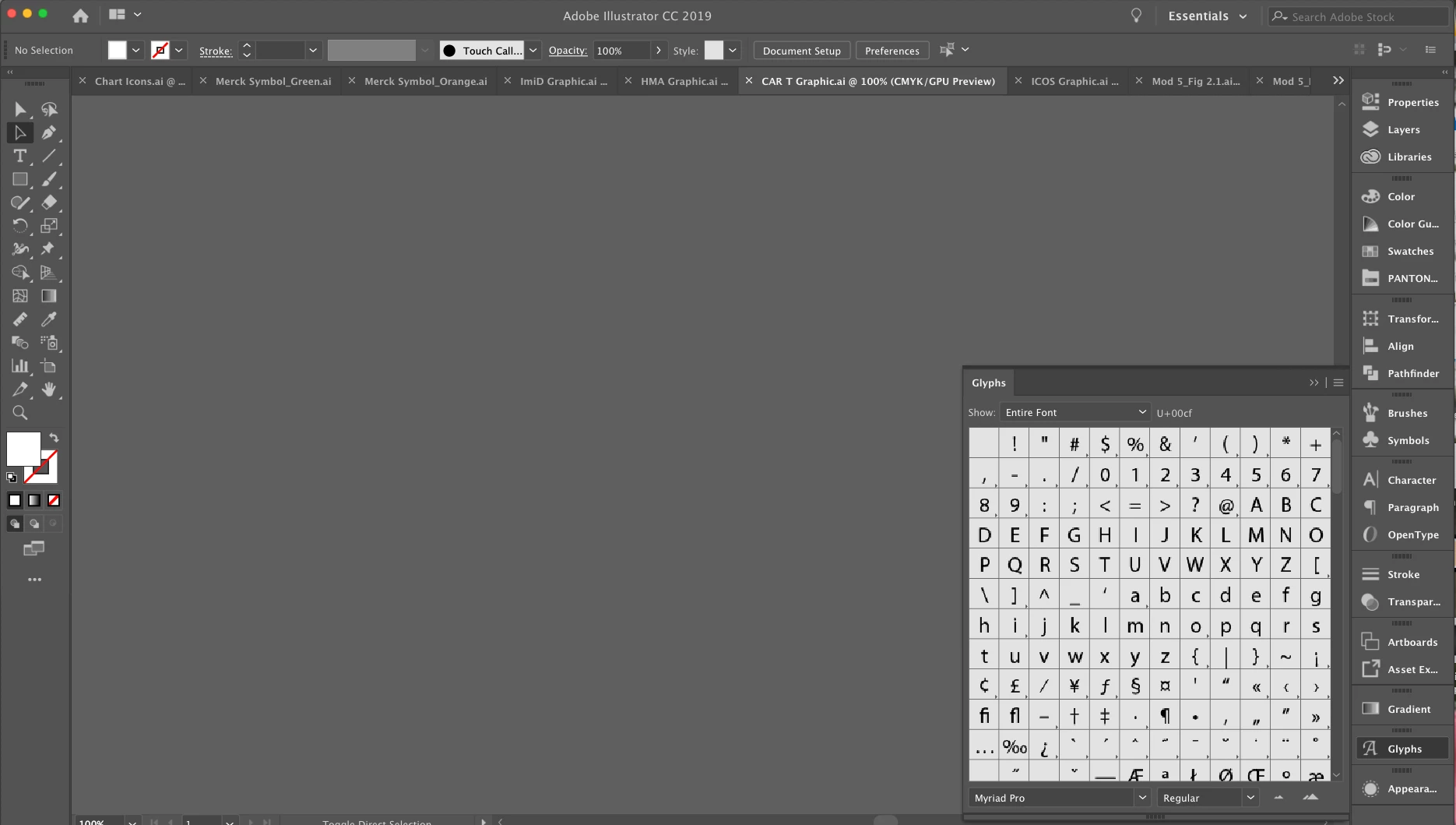
Hello Friends. I recently upgraded to Illustrator 2019 and am having some issues. The workspace is extremely zoomed in. I have tried everything but can't seem to get it to reset. Also because of the zoom my glyphs are all pixelated. I am looking for the gamma symbol and can barely see what I am looking at. I have attached a photo which really shows the glyphs panel but you probably can't see the enlarged workspace. I have upgraded InDesign and Photoshop but nothing seems off with them. Please let me know any tricks or tips! Thanks All!! 🙂
This topic has been closed for replies.
Correct answer barbara_a7746676

First make sure that you have the newest version. Adobe released Illustrator CC 2019, release 23.0.1 only a few days ago and it is a bug fix for release 23.0.

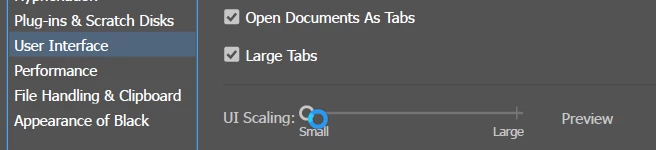
Then go to User Interface Preference settings and you can adjust the UI scaling slider.

1 reply

barbara_a7746676
Community Expert
barbara_a7746676Community ExpertCorrect answer
Community Expert
November 8, 2018

First make sure that you have the newest version. Adobe released Illustrator CC 2019, release 23.0.1 only a few days ago and it is a bug fix for release 23.0.

Then go to User Interface Preference settings and you can adjust the UI scaling slider.

courtneyh72522051
Participant
November 8, 2018

Thanks so much that worked. There is also another weird glitch but its not a big deal. Just strange. When you open the character window from the sidebar and it does a weird wave affect twice when it opens the window. Strange but you have answered my question. Thanks so much!

barbara_a7746676
Community Expert
Community Expert
November 8, 2018

I'm not familiar with the wave effect. Are you opening Character from the Properties panel or from the Window menu? Perhaps you can describe a bit more about the steps and exactly what is happening.