
3D and Materials - 3D Community Assets
I was working with this tool for quite some time in the latest version of Illustrator, it worked normally and everything was fine
One day I downloaded more materials from the Substance 3D Community Assets, and I kept adding them until one specific one stayed loading for a long time and then the error report window appeared. I closed Illustrator, reopened the file I was working on, and just turning on the 3D and Materials feature caused the program to freeze.
I thought that the tool was not loading due to the weight of the file, so I opened a new one and made a simple figure to apply the 3D effect... the error continued and it closed the application after the report.
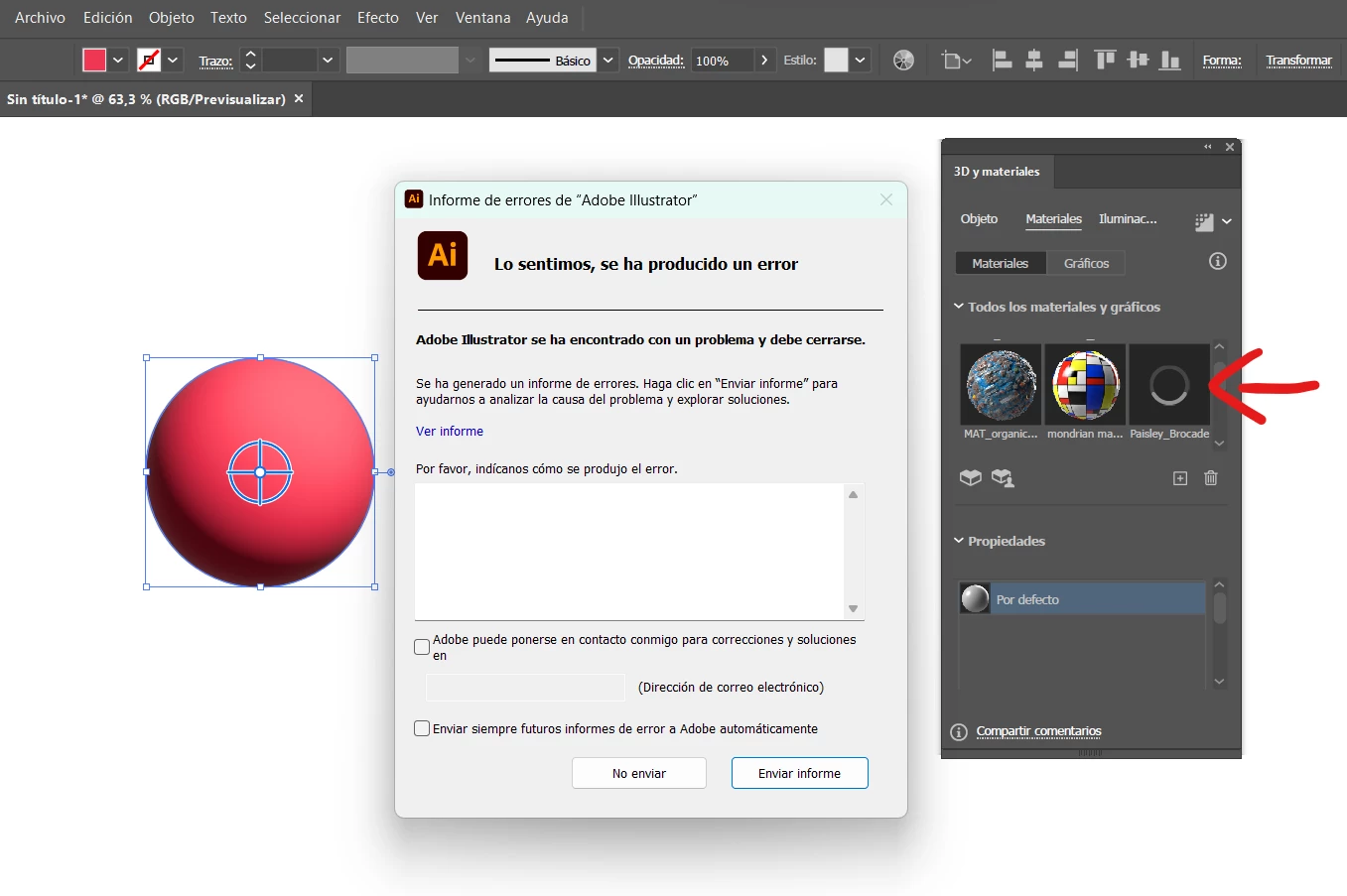
The error occurred since I added new materials...
Possible material that caused the error: https://substance3d.adobe.com/community-assets/assets/29ecbc16567ac1ff5285cc66b0898466d4f31b85
And I tried many things, like deleting the added materials files, reinstalling Illustrator again... but the 3D and materials tool no longer works on my laptop, and every time I try to activate it, those materials keep appearing there and the program freezes.


 AdChoices