


3D and Materials is treating the insides of my letterforms differently, and I don't know what to do!
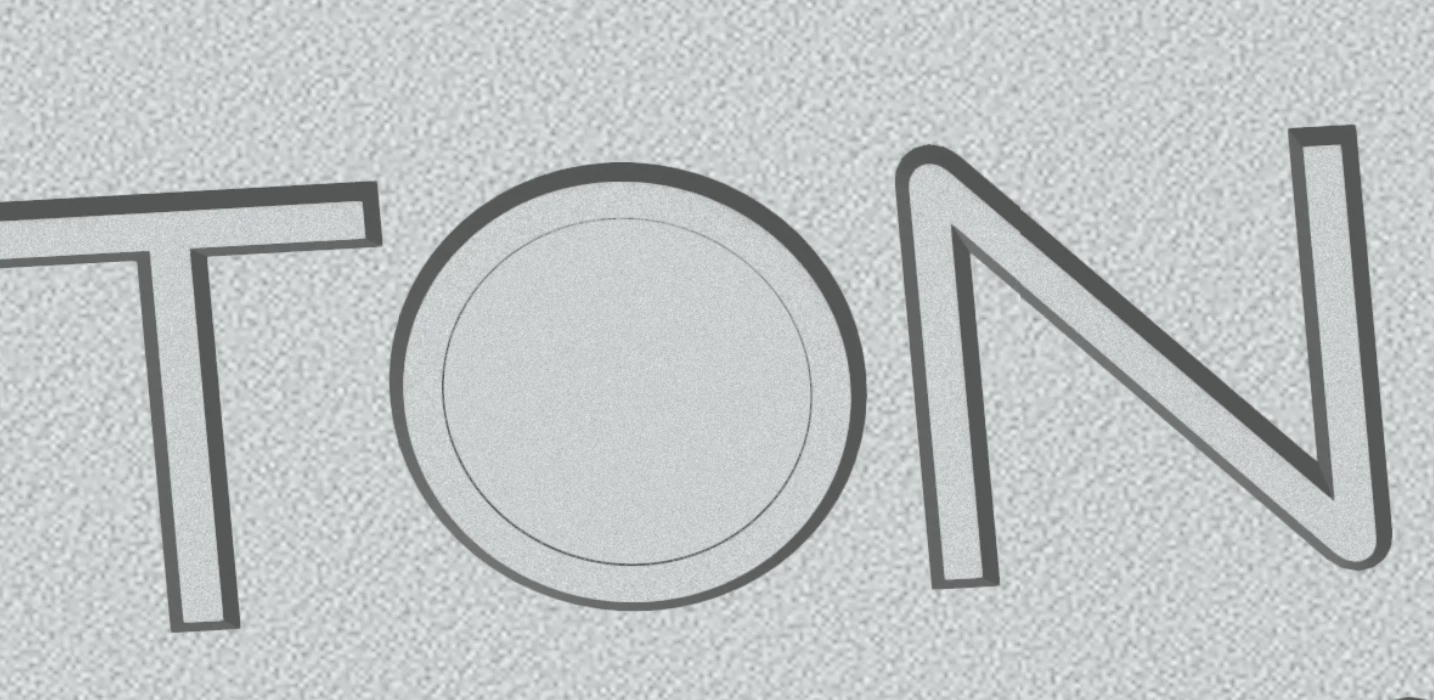
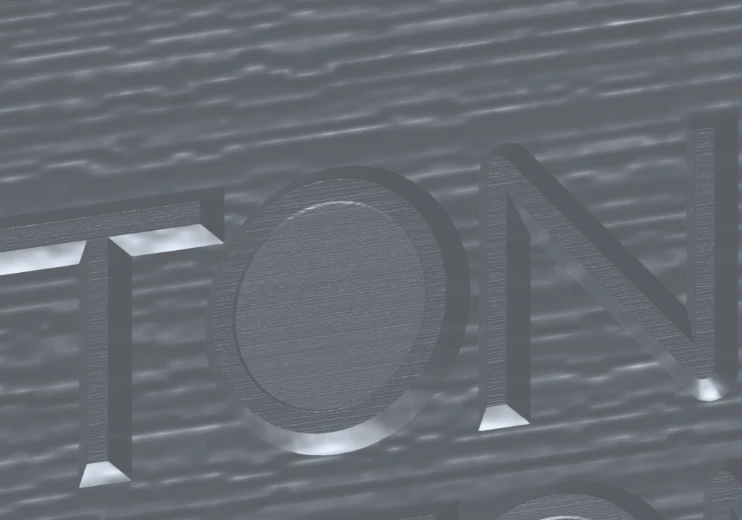
Hi everyone! I have an outlined logo that I’d like to apply Bevel and Extrude to, so that it looks like it’s beveled into a silver surface. Every time I apply a material, it gets treated differently in the inside of the O. The letter O gets none of the same depth as the other letters, and the scale of the material itself is much smaller than it should be (it should be matching the scale of the areas around the letters). You can see in the screenshot with a few different materials applied.
I’ve tried troubleshooting with Claude, tried making it a compound path and toggling the fill settings between non-zero and even-odd, but nothing works. It’s driving me nuts. This has happened to me before in different files and seems to be a recurring issue. How do I fix it? I would be SO thankful for your help!
 AdChoices