
3D and materials Revolve (or Lighting) issue
I want to create a hollowed out tube section in illustrator. The first steps (Revolve with a Revolve Angle of 180° and a bit of offset) works find:
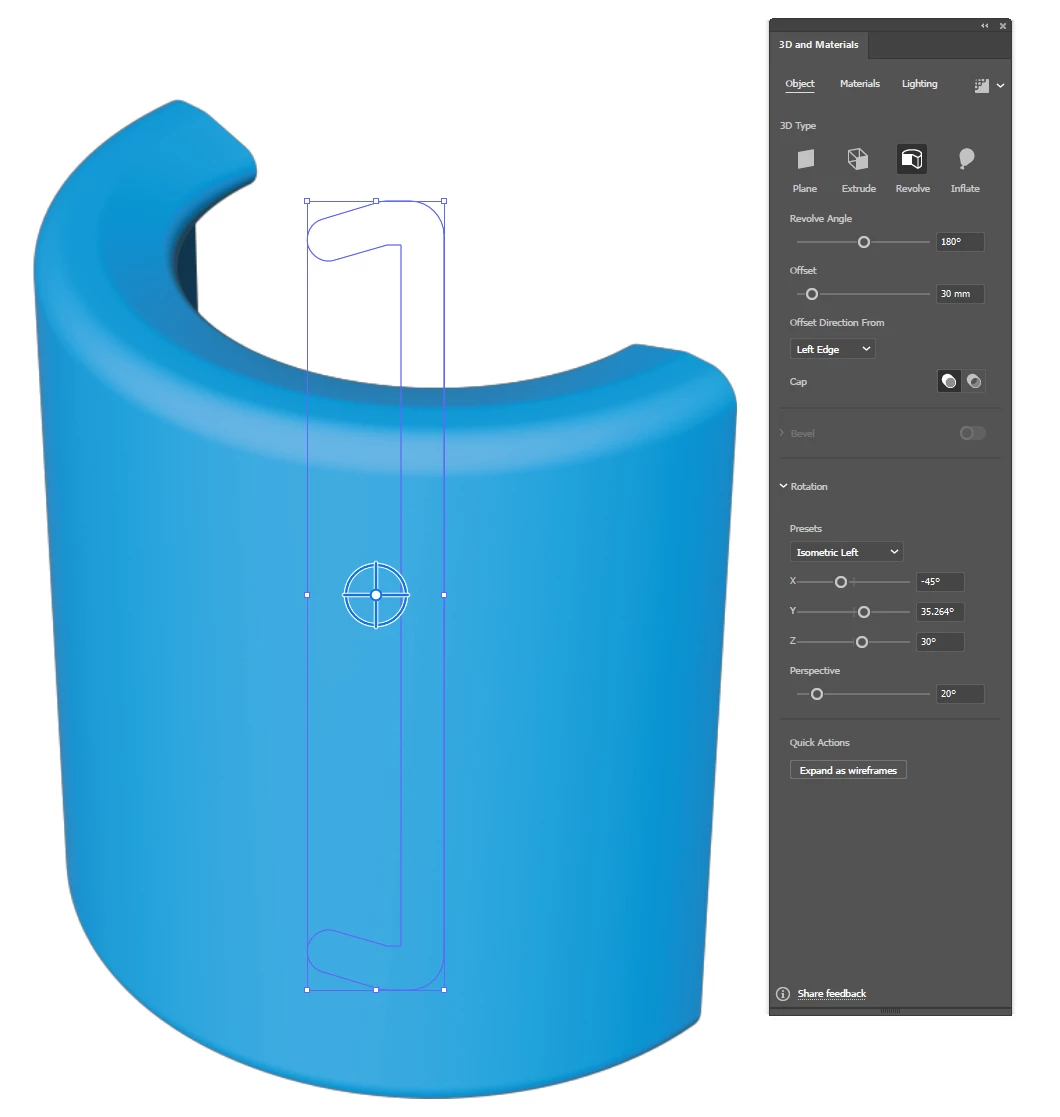
However, I am not able to get the lighting correct. I want to show the hollow side of the tube lit up. Unfortunately I can't figure out how to get the light source to the correct position. it seems i can only light the object from the "front", not the "back" and there doesn't seem a way to rotate the object facing away from the camera. (you cant set negative values in most boxes in the 3d-panel.
Here is the view i want to create - just with the light lighting the side that is curved inward (not the side that is curved outward.
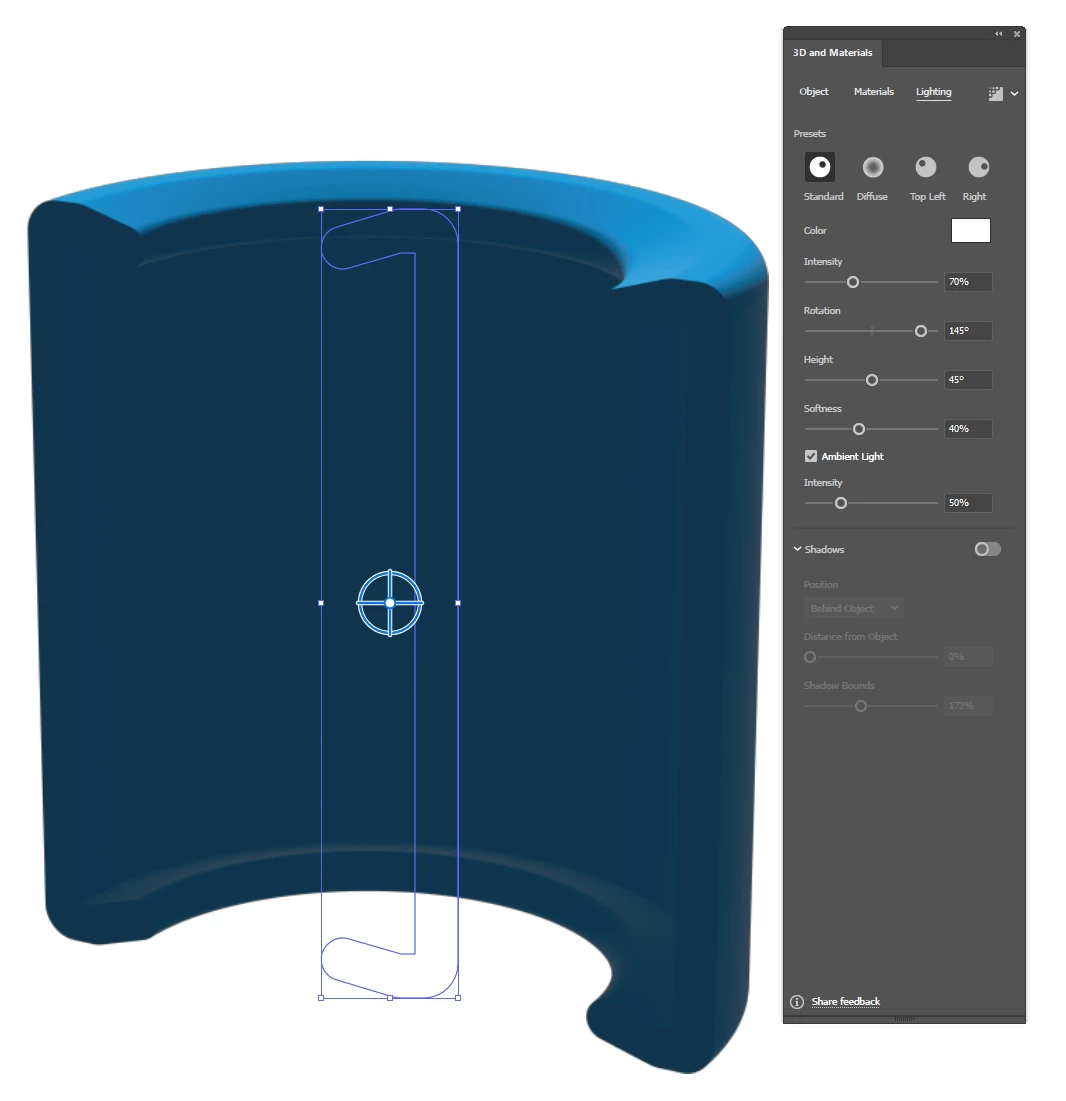
Changing any of the sliders will not move the light source over to "my side" (behind the virtual camera). I think the main issue here is that under the Object tab in the 3D-panel you can only rotate the camera around, not the object. And the light source does not move with the camera. so you are stuck with a lightsource that is locked to the default view plane.
I just hope that I'm missing something here.
 AdChoices