Participant
October 3, 2023
Answered

3D Extrude & Bevel Issues

  • October 3, 2023
  • 2 replies
  • 767 views

Hi there! I'm trying to do something super simple which usually works a treat but for some reason it's just not working.


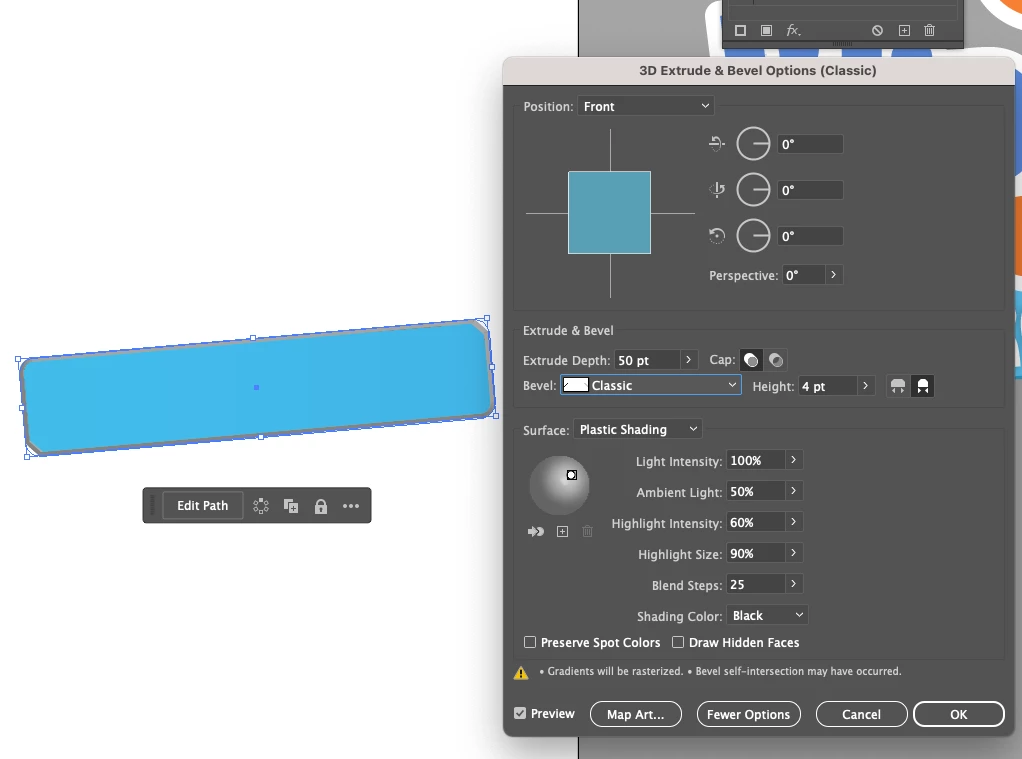
I want to bevel this holding shape but when I try to use the 3D classic settings the bevel is converted to grey - I've played around with all the settings in the classic builder but it doesnt change to colour to the blue.


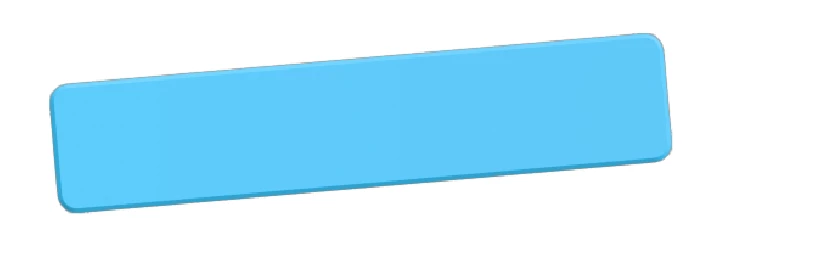
THEN i tried the newer method (3D & Materials) but it adds a weird grey hairline around the edge of the shape and makes it pixelated? 

If someone can just help with a solution for either or both that would be amazing - thank you!
  

This topic has been closed for replies.
Correct answer Monika Gause

There's your cause of the issue. If you want to have a gradient applied, put it on a rectangle, save that as a symbol. Then make the actual 3D object without a gradient. Apply the gradient rectangle symbol as artwork to your 3D object.

2 replies

Ton Frederiks
Community Expert
Community Expert
October 3, 2023

Is there a stroke around your object?

Participant
October 3, 2023

nope!

Monika Gause
Community Expert
Community Expert
October 3, 2023

what is your base artwork? Does it contain a gradient?

Participant
October 3, 2023

its a rounded rectangle with a simple gradient on it

Monika Gause
Community Expert
Monika GauseCommunity ExpertCorrect answer
Community Expert
October 3, 2023

There's your cause of the issue. If you want to have a gradient applied, put it on a rectangle, save that as a symbol. Then make the actual 3D object without a gradient. Apply the gradient rectangle symbol as artwork to your 3D object.