Answered
3D extrude not converting to SVG properly
I've been trying to create some SVGs after using the 3D extrude & bevel option however I can't get the vector to save properly as an SVG.
What it should look like:
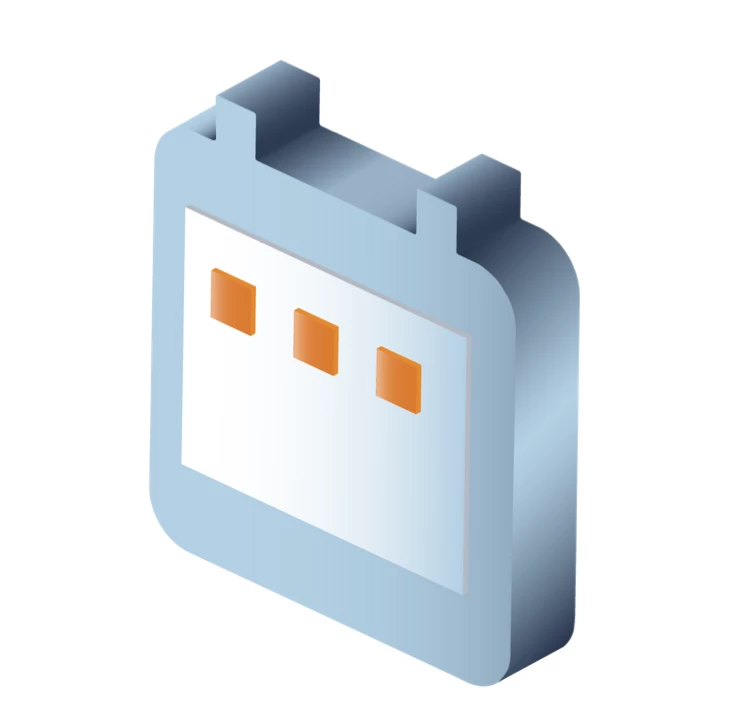
What it saves as:


I've been trying to create some SVGs after using the 3D extrude & bevel option however I can't get the vector to save properly as an SVG.
What it should look like:
What it saves as:
How I've been saving:
- Save as
- SVG 1.1
- Image location: Embed
I should note that the preview of the saved items show correctly however when I try to use the SVG in other programs such as Sketch, the issue then shows.
Thank you.
I tried an export the same way as you did it.
I also imported that SVG into a third party app (Affinity Publisher in my case).
I didn't see any issues.
Don't know why there should be issues, but also I don't know what Sketch is doing. So I would suggest you ask this in a Sketch forum.
Already have an account? Login
Enter your E-mail address. We'll send you an e-mail with instructions to reset your password.
 AdChoices