


Participant
November 1, 2022
Answered

3D Object Rendering Glitch - Object splits into 4 objects when viewing isometric presets

  • November 1, 2022
  • 2 replies
  • 1503 views

Hello

I am starting to use the 3D and Materials features in Illustrator 2022, and I am getting what appears to be a glitch when I view my artwork in 'Isometric Left' view, as well as all of the isometric views.

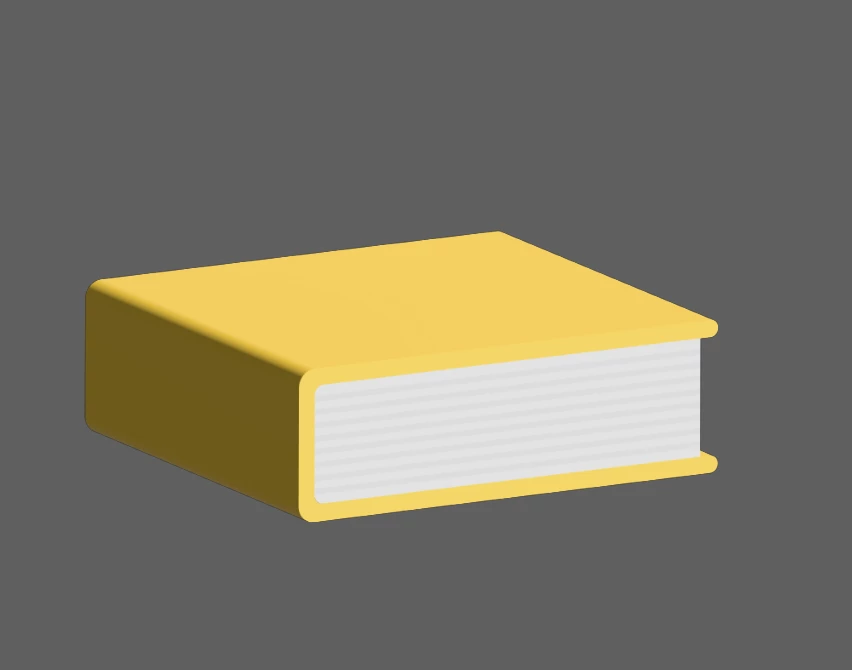
Here is my drawing, just a simple book design:

When selecting any isometic preset, the drawing distorts to this:



For reference, I have only this Illustrator file open, and I am using a 32gig MacBook pro with plenty of memory.
 
Any feedback on this matter I would greatly appreciate.

Emerson


This topic has been closed for replies.
Correct answer Anshul_Saini

Hi @Emerson242083925oiv,


Thanks for reaching out. Glad to hear you were able to resolve the issue. Thanks, @Monika Gause, for suggesting the resolution. You are correct. This is happening due to the large size of the object.


A bug is already logged with the product team, and they are working on a fix.
The workaround is to keep the object size below 7500x7500 pixels while working in real-time.


I hope this info helps!


Thanks,
Anshul Saini

2 replies

Anshul_Saini
Community Manager
Anshul_SainiCommunity ManagerCorrect answer
Community Manager
November 17, 2022

Hi @Emerson242083925oiv,


Thanks for reaching out. Glad to hear you were able to resolve the issue. Thanks, @Monika Gause, for suggesting the resolution. You are correct. This is happening due to the large size of the object.


A bug is already logged with the product team, and they are working on a fix.
The workaround is to keep the object size below 7500x7500 pixels while working in real-time.


I hope this info helps!


Thanks,
Anshul Saini

Monika Gause
Community Expert
Community Expert
November 1, 2022

Yes, I have ssen this reported. Can you please tell us how large this object is and the values you have entered for the shadow. There is the option to add pixels for a softer rendering. I have seen these reported by people who have a higher value entered in there.

Participant
November 1, 2022

Thanks for the reply! My original rendering I descibed above was way too large (about 24 inches wide). I just scaled down the drawing to about 2 in, and now it's working great! All of the preset views are working without splitting into quads when rendering from this much smaller scale. Thanks! Love this new capability in Ai. 

Monika Gause
Community Expert
Community Expert
November 1, 2022

Glad you could solve it.