Known Participant
March 21, 2019
Answered

45 Degree Guidelines

  • March 21, 2019
  • 2 replies
  • 6520 views

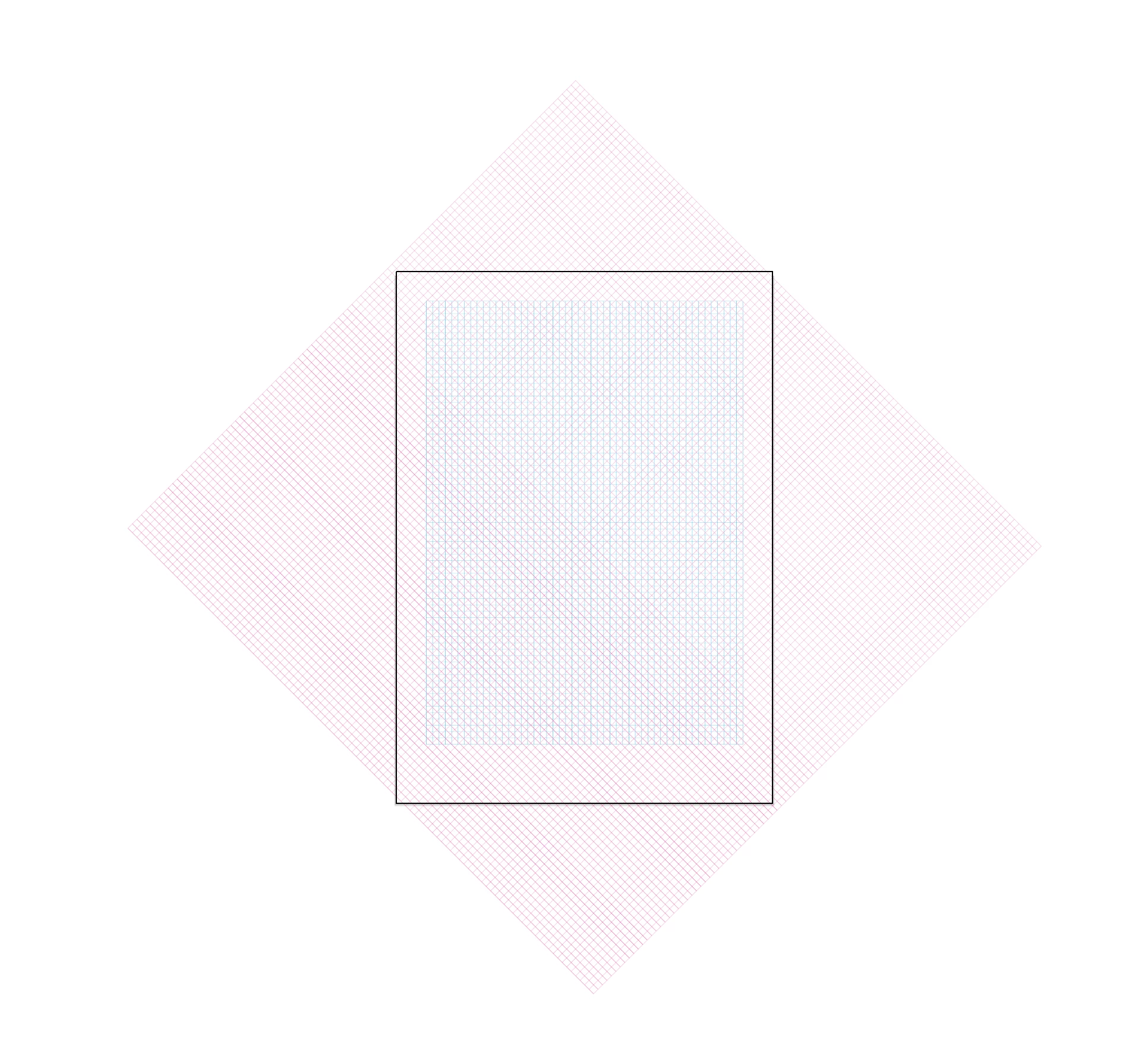
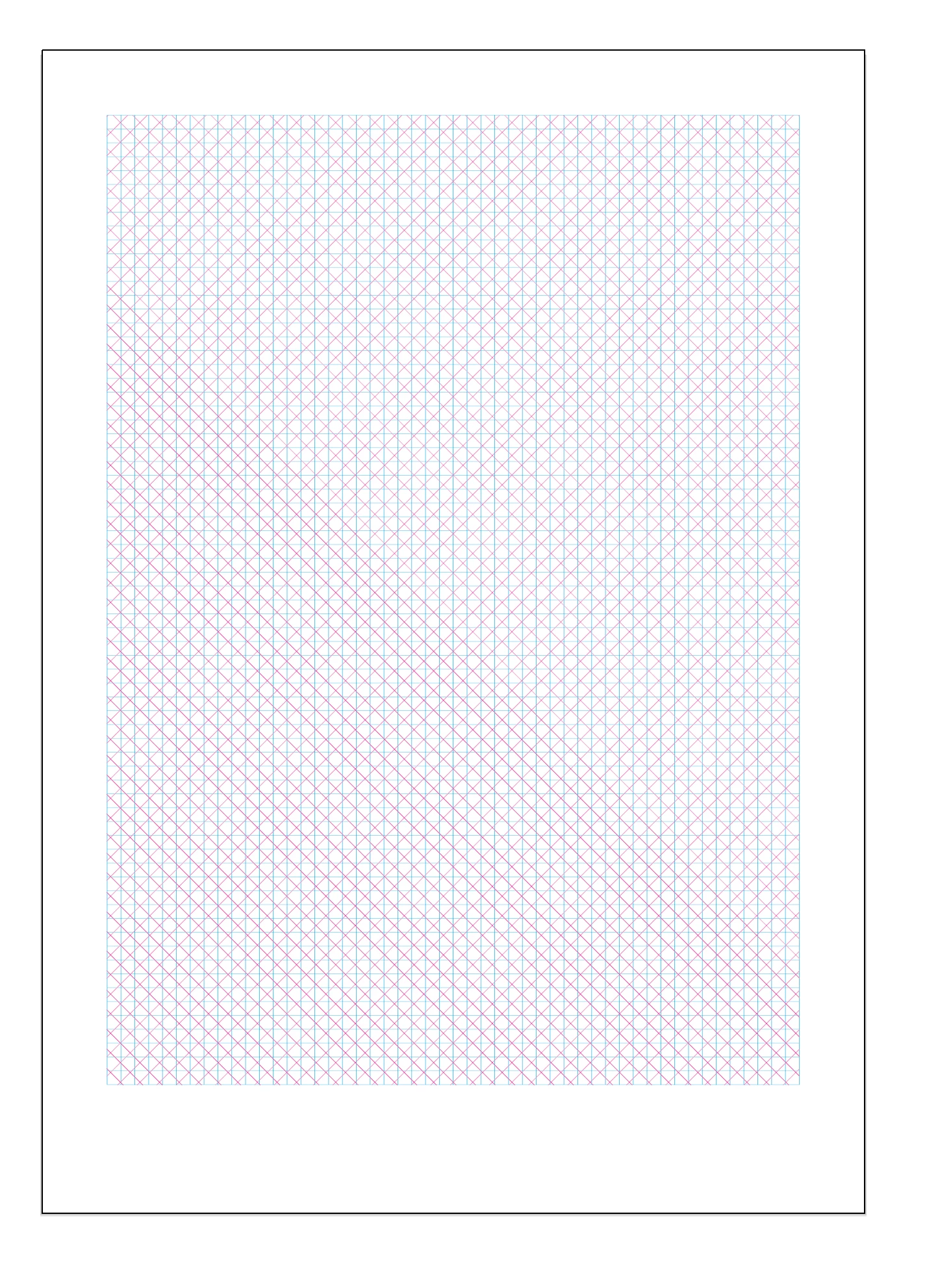
I'm setting up a modular grid and I want to change it into guides, but I want to set guides at 45 degrees as well as horizontal and vertical guides.

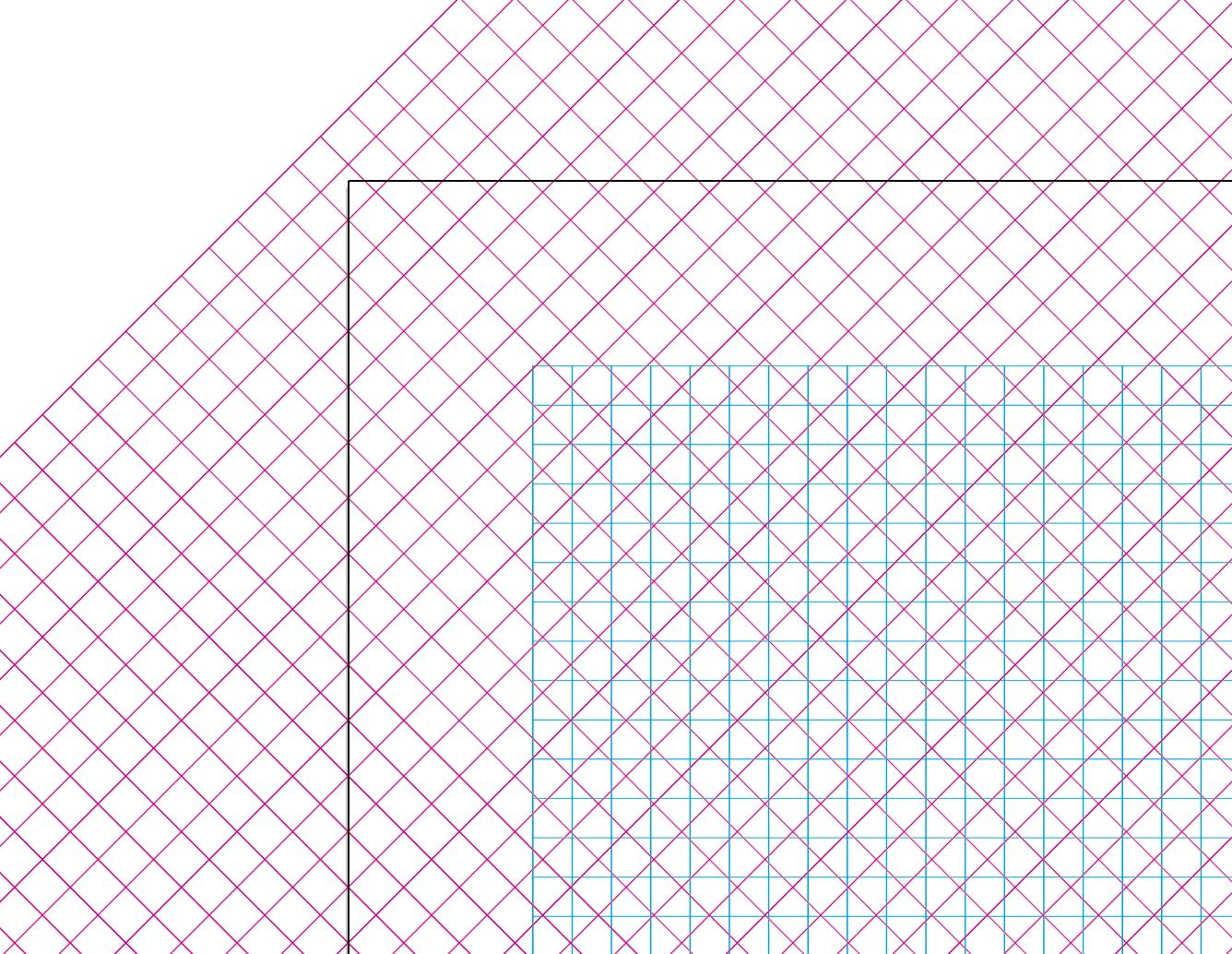
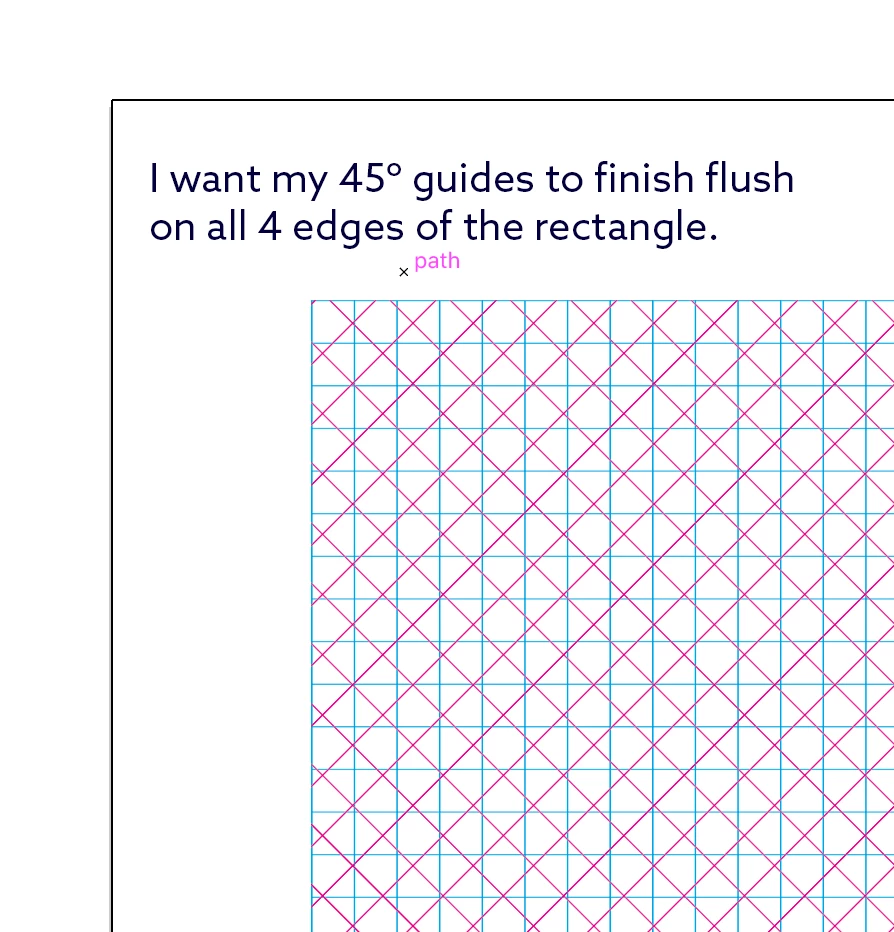
I know that the lines I have drawn (Magenta and Cyan) can be converted to guides, but ideally, I would like the guides at the 45-degree angles not to extend past the top, bottom, right and left-hand edges of the rectangle.

Is there a way a fast way of doing this?

I have attached 4 screenshots any help appreciated.

Thanks.
    This topic has been closed for replies.
    Correct answer John Mensinger

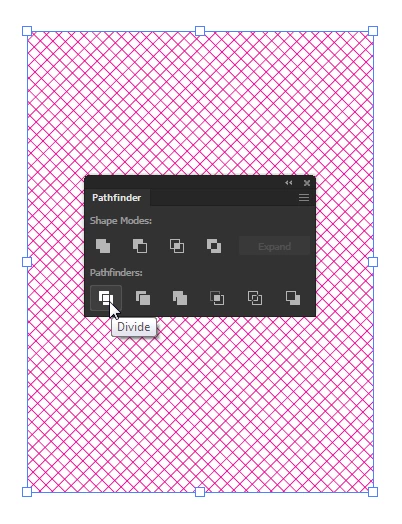
    It looks like you're containing the 45° grid in a clipping mask there at some point. If you're not, go ahead and do that. If you are, with it selected, click the Divide button in the Pathfinder panel.

    2 replies

    John Mensinger
    Community Expert
    John MensingerCommunity ExpertCorrect answer
    Community Expert
    March 21, 2019

    It looks like you're containing the 45° grid in a clipping mask there at some point. If you're not, go ahead and do that. If you are, with it selected, click the Divide button in the Pathfinder panel.

    Known Participant
    March 22, 2019

    Brilliant that worked thank you.

    Kevin Stohlmeyer
    Community Expert
    Community Expert
    March 21, 2019

    Draw your 45° lines using the Line tool and then convert them to guides using Guide>Make Guides (Cmd+5/Ctrl+5).