


Participant
January 9, 2025
Question

48 Sheet billboard Print Settings

  • January 9, 2025
  • 2 replies
  • 442 views

Hi All,


Looking to convert a 48sheet billboard artwork to a tricolour setting through illustrator to save on ink!


The quality is too good at the minute with our printer and taking some time.


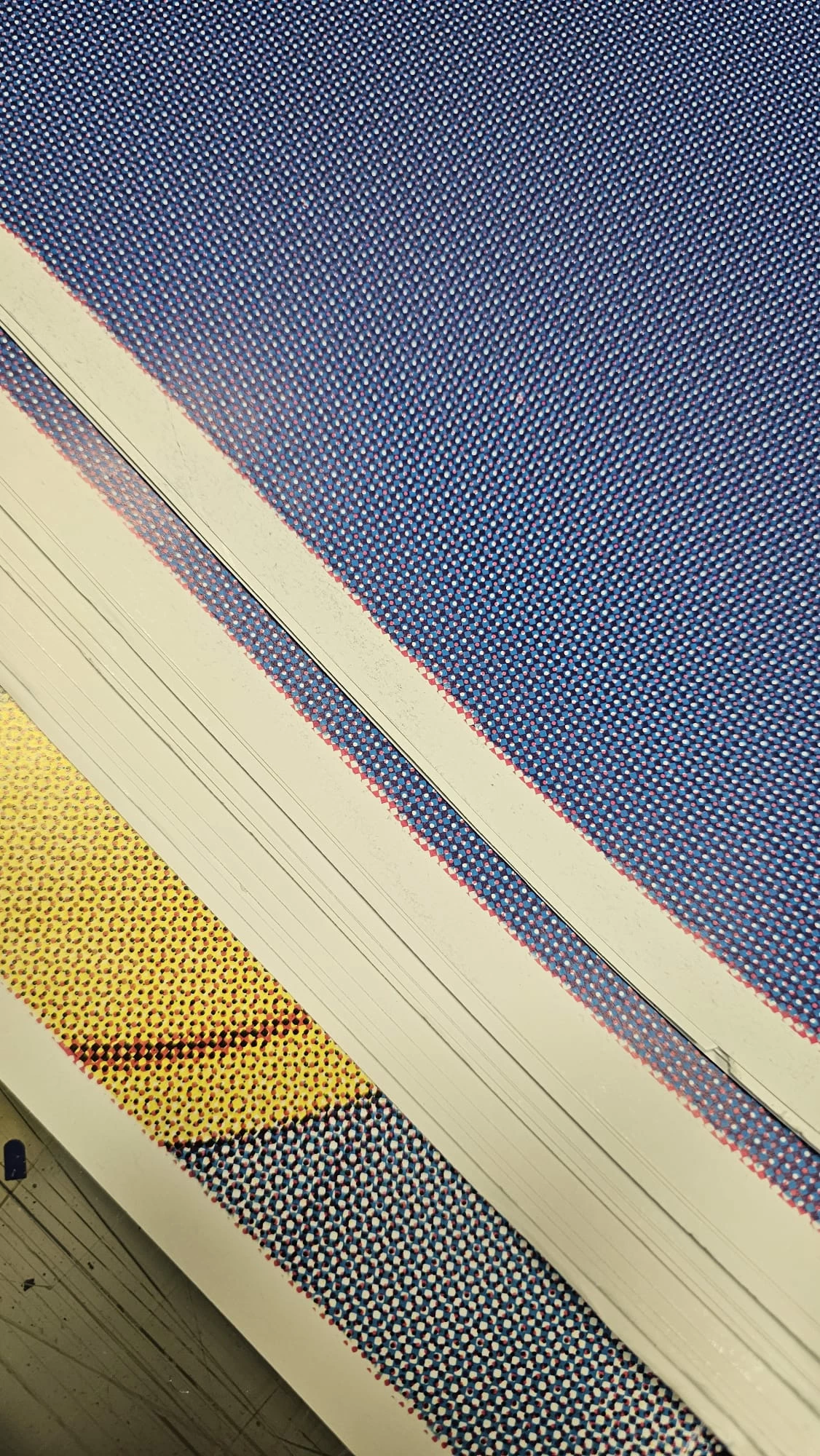
Wondering if anyone has any experience with lowering the quality like the image attached!


We're currently being supplied artwork at 10% scale so when using the Pixelate > Half tone setting it doesn't seem quite right!


Hoping you guys can help.


Thank you in advance
2 replies

Participant
July 11, 2025

I set my document to 1/10th scale at 300 ppi, used CMYK color mode, and made sure all fonts were outlined and images embedded before exporting a high-res PDF.

Monika Gause
Community Expert
Community Expert
January 9, 2025

So you are trying to convert to 3 spot colors?

Can you please describe the conversion task more detailed with examples of what you expect to be converted into what?

Pixel or vector elements?

JonnyH25Author
Participant
January 9, 2025

So we get a PDF from our customers ar 10%. The print size is 6m x 3m which is tiled into 12 panels (1000mm x 1500mm) and the viewablilty is 10 meters + so hence we can afford to have it like the image above. 


The output file ideally should be vector based but not essential! Using Onyx to tile & rip


Thank you for your reply also!

Monika Gause
Community Expert
Community Expert
January 9, 2025

Yes I got that.

What do you expect to happen with the colors?