
Participant
September 9, 2024
Question

About a text rotaion display error form Illustrator

  • September 9, 2024
  • 2 replies
  • 598 views

Hi , I encountered a strange issue and would like your help.

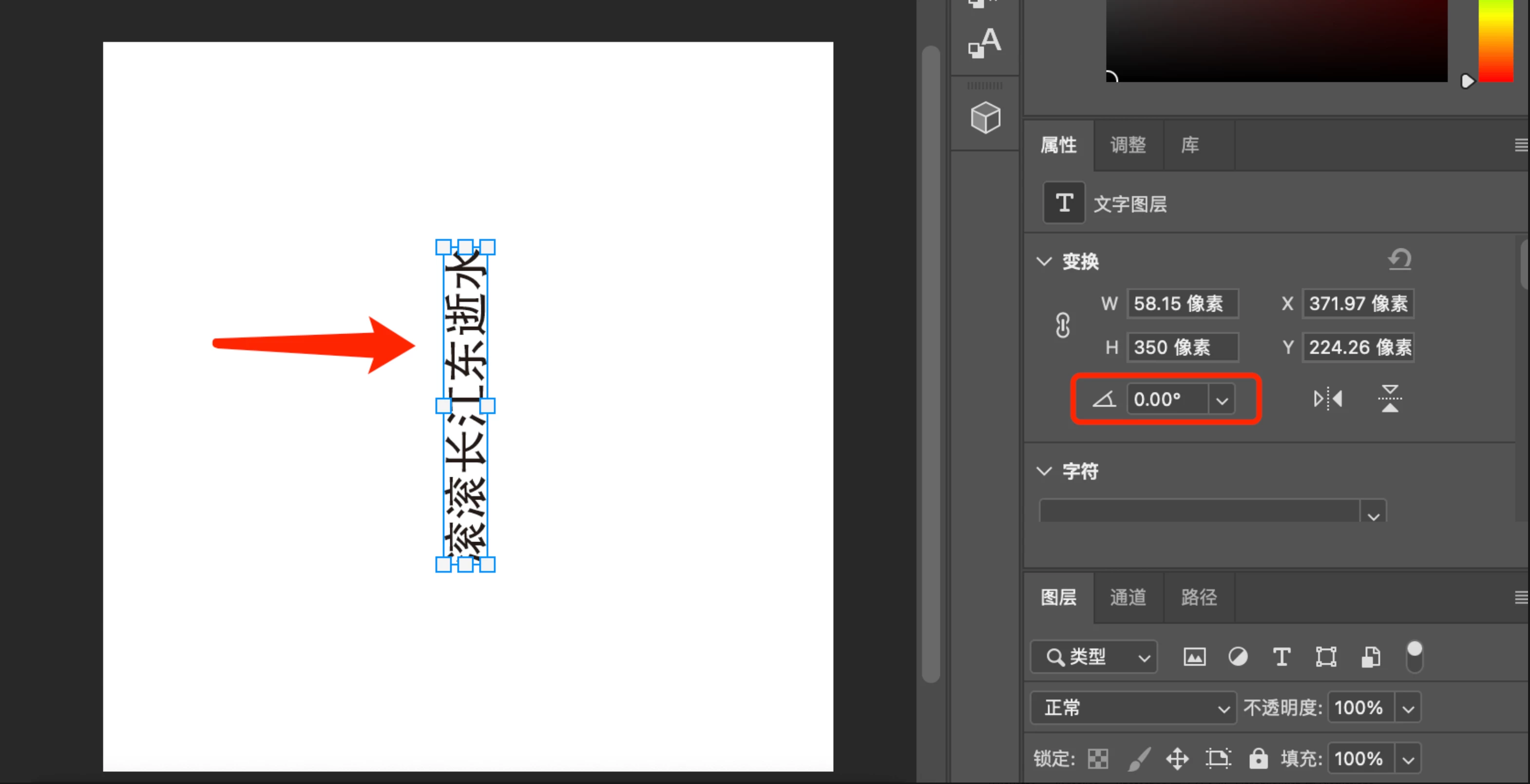
I designed a text in Illustrator and then rotated it by 90°. I exported it as a PSD file. When I open it in Photoshop, the style appearscorrectly, but the rotation angle is missing.

I used code to extract the JSON data from the PSD, and the transform for the text is {"xx": 4.166666666666667, "xy": 0.0, "yx": 0.0, "yy": 4.166666666666667, "tx": -32781.50000000001, "ty": -34487.0}, which also does not include the rotation angle. I am not sure if this is a bug.

Could you please explain what data Photoshop uses to determine that the text is rotated by 90° and how it correctly displays it?

Open In Photoshop:
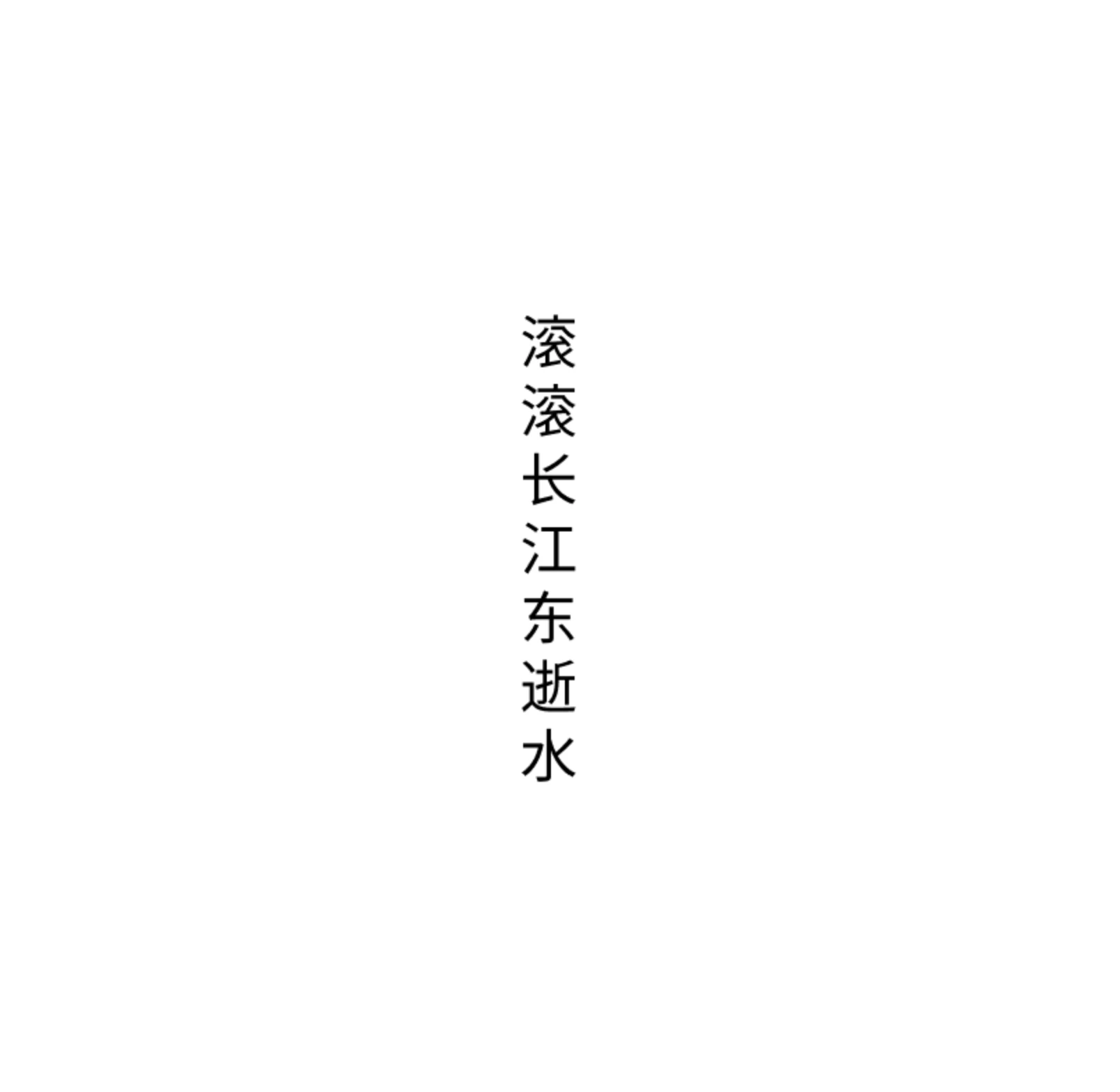
I wrote code to display this text. but it is wrong, because I can't extract an angle.
This topic has been closed for replies.

2 replies

Monika Gause
Community Expert
Community Expert
September 9, 2024

Photoshop does not necessarily support Illustrator's formatting options.

fonfonfonAuthor
Participant
September 10, 2024

Maybe the angle is not displayed in the UI,  But the PSD file exported from Illustrator displays the text rotation correctly when opened in Photoshop, which indicates that Photoshop can retrieve the rotation data from the PSD file. I want to know how to obtain this rotation data. 

fonfonfonAuthor
Participant
September 10, 2024

The attachment file contains the uploaded PSD file

NB, colourmanagement
Community Expert
Community Expert
September 9, 2024

@fonfonfon I'm moving your post to the Illustrator forum - this one's just for Photoshop - you'll get better help there 


I hope this helps
neil barstow, colourmanagement net - adobe forum volunteer - co-author: 'getting colour right'
google me "neil barstow colourmanagement" for lots of free articles on colour management
Help others by clicking "Correct Answer" if the question is answered.
Found the answer elsewhere? Share it here. "Upvote" is for useful posts.

fonfonfonAuthor
Participant
September 10, 2024

Thank you, I think this is a problem of resolving PSD files, and it should be related to Photoshop. How does Photoshop correctly resolve the data?